

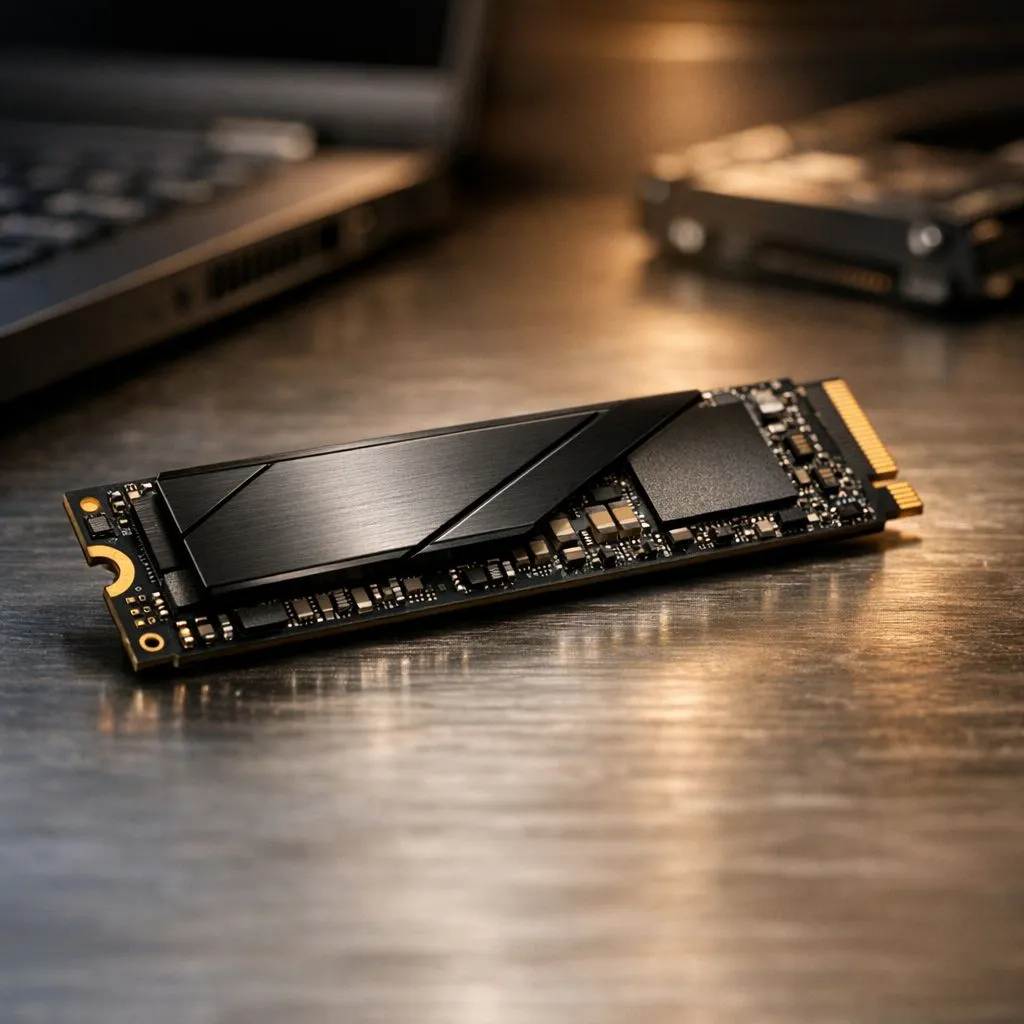
That feeling… the slow crawl of the Windows loading circle while your mates are already in the pre-game lobby. Or the spinning wheel of death when a deadline is looming. In South Africa, where every second counts, a slow laptop is more than just an annoyance; it's a bottleneck. The secret to killing that lag isn't always a new CPU or more RAM. It often comes down to one thing: dramatically better NVMe SSD boot times. 🚀
Unpacking Laptop Start-Up Speed: From Crawl to Warp Drive
For years, the hard disk drive (HDD) was the standard. Think of it as a tiny record player, with a physical arm moving to read your data. It was slow and fragile. Then came the SATA Solid-State Drive (SSD), which used flash memory—a massive leap forward. But it was still limited by an interface designed for older, spinning disks.
Enter NVMe (Non-Volatile Memory Express). It’s a protocol built specifically for modern SSDs, allowing them to talk directly to your computer's processor over the high-speed PCIe bus. The difference is staggering. While a SATA SSD is like a fast car on a city street, an NVMe SSD is a fighter jet. This direct connection is the key to unlocking unbelievable NVMe SSD boot times and overall system responsiveness.
The Real-World Impact of Faster NVMe Boot Times
A sub-15-second boot time is fantastic, but the benefits of an NVMe SSD ripple through everything you do. Waiting for Adobe Photoshop to load its plugins? That wait time is slashed. Launching a massive game like Call of Duty: Warzone? You’ll be at the main menu in a fraction of the time it takes on an older drive. This is where the best hardware truly shines.
This speed translates directly into a smoother workflow and a better gaming experience. When your storage isn't a bottleneck, your powerful processor and graphics card can work their magic without interruption. Many of our top best gaming laptop deals feature NVMe SSDs as standard, because in modern gaming, it's non-negotiable for eliminating stutter and texture pop-in.
Check Your Drive Speed 🔧
Unsure what kind of drive you have? On Windows, press Ctrl+Shift+Esc to open Task Manager. Go to the "Performance" tab and click on your "Disk 0". The model name will be in the top right. A quick Google search of that name will tell you if it's an HDD, a SATA SSD, or a speedy NVMe drive.
Who Needs an NVMe SSD Most? (Hint: Probably You)
Honestly, almost everyone benefits from faster SSD boot times, but for some users in SA, it's a necessity.
- Gamers: Less waiting, more playing. Fast load times in open-world games like Cyberpunk 2077 or competitive shooters mean you're in the action while others are still staring at a loading screen. Pairing a fast drive with a powerful GPU is the winning formula, and our range of GeForce RTX gaming laptops on special is the perfect place to start.
- Content Creators: If you work with large video files, high-resolution photos, or complex audio projects, an NVMe drive will save you hours. Scrubbing through a 4K timeline becomes fluid, and rendering previews is noticeably quicker. Whether you prefer a machine from our Intel laptops on special or the latest Ryzen laptop deals, an NVMe SSD is the backbone of a productive creative workstation. ✨
- Students & Professionals: Juggling multiple apps, browser tabs, and documents? The snappy responsiveness of an NVMe drive makes multitasking feel effortless. Your laptop wakes from sleep instantly, and apps open on command. You don't need to break the bank for this performance either; many of our best-value gaming laptops under R20k now include NVMe storage as standard.
Ultimately, upgrading to a laptop with an NVMe SSD is one of the most impactful performance boosts you can get. It transforms the entire user experience from sluggish to lightning-fast.
Ready to Experience True Speed? Stop waiting and start doing. A laptop with an NVMe SSD isn't a luxury anymore… it's the standard for a smooth, modern computing experience. Explore our massive range of laptop specials and find the perfect machine to conquer your world.











