

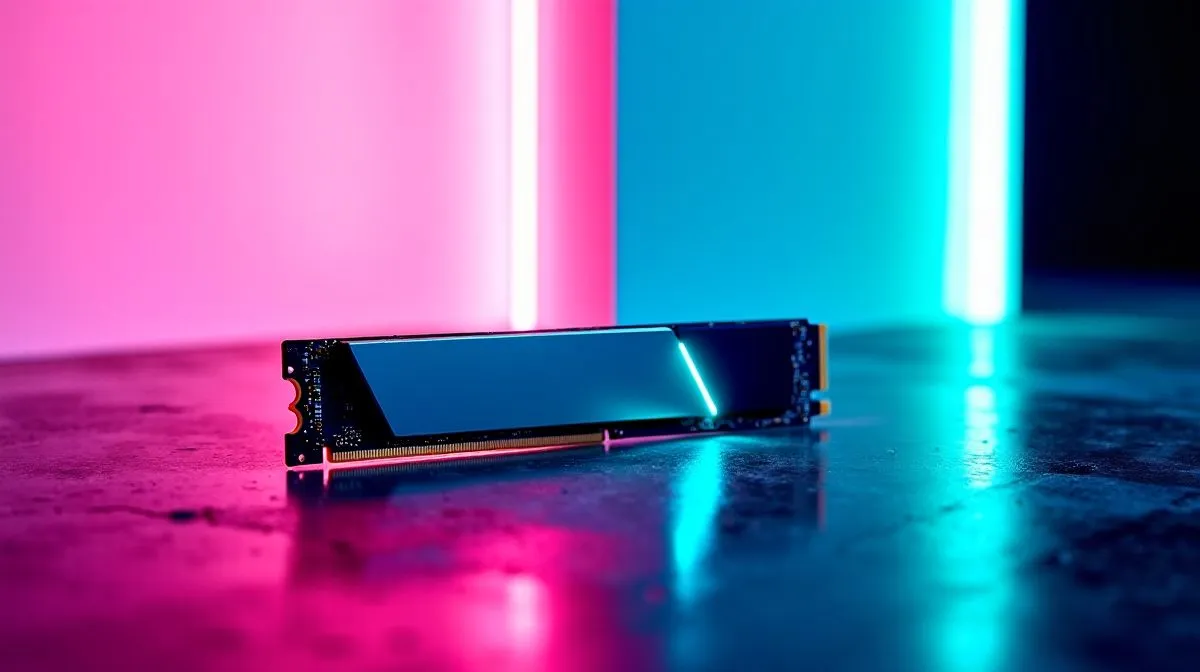
NVMe SSD Still Feels Slow? Quick reality check
Your NVMe SSD still feels slow? Before you blame the drive, check three quick things that often reduce real-world speed: a thermal throttle, wrong M.2 slot wiring, or Windows power settings. South African gamers and creators buy fast drives but skip firmware updates and BIOS tweaks. Read practical fixes you can do in minutes, plus which Evetech pages to visit for upgrades. 🔧
NVMe SSD: Quick diagnostics
Start simple: check Device Manager to confirm the drive is in NVMe driver mode and not using a legacy controller. If your motherboard has two M.2 slots, confirm which one is wired to CPU lanes in the BIOS; using a slower slot causes surprise sluggishness. Evetech lists current NVMe options and capacities if you want to compare models and prices. Evetech NVMe selection Also run a health check with built-in tools or CrystalDiskInfo. If temperatures spike under load, add an M.2 heatsink or move the card to a different slot.
NVMe SSD tuning steps that actually help
Update firmware first; many drives receive speed and stability fixes. If you own ADATA or Kingston hardware, check Evetech's brand pages for firmware downloads and model details. Turn off aggressive power saving in Windows power plans and set the PCI Express Link State Power Management to Off for testing. Also check that your drive uses the vendor NVMe driver rather than the generic Microsoft one; vendors often provide optimized drivers.
Productivity Pro Tip ⚡
On Windows, use the PowerToys FancyZones utility to create custom snap layouts for your windows. It's a lifesaver for managing multiple apps on an ultrawide monitor, letting you organise your timeline, preview window, and asset folders perfectly for video editing.
A Cape Town friend swapped a SATA slot for an NVMe in BIOS and saw boot times halve. Little BIOS options matter. For reliable heatsinks and bundled software, check Corsair parts. If you’re buying a high-capacity 2TB drive, Evetech's 2TB filter shows choices and ZAR prices to match your budget.
When to replace your NVMe SSD
If your drive shows errors or huge performance variance, back up and replace. When buying, match endurance (TBW) to workload; Evetech product pages list lifespans. Upgrading to a newer NVMe or adding a separate boot SSD often produces the fastest perceived improvement... and it keeps your apps responsive. Ready to explore options? Scroll to the CTA for a quick place to start. 🚀
Advanced checks: test sustained throughput with a benchmarking tool to see if short bursts differ from long transfers. Use a full backup before heavy testing. Swap the drive into another M.2 slot or a USB enclosure to confirm the host is the bottleneck. Consider reinstalling the OS on a fresh NVMe if fragmentation or bloated background services are the real culprit. In our experience, many users fix perceived slowness by addressing background updates, anti‑virus scans, and startup apps. Small changes create surprisingly fast results. ✨
Want hands-on help? Book a consultation at Evetech. Today. Now.
Ready to Find Your Perfect Match? The Mac vs Windows debate is complex, but for maximum power, choice, and value in South Africa, Windows is hard to beat. Explore our massive range of laptop specials and find the perfect machine to conquer your world.











