


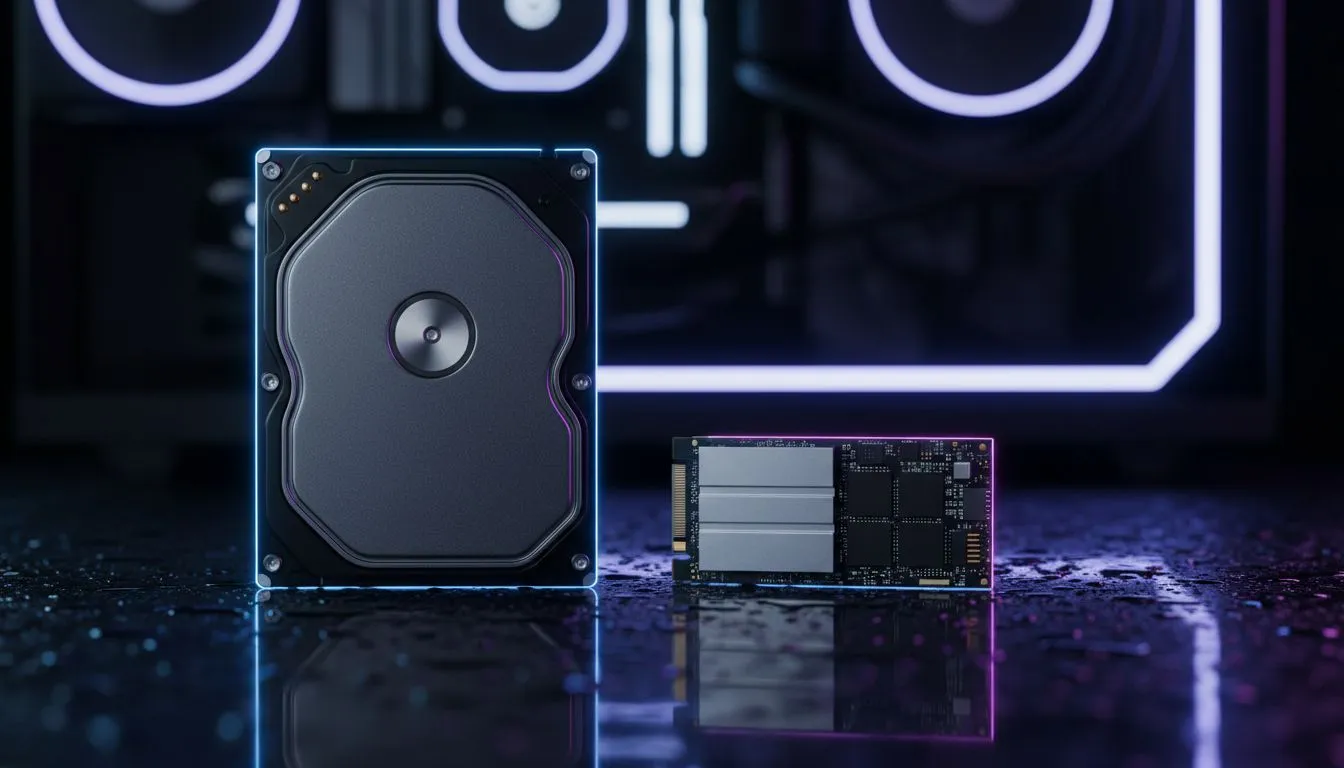
NVMe vs HDD Black Ops 6 Stuttering: Does Storage Cause It?
You are mid-sprint in a high-stakes Black Ops 6 match when the screen hitches. That split-second freeze is the difference between a killstreak and a respawn. While most South African gamers blame their ping, the culprit is often hiding in your PC case. Does storage really cause stuttering? If you are still running an old mechanical drive, the answer is a resounding yes. ⚡
Understanding the NVMe vs HDD Black Ops 6 Stuttering Debate
Modern titles like Black Ops 6 are designed with high-speed data transfer in mind. When you move through a map, the game constantly pulls high-resolution textures and audio files from your storage. A traditional HDD uses a physical spinning platter... this mechanical process is simply too slow for the rapid asset streaming required today. Upgrading to the latest NVMe SSDs eliminates this bottleneck by allowing the CPU to access data almost instantly.
Why Traditional Hard Drives Struggle with Black Ops 6
If you notice "micro-stuttering" during fast-paced movement, your HDD is likely pinned at 100% usage. Mechanical drives have high latency... the time it takes for the read-head to find data. In a game as dense as BO6, the engine cannot wait for a slow disk. This results in dropped frames while the game waits for assets to load. Switching to high-performance SSDs ensures that data flows smoothly to your GPU without those annoying hiccups. 🚀
Texture Streaming Tweak ⚡
If you are still seeing hitches, go to the Graphics settings in Black Ops 6 and set 'On-Demand Texture Streaming' to 'Minimal'. This reduces the amount of data pulled from your drive during a match, which can help stabilise your frame rate on slower connections or drives.
The Impact of Texture Streaming on Performance
Black Ops 6 makes heavy use of high-fidelity textures. On an HDD, these textures might pop in late, or worse, cause the entire system to pause. Even a standard SATA drive can feel sluggish compared to modern standards. We recommend checking out the best SSD deals to find a drive that matches the speed of your processor. The difference in smoothness is night and day... especially when turning corners into new, unrendered areas of the map.
Upgrading Your Setup for a Smoother Experience
For those on laptops or consoles with limited internal space, external SSDs have become a viable alternative. They offer significantly better throughput than any internal HDD. However, for the absolute best results in competitive play, internal solid state drives are the gold standard. They reduce boot times, eliminate lobby wait periods, and most importantly, stop that frustrating stuttering in its tracks. ✨
Ready to Kill the Stutter? Don't let an old hard drive ruin your K/D ratio in Black Ops 6. For maximum speed, reliability, and the best gaming value in South Africa, an NVMe upgrade is essential. Explore our massive range of SSD specials and find the perfect drive to dominate the scoreboard.











