


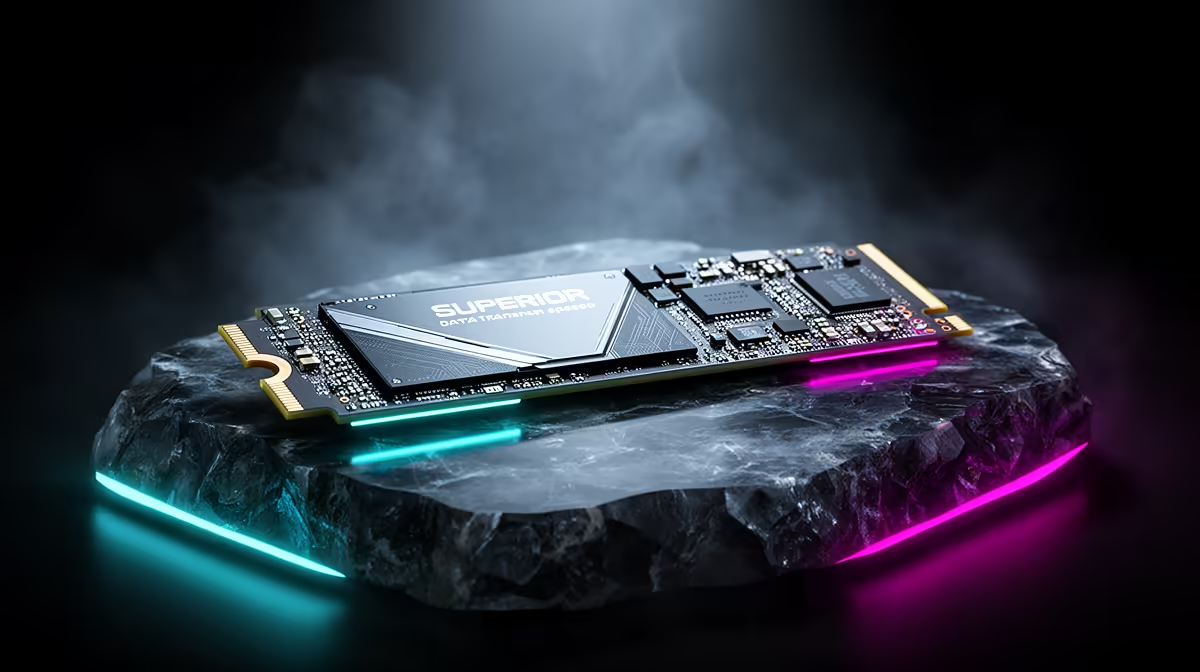
Staring at another load screen in Baldur's Gate 3, watching that little circle spin... again? We've all been there. The culprit is often your storage drive. But with terms like NVMe and SATA thrown around, choosing an upgrade can feel like decoding a complex skill tree. Let's cut through the noise. This is the ultimate, no-nonsense NVMe vs SATA performance showdown to help you get back in the game, faster. ⚡
The Real Difference: Highway vs. F1 Track
Before we dive into an intense SSD speed comparison, let's get the basics straight. Think of SATA (Serial ATA) as the reliable N1 highway. It gets the job done and has been the standard for years, connecting drives to your motherboard with a cable. It's a massive step up from an old mechanical hard drive.
NVMe (Non-Volatile Memory Express), on the other hand, is the Kyalami Grand Prix Circuit. 🚀 It's a protocol that lets an SSD talk directly to your CPU through the high-speed PCIe bus… the same one your graphics card uses. No more cable bottleneck. This direct lane results in a staggering increase in potential speed, making the NVMe vs SATA performance gap incredibly wide. While both are fantastic upgrades, the architecture of traditional 2.5-inch SATA SSDs simply can't keep up with the direct connection of an NVMe drive.
NVMe vs SATA Performance: The Numbers Don't Lie
So, how much faster are we talking? Let's break down this SSD speed comparison with some hard data.
- SATA III SSDs: These typically top out at a sequential read/write speed of around 550 MB/s. That's fast, and it makes your operating system and apps feel snappy.
- NVMe PCIe 4.0 SSDs: Hold onto your hats. These drives can reach sequential speeds of 7,000 MB/s or even more. That's not a typo. It's over 12 times faster for large file transfers.
But it's not just about big files. For gaming and general use, random read/write speeds (measured in IOPS) are crucial. This is how quickly the drive can find small, scattered bits of data—like game textures or system files. Here again, the NVMe vs SATA performance difference is clear, with NVMe drives handling hundreds of thousands more operations per second. This translates to a more responsive system overall, from booting up Windows to loading complex software. For the absolute peak of storage technology, you'll want to explore the world of blazing-fast NVMe SSDs.
Check Your M.2 Slot! 🔧
Before you buy an NVMe SSD, check your motherboard's specs! You need an M.2 slot. Also, confirm if it's "M-Key" (for PCIe NVMe) or "B-Key" (often for SATA). Most modern boards have M-Key slots, but it's always best to double-check to ensure compatibility.
Does This Speed Actually Matter for SA Gamers?
This is the big question. Will a 7,000 MB/s drive load your game 12 times faster than a 550 MB/s drive? The short answer is… no.
Game loading is complex and also depends on your CPU and RAM. The real-world difference in loading a saved game might only be a few seconds. However, that's not the full story. An NVMe drive shines in:
- Initial Game Installs & Patching: Downloading and installing a massive 100GB+ game is significantly quicker.
- Open-World Streaming: In games like Cyberpunk 2077 or Starfield, an NVMe can reduce texture pop-in as you move through the world at high speed.
- Future-Proofing: New technologies like Microsoft's DirectStorage will leverage NVMe speeds to almost eliminate loading screens by feeding data directly to the GPU.
For many South African gamers, a quality SATA SSD offers the best bang-for-your-buck performance for a secondary games library. But for your operating system and your most-played titles, the responsiveness of an NVMe is undeniable. With prices in ZAR becoming more competitive, it's worth keeping an eye out to check out the latest SSD deals to see if you can snag a high-speed drive for a great price.
Ready to Banish Load Screens? Whether you need the reliable speed of SATA or the unmatched power of NVMe, the right storage upgrade is waiting for you. Explore our full range of SSDs for performance that leaves lag in the dust.











