

You've seen the specs... massive numbers for NVMe, solid performance for SATA. But what does that actually mean for your load times in Helldivers 2 or your PC's boot-up speed on a cold winter morning in Jozi? The real-world difference in the NVMe vs SATA debate isn't always what the benchmarks suggest. Let's cut through the noise and figure out which SSD is truly faster for your rig and your budget. 🚀
The Core Difference: NVMe vs SATA Explained
At its heart, the battle of NVMe vs SATA comes down to how the drive talks to your computer.
Think of SATA (Serial ATA) as a reliable city road. It's been the standard for years, it's compatible with almost everything, and it gets the job done well. It connects to your motherboard via a SATA cable and can deliver speeds up to around 550MB/s. For most tasks, that's plenty fast.
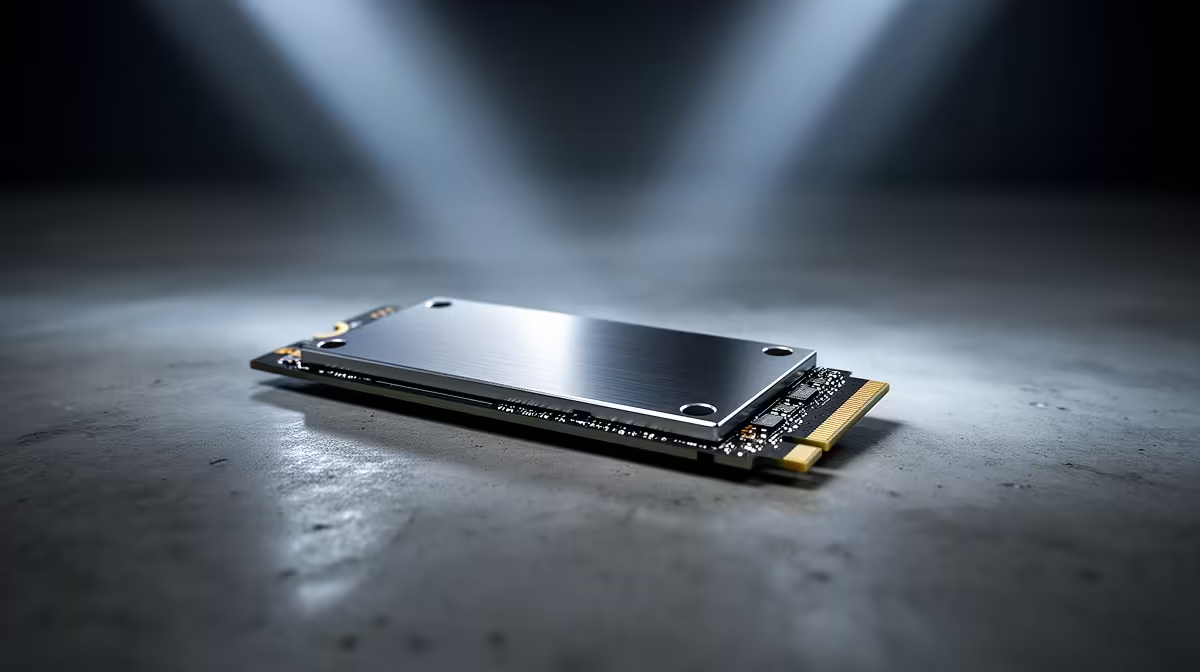
NVMe (Non-Volatile Memory Express), on the other hand, is a multi-lane superhighway. It plugs directly into your motherboard's M.2 slot, using the high-speed PCIe bus to communicate with your CPU. This direct link bypasses old bottlenecks, allowing for blistering sequential speeds that can exceed 7,000MB/s on modern Gen4 drives.
The question is, do you actually need that F1-level speed for your daily drive?
Real-World Speed: Where Does NVMe Actually Shine?
This is where the "real-world" part of the NVMe vs SATA comparison gets interesting. While the numbers on the box are massively different, the user experience isn't always night and day.
Gaming and Loading Times
For pure gaming, the difference is smaller than you might think. Yes, an NVMe drive will load games a few seconds faster than a SATA SSD. But we're often talking about loading into a Cyberpunk 2077 save in 10 seconds instead of 13. The bottleneck is frequently your CPU decompressing game assets, not the drive's raw speed. A good NVMe is a luxury, not a necessity for great gaming load times.
OS Boot and Heavy Applications ⚡
Here, the difference is far more noticeable. Your operating system, browsers, and creative apps like Adobe Photoshop or Premiere Pro will feel incredibly snappy on an NVMe. If you work with large files—like 4K video editing, 3D rendering, or compiling code—the superior throughput of modern high-speed NVMe drives isn't just a number; it's time saved.
The Case for SATA: Still a Worthy Contender? 💰
So, is the trusty SATA SSD ready for retirement? Absolutely not. It still holds a vital place in PC building, especially in South Africa where every Rand counts.
The biggest advantage for SATA is its incredible price-to-performance ratio. You can often get double the storage capacity in a SATA drive for the same price as a mid-range NVMe. This makes reliable 2.5-inch SATA SSDs the perfect choice for a secondary "game library" drive, storing your massive collection without breaking the bank.
They're also a lifeline for older systems. If your motherboard lacks an M.2 slot, a SATA SSD is still a monumental upgrade over a clunky old mechanical hard drive, transforming a sluggish PC into a responsive machine.
💡 Pro Tip: The Hybrid Approach
Get the best of both worlds! Use a smaller, faster 500GB or 1TB NVMe SSD for your Windows installation and your most-played games. Then, add a larger 2TB or 4TB SATA SSD for the rest of your game library and media files. You get snappy boot times and instant-on apps, plus bulk storage at a great price.
The Verdict: Which SSD Is Actually Faster for You?
Ultimately, the right choice in the NVMe vs SATA showdown depends entirely on your use case and budget.
- For the Power User & Content Creator: Go NVMe, no question. The time you save transferring large files and working in demanding applications is worth the premium.
- For the Dedicated Gamer: A quality NVMe drive is a fantastic primary drive for your OS and favourite titles. But don't feel pressured to put everything on one; a large SATA for your back catalogue is a smart move.
- For the Budget-Conscious Builder: A SATA SSD offers the single biggest performance uplift you can get over a traditional hard drive. It's the most sensible, cost-effective choice for making any PC feel fast and modern.
Before you decide, it's always a good idea to check out the latest SSD deals to see where you can get the most storage for your money. ✨
Ready to Banish Loading Screens? Whether you're chasing peak performance or just want a faster, more responsive PC, the right SSD makes all the difference. Explore our massive range of SSDs at Evetech and find the perfect drive for your needs and budget.











