

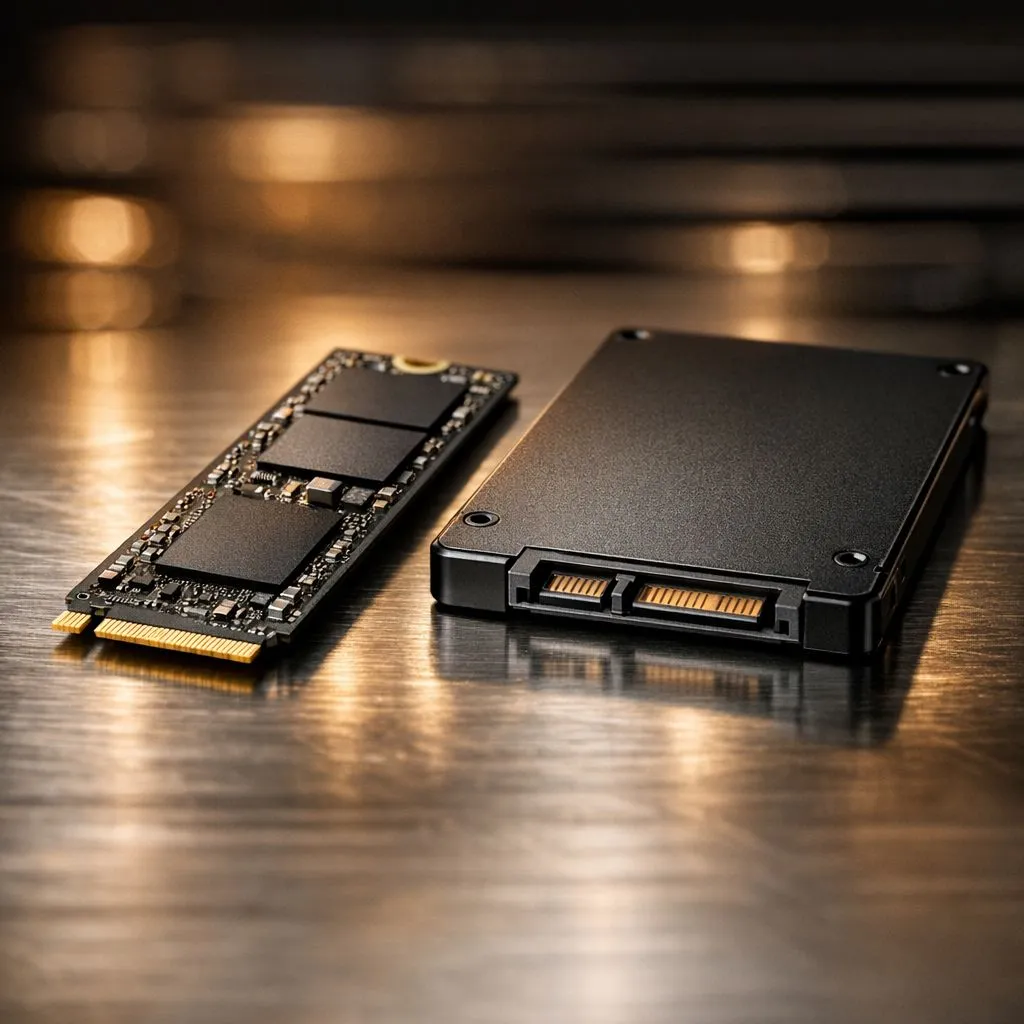
Understanding NVMe vs SATA SSD Storage Speed Differences That Impact Your Workflow
Waiting for your PC to boot or a game to load is a relic of the past. If you are still using a mechanical hard drive, the jump to any solid-state drive feels like magic. However, the NVMe vs SATA SSD storage speed differences that impact your workflow are significant. Choosing the right one determines if your system feels "fast" or "instant" during heavy South African gaming sessions ⚡.
The Legacy Speed of SATA SSDs
SATA (Serial ATA) was originally designed for spinning hard drives. While it was a massive upgrade over old HDDs, it has a physical speed limit of around 600MB/s. This is still plenty for daily office work or browsing. Many users looking to buy gaming laptops under R20k will find SATA SSDs as a reliable, cost-effective way to keep the system snappy without breaking the bank.
The Raw Power of NVMe Technology
NVMe (Non-Volatile Memory Express) was built specifically for flash storage. It uses the PCIe bus to talk directly to your CPU. This eliminates the "bottleneck" found in older connections. When browsing Intel laptops on special, you will notice that modern machines almost exclusively use NVMe. These drives can reach speeds of 3,500MB/s to 7,500MB/s... making them up to 13 times faster than SATA alternatives.
Why Your Workflow Cares About Interface
For content creators, the difference is night and day. If you are editing 4K video, a SATA drive might stutter when scrubbing through a timeline. Many Ryzen laptop deals pair high-core-count CPUs with NVMe storage to ensure the processor is never waiting for data. This synergy allows for smoother rendering and faster file exports 🚀.
Storage Pro Tip ⚡
Always install your Windows Operating System and your most-played games on your fastest NVMe drive. Use a secondary SATA SSD or external drive for bulk storage like photos, documents, and older game libraries to keep your primary drive lean and fast.
Gaming Performance and Future-Proofing
Gamers often wonder if the extra speed translates to more FPS. While it won't directly boost your frame rate, it drastically reduces loading screens. The best gaming laptop deals now feature NVMe drives to support technologies like DirectStorage. This allows the GPU to pull data directly from the SSD... bypassing the CPU to load massive open-world maps in seconds ✨.
When you invest in GeForce RTX gaming laptops on special, you want a drive that can keep up with the high-fidelity assets those GPUs process. A SATA drive might cause "texture pop-in" in modern titles, whereas an NVMe drive keeps the experience seamless.
Ready to Speed Up Your Setup? The difference between SATA and NVMe is clear when you feel the responsiveness of a modern system. For the best performance and value in South Africa, upgrading your storage is the ultimate win. Explore our massive range of laptop specials and find your next high-speed machine today.











