

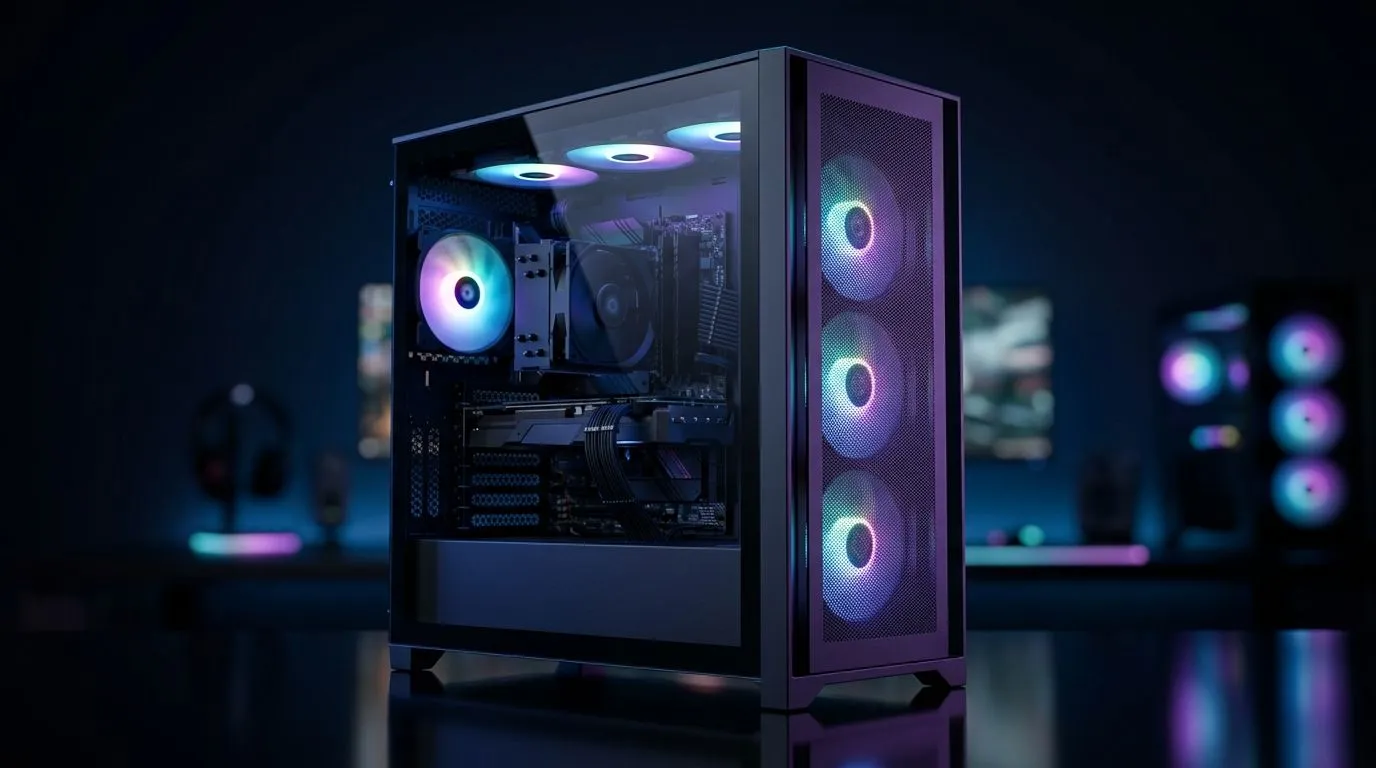
Optimise Airflow With ARGB Fans: Start With the 7-Fan Layout Plan
If your PC idles hot, your FPS dips, and your desk feels like a mini space heater… it’s usually airflow, not “bad luck.” 🔧 South African gamers build in dusty rooms, load up long sessions, and then wonder why thermals climb. The fix can be surprisingly simple: a smart 7-fan setup with ARGB fans placed for pressure and exhaust.
In this guide, you’ll learn a practical way to optimise airflow with ARGB fans using a 7-fan PC case setup you can copy today. No guesswork, just airflow logic you can feel in-game.
Optimise Airflow With ARGB Fans: 7-Fan Orientation (Intake vs Exhaust)
Think of your case like a lung. Fresh air comes in (intake), warm air leaves (exhaust). With 7 fans, the goal is a balanced pressure profile that keeps GPU temps steady.
Recommended baseline (most mid-tower builds)
Use this orientation first, then adjust for your specific case and radiator location:
- Front (2 fans): Intake (push cool air toward GPU)
- Bottom (2 fans): Intake (especially great for GPU cooling)
- Top (2 fans): Exhaust (heat rises; top exhaust helps)
- Rear (1 fan): Exhaust (simple, effective)
This arrangement works well when your GPU is the main heat source, which is true for most gaming rigs.
Where radiators fit (if you have AIO liquid cooling) 🚀
If your AIO radiator is top-mounted, top fans should exhaust. If your AIO is front-mounted, then front fans act as intake through the radiator.
If you’re unsure, check your case’s intended fan/radiator positions on the product page for compatibility.
Productivity Pro Tip ⚡
On Windows, use the PowerToys FancyZones utility to create custom snap layouts for your games launcher, Discord, and monitoring tools (like your fan curve or GPU overlay). It helps you tweak settings faster without tab-spamming during testing. It’s small… but it saves time when you’re dialing in airflow.
Optimise Airflow With ARGB Fans: Pick the Right Case and Fan Placement
Not all cases support the same airflow path. Some are front-heavy for intake, others are top-strong for exhaust. Evetech carries many popular options, and choosing one that supports your intended 7-fan layout matters.
If you’re still shopping for a case that makes this setup easy, browse:
- Computer cases: https://www.evetech.co.za/components/computer-cases-70
- Fractal Design PC cases: https://www.evetech.co.za/PC-Components/fractal-design-pc-cases-346
- Gamdias gaming cases (great for multi-fan builds): https://www.evetech.co.za/PC-Components/gamdias-gaming-cases-293
- Need a tighter budget? Try the more affordable range filter: https://www.evetech.co.za/PC-Components/gamdias-gaming-cases-293?max-price=1500
Cable clutter check (yes, it affects temps) ✨
Even with great fans, blocked paths hurt. Keep power and front-panel cables tight to one side. Use Velcro ties, not hard plastic. The result is cleaner intake flow to the GPU and less turbulence.
Optimise Airflow With ARGB Fans: Fan Curves That Actually Work
ARGB lighting is fun… but the real performance comes from fan control. A simple rule: ramp intake and exhaust together, then fine-tune exhaust slightly higher if you see heat soak.
A practical starting point:
- Intake fans: 30–45% idle, ramp to 60–75% under gaming
- Exhaust fans: 35–50% idle, ramp to 65–85% under gaming
Use your PC’s monitoring to confirm. If CPU temps are fine but GPU climbs, you may need to raise front intake or check whether bottom intake is unobstructed.
Optimise Airflow With ARGB Fans: Quick Testing Routine Before You Lock It In
Before you declare victory, run a short routine:
- Launch your most GPU-heavy game for 10–15 minutes.
- Watch GPU hotspot/edge, not just “average” CPU/GPU temps.
- Then test an alternate configuration: reduce bottom intake by 5–10% and raise top exhaust by 5%.
- Pick the setting that lowers hotspot temps without making fans too loud for your room.
Small adjustments beat constant guessing.
Ready to Find Your Perfect Match? The Mac vs Windows debate is complex, but for maximum power, choice, and value in South Africa, Windows is hard to beat. Explore our massive range of laptop specials and find the perfect machine to conquer your world.











