

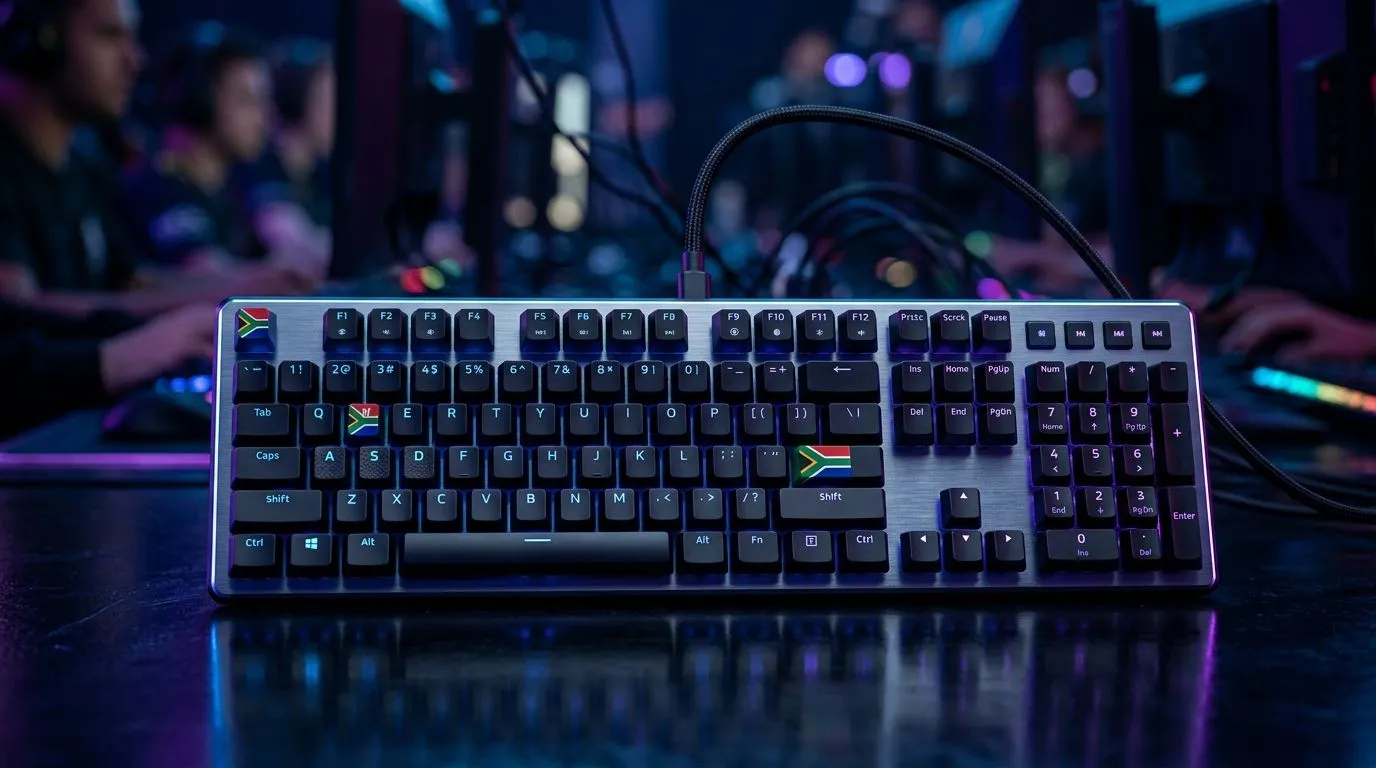
Optimise Your Keyboard for South African LAN Tournaments: Win the little things first
Heading to a South African LAN is exciting… until your keys start double-registering, your wrist starts burning, or your keyboard randomly disconnects. 🔧 A keyboard is often the one part you think about last, yet it’s where timing, movement, and comms all live. ⚡ If you’re aiming for consistent aim, faster menu navigation, and fewer “bro, my keyboard is bugging” moments, optimising your keyboard setup is an underrated advantage.
Optimise Your Keyboard for South African LAN Tournaments: Build a tournament-ready setup
LAN nights are high-pressure and unforgiving. You’re fighting long cables, crowded power strips, and other people’s gear drawing interference. So start with fundamentals that actually hold up.
Choose the right switch feel (without guesswork)
Mechanical switches aren’t just a “preference” thing. Light actuation can help for quick taps, while heavier switches can reduce accidental presses during intense strafes. If you’re buying new hardware, look at mechanical keyboard deal pages for current options and pricing in ZAR:
- If you want a deal-first approach, browse best gaming keyboard deals.
Optimise your layout for speed and comms
At LANs, you don’t just play. You also need rapid access to push-to-talk, scoreboard toggles, and in-game settings. Try this:
- Put push-to-talk on an easily reachable key.
- Assign weapon slots to keys you can hit without moving your hand.
- Keep inventory and map keys on a consistent side so your muscle memory stays stable.
Tune your actuation and debounce (if your keyboard supports it)
Many gamer keyboards allow software tuning for:
- debounce time (helps prevent accidental double inputs),
- polling rate,
- and key remaps.
If your keyboard has onboard profiles, set them up before LAN day. That way you’re not relying on laptop software when you land.
Productivity Pro Tip ⚡
On Windows, use PowerToys to create custom FancyZones layouts so your OBS, discord, and match tabs stay arranged the same way every round. Less window chaos means faster alt-tabbing when you need to check demos, settings, or patch notes.
Optimise Your Keyboard for South African LAN Tournaments: Wired vs wireless realities at LANs
Wireless can be convenient… right up until you notice lag spikes during a tense clutch. At LANs, stability matters more than convenience. ⚡
Wired: fewer surprises, easier troubleshooting
Wired keyboards eliminate charging anxiety and reduce the chance of connection hiccups. If your LAN setup is tight on ports, plan your cable path early so you don’t tug your keyboard mid-round. You can find options here:
Wireless: use it only when your environment is predictable
If your LAN hall is packed with routers and hotspots, wireless latency can become less consistent. If you go wireless anyway:
- fully charge before leaving,
- keep the dongle centrally located (not under your desk edge),
- and avoid USB hubs that feel unstable. Explore wireless connectivity keyboard options.
Don’t forget the keyboard-and-mouse pair
Your keyboard timing matters, but so does mouse consistency. A mismatched setup often causes “I’m under-aiming” blame when the real issue is inconsistent sensitivity and button layouts. If you want a complete upgrade path, consider a combo:
- Compare a keyboard and mouse combo.
Optimise Your Keyboard for South African LAN Tournaments: Quick pre-LAN checklist (do this once)
Here’s the “I wish I did this earlier” list:
- Firmware and software: Update if the vendor supports it. Then save your profile.
- Test your remaps: Join a private server and run a 10-minute warm-up with the exact keys you’ll use at the event.
- Check cable strain: Route cables so they can’t pull during a quick stand-up or sudden chair move.
- Clean contact points: Dust and grime can cause inconsistent inputs. A light clean before the event helps.
- Pack extras: Carry spare USB ports/cables if possible. If you’re going wired, a backup cable is cheap insurance.
If you’re still shopping, start with a price-focused baseline:
Ready to Find Your Perfect Match? The Mac vs Windows debate is complex, but for maximum power, choice, and value in South Africa, Windows is hard to beat. Explore our massive range of laptop specials and find the perfect machine to conquer your world.











