

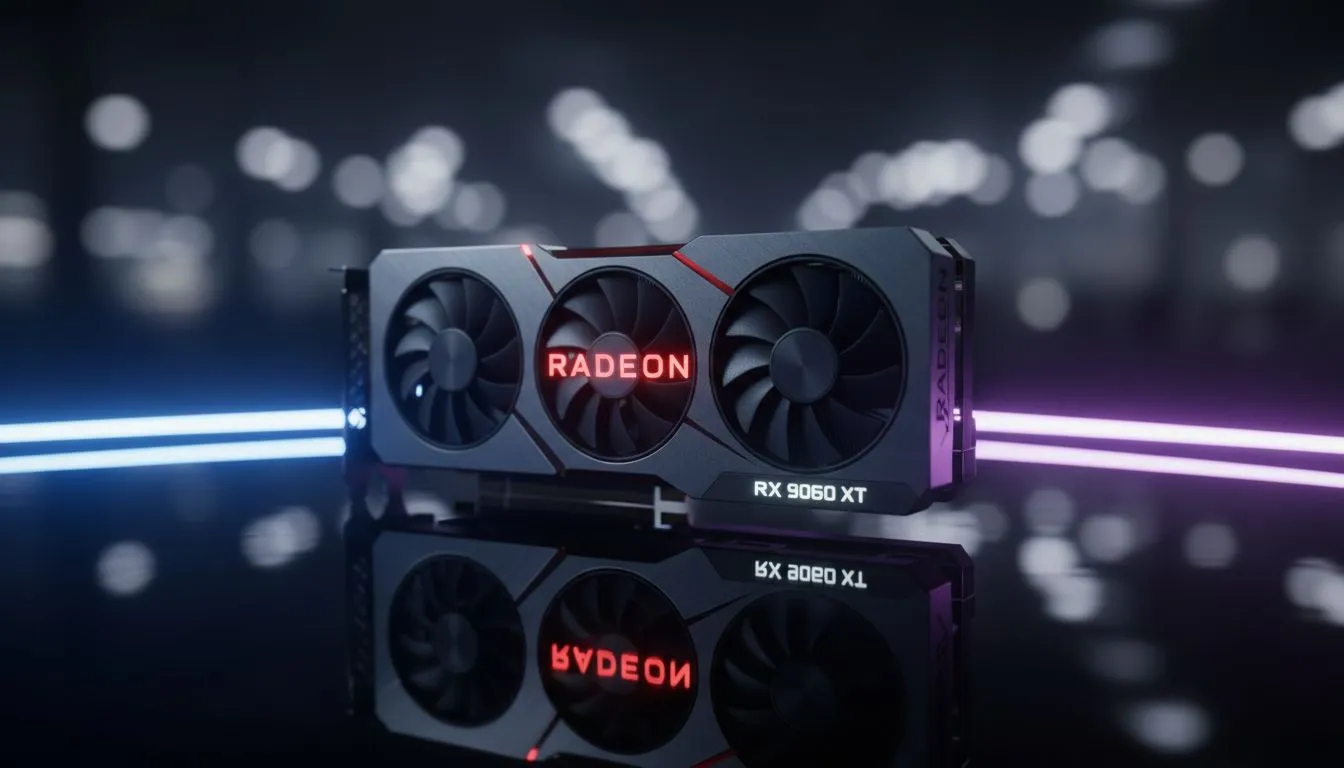
Master the Software to Optimize AMD Adrenalin RX 9060 XT
You’ve finally secured the latest RDNA powerhouse for your rig. Now comes the real challenge... squeezing every frame out of it. Whether you are raiding in WoW or surviving the streets of Night City, your software setup matters as much as the hardware. Let’s dive into how to effectively Optimize AMD Adrenalin RX 9060 XT for peak performance in the South African heat. 🚀
Fine-Tuning Your Performance Profiles
The Adrenalin software is a powerful tool, but the default "Balanced" profile often leaves performance on the table. To truly optimise AMD Adrenalin RX 9060 XT, you should explore the Tuning tab. While many gamers often compare these results to high-end GeForce Graphics Cards, the raw rasterization power here is hard to beat for the price.
Start by enabling "Resizable BAR" in your BIOS and then check the "Performance" section in Adrenalin. If you want a quick boost without manual tweaking, the "Auto-Overclock" feature is a safe bet. However, for those looking for the best ZAR-to-performance ratio, manual undervolting is the secret sauce. It lowers power draw and heat... a massive benefit during those warm Durban or Joburg summers.
Performance Pro Tip ⚡
Always use the 'Factory Reset' option when installing new Adrenalin drivers. This prevents old shader cache files from causing stuttering in newer titles, ensuring your 1% lows stay as high as possible for a buttery-smooth experience.
Thermal Management and Fan Curves
South African ambient temperatures can be brutal on high-end silicon. If you browse our full range of graphics cards, you will notice that cooling design is a top priority. For the RX 9060 XT, we recommend a custom fan curve. 🔧
By default, fans often stay idle until the card hits 60°C. In a dusty environment, this can lead to heat soak. Set your fans to spin at a minimum of 20% to keep air moving. This small change can extend the lifespan of your components significantly.
Maximising Visuals with FSR and AFMF
To further optimise AMD Adrenalin RX 9060 XT settings, you must embrace Fluid Motion Frames (AFMF). This driver-level frame generation works across thousands of DX11 and DX12 games. It is a standout feature for Radeon Graphics Cards that helps maintain high refresh rates on 1440p monitors.
If you are using a premium model from brands like MSI, you likely have excellent headroom for these features. Combine AFMF with Radeon Super Resolution (RSR) if a game doesn't natively support FSR 3. The result is a crisp image that feels much faster than the native hardware suggests. ⚡
Ready to Find Your Perfect Match? The quest for the ultimate gaming experience is all about balance. For maximum power, choice, and value in South Africa, our latest GPU deals are hard to beat. Explore our massive range of graphics card specials and find the perfect machine to conquer your world.











