

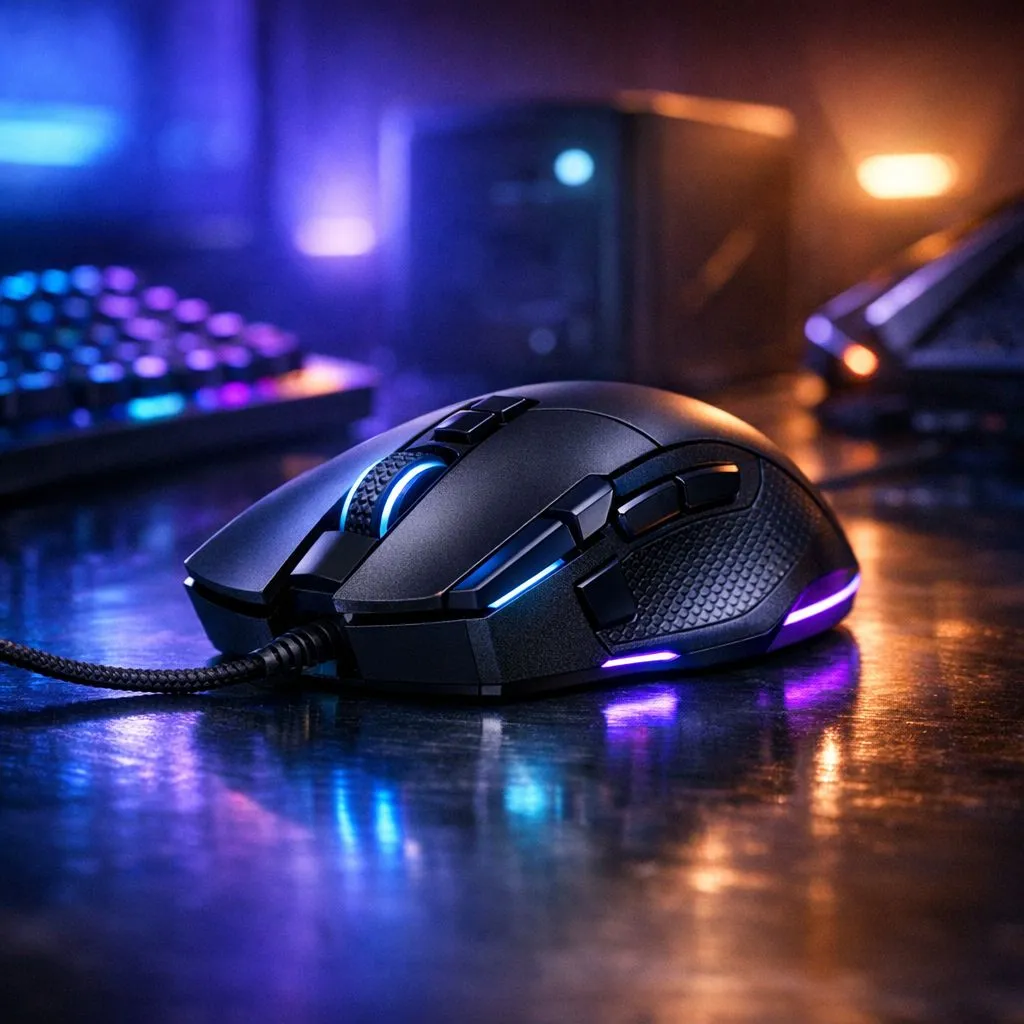
We all know the dread of the Stage 6 schedule. When the grid goes dark, your backup power becomes your most precious resource. To keep your sessions alive, you need to optimize gaming mouse settings for loadshedding-proof gaming. Every milliwatt saved on your peripherals is another minute of gameplay on your inverter or UPS. Let’s tweak your gear for maximum efficiency. ⚡
Managing Polling Rates for Battery Longevity
Most modern gaming mouse options default to a 1000Hz polling rate. This means your mouse communicates with your PC 1,000 times every second. While this provides ultra-smooth tracking, it places a heavy load on your mouse battery and your PC’s CPU.
Dropping this rate to 500Hz or even 250Hz can significantly extend your playtime. In most titles, the difference in latency is negligible... but the power savings are substantial. It is a simple software toggle that keeps you in the game for longer when the lights stay off.
Kill the RGB to Save the Session
We all love the aesthetic of a glowing setup. However, those 16.8 million colours are draining your uptime. If you are using a wireless mouse, the LED lighting is the primary power draw after the sensor.
Power-Saving Pro Tip ⚡
Use your mouse software to create a 'Loadshedding Profile'. Set the polling rate lower and turn off all LEDs. Link this profile to a physical button on your mouse for a quick switch the moment the lights flicker out.
Disabling the lighting in your software suite is the easiest win. This adjustment can often double your battery life during those long blackouts. When you are trying to finish a raid before the UPS beeps its last breath, every bit of juice counts.
Choosing Efficient Hardware for the Grid
Sometimes the best way to stay in the game is having the right backup. Checking out the best gaming mouse deals can help you find high-efficiency sensors. Some modern sensors are designed specifically for low power consumption without sacrificing tracking accuracy.
If you prefer a wired mouse, remember that it draws power directly from your USB port. While it doesn't have a battery to die, it still impacts your laptop battery or UPS runtime. Choosing a mouse with a "low power" mode in its driver software can help reduce this draw. 🔧
Maintaining Your Setup for Peak Performance
Don't forget the physical side of things. Keeping your sensor clean ensures it doesn't have to work harder to track movement. You can find specialized cleaning kits among various mouse accessories to keep your gear in top shape.
A clean mouse on a quality surface reduces jitter... which means less processing power is used for cursor correction. In South Africa, where high-end mice can cost upwards of R2,000, taking care of your hardware is just as important as optimising the software. 🚀
Ready to Stay Powered Up? Loadshedding shouldn't stop your grind. Whether you need an ultra-efficient sensor or a long-lasting wireless companion, we have the gear to keep you clicking. Explore our massive range of gaming mouse specials and ensure your setup is ready for the next blackout.











