

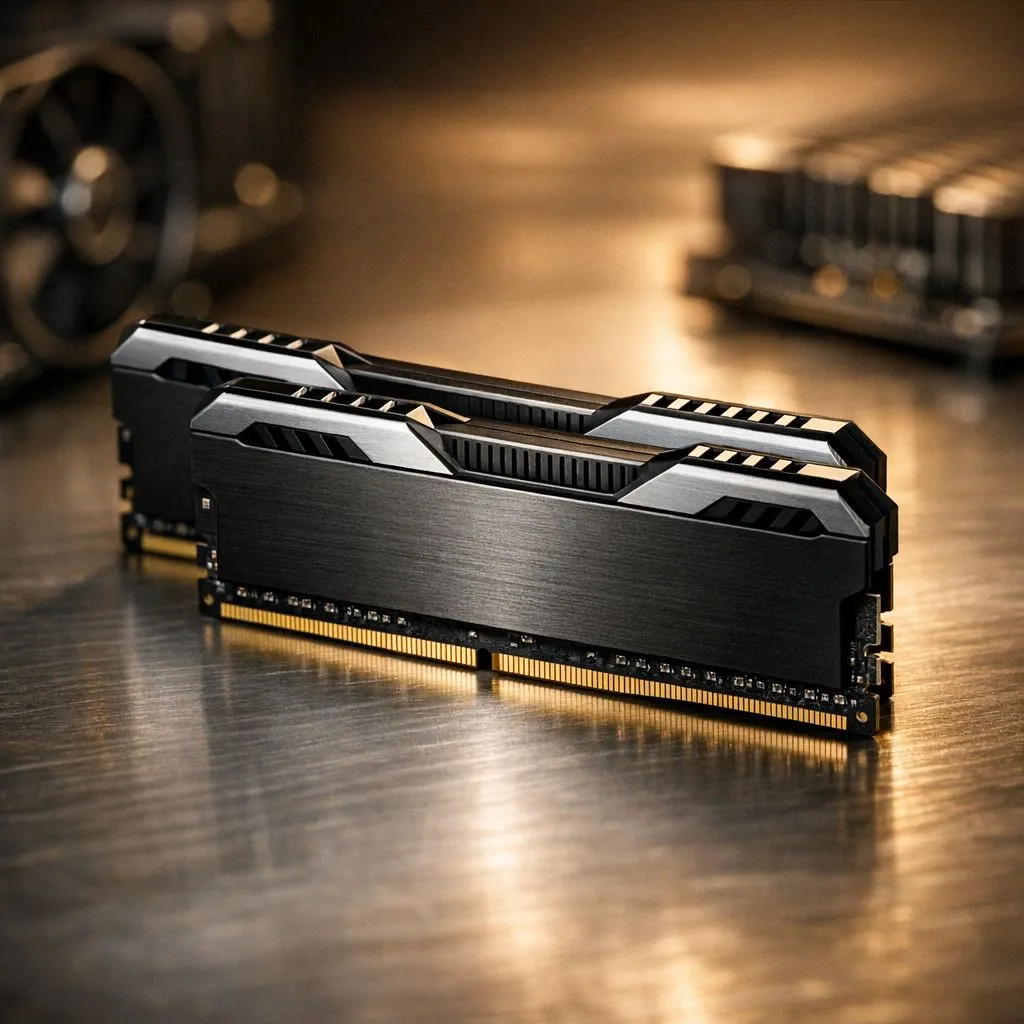
You're deep in a clutch moment in Warzone, your squad is counting on you, and suddenly... your PC stutters. Your Discord call lags, your browser in the background feels like it's wading through treacle, and that perfect headshot is gone. Sound familiar? That frustrating lag is often a cry for help from your PC's RAM. But don't stress, you don't always need a pricey upgrade. Learning how to optimize RAM settings for smoother multitasking can unlock hidden performance.
Why Your RAM Settings Matter for Multitasking
Think of RAM (Random Access Memory) as your PC's short-term memory. It's the high-speed workspace where your computer holds all the data for the apps you're currently running—your game, your music, your web browser, everything. The more you do at once, the more workspace you need.
But it's not just about how much RAM you have; it's also about how fast it runs. Most motherboards play it safe and run new RAM at a slow, standard speed. To get the performance you paid for, you need to dive into the BIOS and make a simple tweak. Optimising these settings is key to achieving genuinely smoother multitasking.
Quick Wins: How to Optimise Your RAM Settings Now 🔧
Before you start shopping, let's unlock the power you already have. A few clicks in your PC's BIOS (Basic Input/Output System) can make a world of difference.
The Magic of XMP and EXPO
Your RAM modules come with built-in performance profiles that tell your motherboard how fast they can safely run. For Intel systems, this is called XMP (Extreme Memory Profile), and for AMD, it's EXPO (Extended Profiles for Overclocking). Enabling this is the single biggest step you can take to optimize your RAM settings.
How to enable it:
- Restart your PC.
- As it boots up, press the key to enter the BIOS (usually
DEL,F2, orF12). - Look for a setting labelled "XMP," "EXPO," or "D.O.C.P." It's often on the main screen or in the "Overclocking" or "Advanced Memory Settings" tab.
- Select the profile (there's usually only one or two).
- Save your changes and exit.
Your PC will restart, and you'll now be running your RAM at its advertised speed. This simple change can significantly boost frame rates in games and make your whole system feel more responsive, especially when running multiple applications with modern DDR5 RAM.
Free Up Your Memory ⚡
Press Ctrl+Shift+Esc to open the Windows Task Manager. Click on the "Startup" tab and disable any unnecessary programs that launch when you turn on your PC. Apps like Spotify, Steam, and Discord often run in the background, consuming valuable RAM even when you're not actively using them. Every little bit helps!
When Software Tweaks Aren't Enough: Is It Time to Upgrade?
If you've enabled XMP and your system still feels sluggish when multitasking, you might be hitting a hardware ceiling. Check your RAM usage in Task Manager while gaming—if it's consistently sitting above 85-90%, it's a clear sign you need more capacity.
For years, the ever-popular DDR4 memory has been the go-to for gamers, offering a fantastic balance of price and performance. Even some older but reliable DDR3 builds are still chugging along just fine for lighter titles.
However, for modern gaming, streaming, and content creation, upgrading is the most effective path to smoother multitasking. High-speed kits from trusted brands offer reliability and blistering speeds that can keep up with the most demanding tasks. You can find top-tier kits from Kingston that are engineered for stability, while performance-focused users might look at options from ADATA to squeeze out every last drop of power. 🚀
The Sweet Spot: How Much RAM Do You Really Need?
Here's a quick guide for South African gamers and power users:
- 8GB: The absolute minimum. Fine for browsing and light indie games, but you'll struggle with modern AAA titles and heavy multitasking.
- 16GB: The current sweet spot for most gamers. This gives you enough headroom to run a demanding game, Discord, and a few browser tabs without major slowdowns.
- 32GB+: The new standard for enthusiasts, streamers, and content creators. If you're running OBS, editing 4K video, or just want to future-proof your rig for years to come, 32GB is the way to go.
Optimising your RAM is a journey, not a destination. Start with the free software tweaks, and if you're still hungry for more performance, a strategic hardware upgrade is your next best move.
Ready for a Lag-Free Experience? Stop letting slow RAM hold you back. An upgrade is one of the easiest and most effective ways to boost your PC's overall performance. Explore our massive range of high-speed gaming RAM and give your machine the power it needs to conquer any task.











