

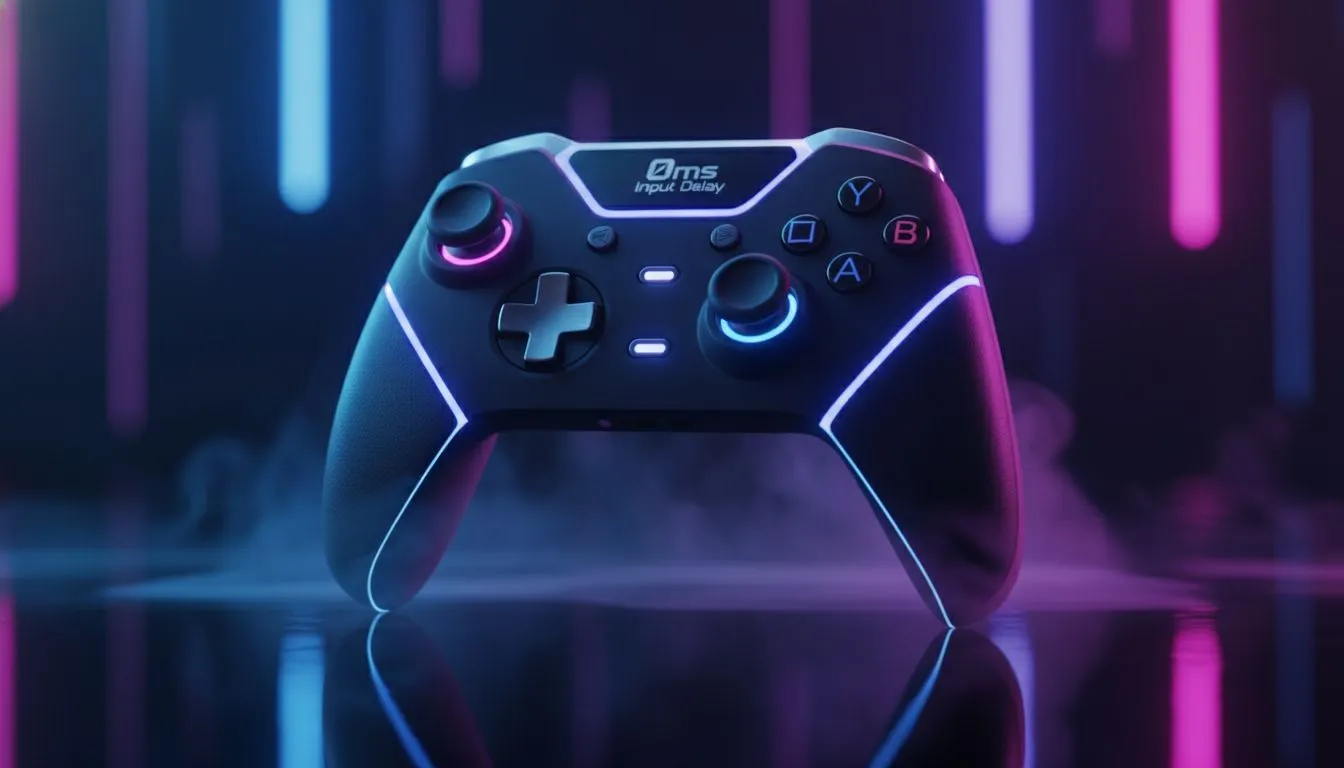
Understanding Polling Rates and Input Lag
Tired of losing gunfights because your controller feels sluggish? In competitive titles like Warzone or Apex, every millisecond counts. If you want to overclock controller PC settings to achieve 0ms input delay, you need more than just software. It is about synchronising your hardware with your PC’s polling rate to ensure your inputs register instantly... even before your opponent reacts. ⚡
Most standard controllers operate at a measly 125Hz. This creates a delay of about 8ms. By overclocking, you can push that to 1000Hz or higher, reducing the delay to 1ms or less. While "0ms" is the theoretical goal, getting as close as possible gives you a massive advantage in high-stakes lobbies.
Hardware Foundations for Low Latency
Before you dive into software tweaks, you must ensure your hardware can handle the speed. Not every USB port or cable is created equal. Using a high-quality wired connection is non-negotiable for serious players. If you are still using an old, battered pad, you might want to browse our massive selection of gaming controllers to find a model that supports high polling rates natively.
Overclocking a basic controller can sometimes lead to instability. Higher-end models are built with better internal processors. These chips can handle the increased data throughput without crashing or causing jittery movement.
The Razer Performance Edge
Razer has consistently pushed the boundaries of what is possible with input technology. If you are looking for a device that is practically built to overclock controller PC performance, you should look at Razer's elite peripheral range. Their focus on "HyperPolling" technology means their devices are already optimised for the lowest possible latency right out of the box. 🔧
Pro Overclocking Tip ⚡
When using tools like LordOfMice (hidusbf) to overclock, always plug your controller into a USB 3.0 or 3.1 port directly on your motherboard. Avoid using front-panel case ports or USB hubs, as these add extra layers of processing that can increase your input lag... even if the software says 1000Hz.
Achieving the 8000Hz Gold Standard
The absolute pinnacle of this technology is currently found in devices that support an 8K polling rate. The Razer Wolverine V3 Tournament Edition is a prime example of this innovation. It offers a native 8000Hz polling rate on PC... which is essentially as close to 0ms as modern physics allows. 🚀
For South African gamers playing on European servers, every bit of local latency reduction helps offset our higher ping. Investing in a controller that naturally supports these speeds means you spend less time fighting your hardware and more time landing your shots. Finding this level of performance for under R2,500 represents incredible value for any competitive player. 🎮
Ready to Find Your Perfect Match? Reducing input delay is the fastest way to improve your competitive performance. For maximum power, choice, and value in South Africa, our range of peripherals is hard to beat. Explore our massive range of gaming controller specials and find the perfect machine to conquer your world.











