


Maximising PC cooling during loadshedding: Improve airflow in hot rooms
Loadshedding hits hard, but the heat that follows is often worse for your expensive hardware. When the power returns, your room frequently feels like a furnace. Managing PC cooling during loadshedding: Improve airflow in hot rooms is essential for component longevity. Don't let your high-end parts bake in the South African sun... a few smart tweaks can save your frame rates and your wallet.
Start with the foundation: Better chassis design
The first step to better thermals is choosing the right house for your components. Many older towers lack the ventilation needed for our local climate. Upgrading to modern computer cases with mesh front panels allows for significantly higher intake volumes. If you are looking for local value, Evetech gaming cases are designed with our unique ambient temperatures in mind. Alternatively, the airflow-focused designs of Gamdias gaming cases provide excellent cable management paths to keep the air moving freely. 🔧
Airflow Pro Tip ⚡
Always aim for positive pressure inside your case. This means having more intake fans than exhaust fans. It helps prevent dust from being sucked in through every small crack and opening in the chassis, which is vital in dusty South African environments.
Optimise your fan configuration for peak performance
Once you have a solid case, you need to populate it with high-quality case fans. Static pressure is your friend when pushing air through tight spaces. Many enthusiasts swear by premium CORSAIR fans for their balance of noise and performance.
You also need to decide on the aesthetic. If you want a build that stands out, look for fans with RGB lighting effects to illuminate your setup. However, if you prefer a stealthy, professional look, there are plenty of high-performance fans with no lighting that focus purely on cubic feet per minute (CFM) ratings. ✨
Tackle the heat at the source
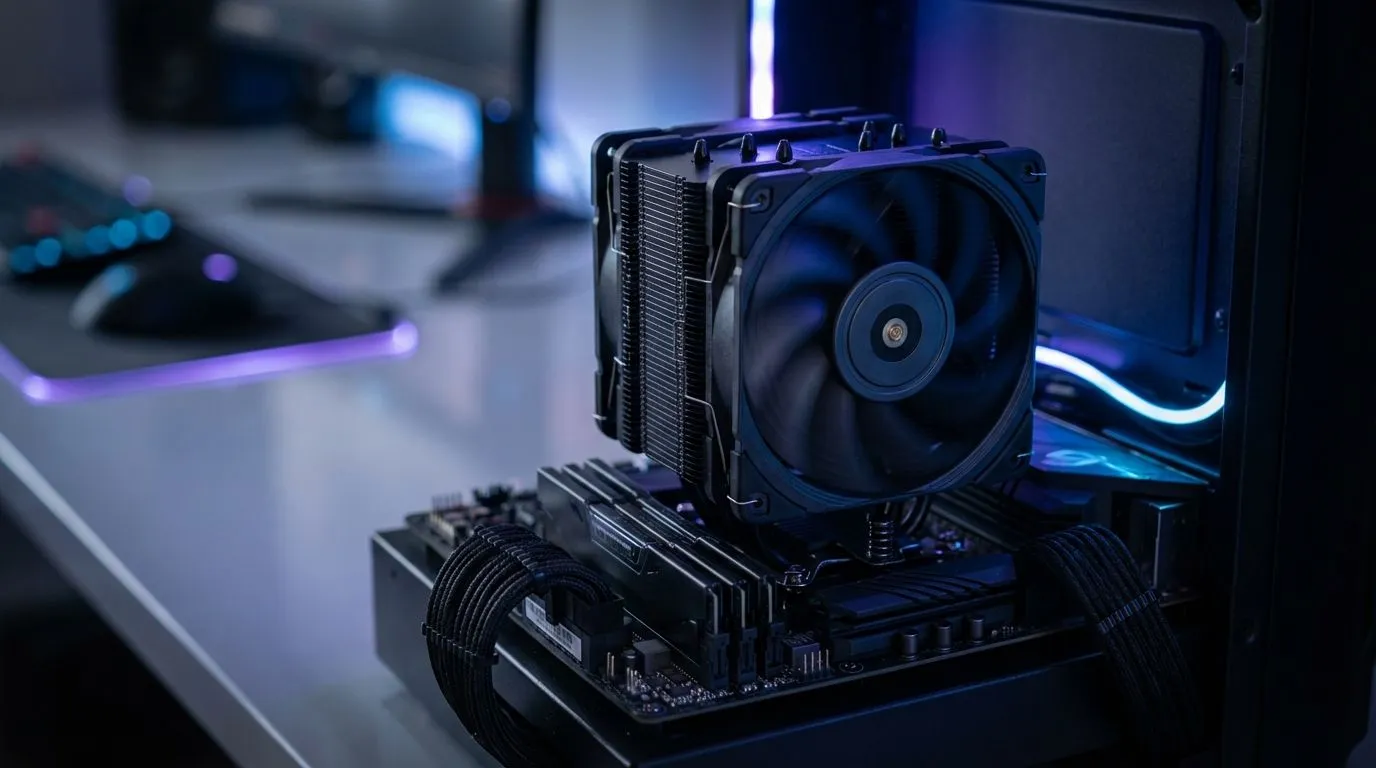
Your processor is the hottest spot in your build. Standard boxed coolers often struggle when the ambient room temperature climbs above 30 degrees. Investing in reliable cpu coolers is the most effective way to prevent thermal throttling. For those pushing their systems with heavy rendering or 4K gaming, Liquid Cooler (AIO) systems provide superior heat dissipation by moving the thermal load directly to the exhaust vents. 🚀
Properly managing your PC cooling during loadshedding: Improve airflow in hot rooms ensures that when the lights come back on, your PC is ready to perform at its peak without thermal stress. Keep those filters clean and your fans spinning... your hardware will thank you. ⚡
Ready to Beat the Heat? Don't let rising temperatures throttle your gaming experience. For the best thermal solutions and hardware deals in South Africa, we have you covered. Explore our massive range of cooling and case specials and keep your rig running ice-cold.











