Staring at a lagging timeline while your PC sounds like it’s preparing for takeoff? We’ve all been there. That stuttering playback and those painfully slow render times aren't just your software complaining... it’s your hardware crying out for help. For South African creators on a deadline, poor thermal management isn’t just an annoyance; it's a bottleneck that costs time and money. Effective PC cooling for video editing is the unsung hero of a smooth, productive workflow.
Why Your Editing PC Needs Serious Cooling
When you’re scrubbing through 4K footage or exporting a complex project, your CPU and GPU are working overtime, generating a massive amount of heat. Without a proper way to dissipate it, your components activate a self-preservation mode called "thermal throttling."
Think of it as your PC intentionally slowing down to avoid overheating. This directly translates to:
- Slower Render Times: A throttled CPU can add hours to an export.
- Choppy Timeline Playback: Dropped frames make precise edits impossible.
- Unexpected Crashes: Overheating can lead to system instability, losing you precious work.
In short, the best processor in the world won't perform at its peak if it's constantly battling heat. Investing in proper PC cooling for video editing is as crucial as choosing the right CPU or GPU.
Key Cooling Solutions for Your Workflow
Choosing the right cooling system depends on your workload, components, and budget. Let's break down the main options.
Air Cooling: The Reliable Workhorse 🔧
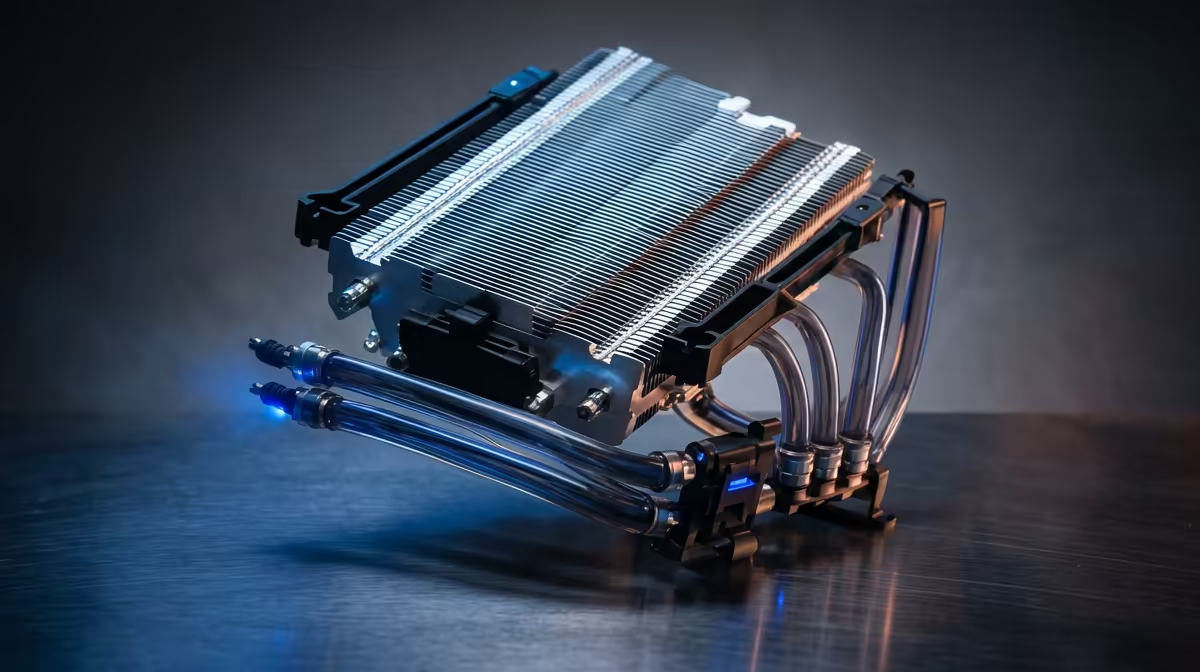
Modern air coolers use a combination of heatsinks (metal fins) and fans to draw heat away from your CPU. They are incredibly reliable and offer fantastic performance for their price. For many editors, a high-quality tower cooler is more than enough to keep temperatures in check, especially in a well-ventilated case. It's a testament to their value that many of our powerful PCs under R20,000 rely on robust air cooling to deliver consistent performance.
Liquid Cooling (AIO): The Silent Performer ✨
All-In-One (AIO) liquid coolers use a closed loop of liquid to transfer heat from the CPU to a radiator, where it's expelled by fans. This method is generally more efficient than air cooling, allowing for lower temperatures and quieter operation under sustained loads—perfect for those marathon rendering sessions. If your workflow involves high-core-count processors, like those found in our top-tier Intel PC deals, an AIO is a smart investment to unlock their full potential.
Airflow Pro Tip ⚡
Your PC case is a wind tunnel. Aim for 'positive pressure' by having slightly more intake fans (pulling cool air in) than exhaust fans (pushing hot air out). This helps keep dust out and ensures a constant supply of cool air flows over all your components, not just the CPU. Check and clean your dust filters every few months!
Optimising Your Entire Editing Rig's Thermals
While the CPU is a major heat source, a holistic approach to cooling yields the best results. The thermal management for your video editing rig should also consider your graphics card and storage.
Modern GPUs come with excellent cooling solutions, but they still dump a lot of hot air into your case. Likewise, high-speed NVMe SSDs can throttle under heavy read/write tasks. A case with excellent airflow is crucial. This ensures that the heat generated by all components is efficiently exhausted. This is particularly important for multi-core rendering beasts, and our range of AMD Ryzen PC deals are often configured in cases designed specifically for maximum airflow, keeping the entire system stable for demanding creative work.
Ultimately, better cooling means better, more consistent performance. It allows your components to run at their peak speeds for longer, turning frustrating waits into finished projects.
Ready to Render Faster?
Don't let heat sabotage your creative flow. A well-cooled PC is the backbone of any serious video editing setup. Explore our range of custom-built editing PCs and configure a machine that stays cool under pressure.