


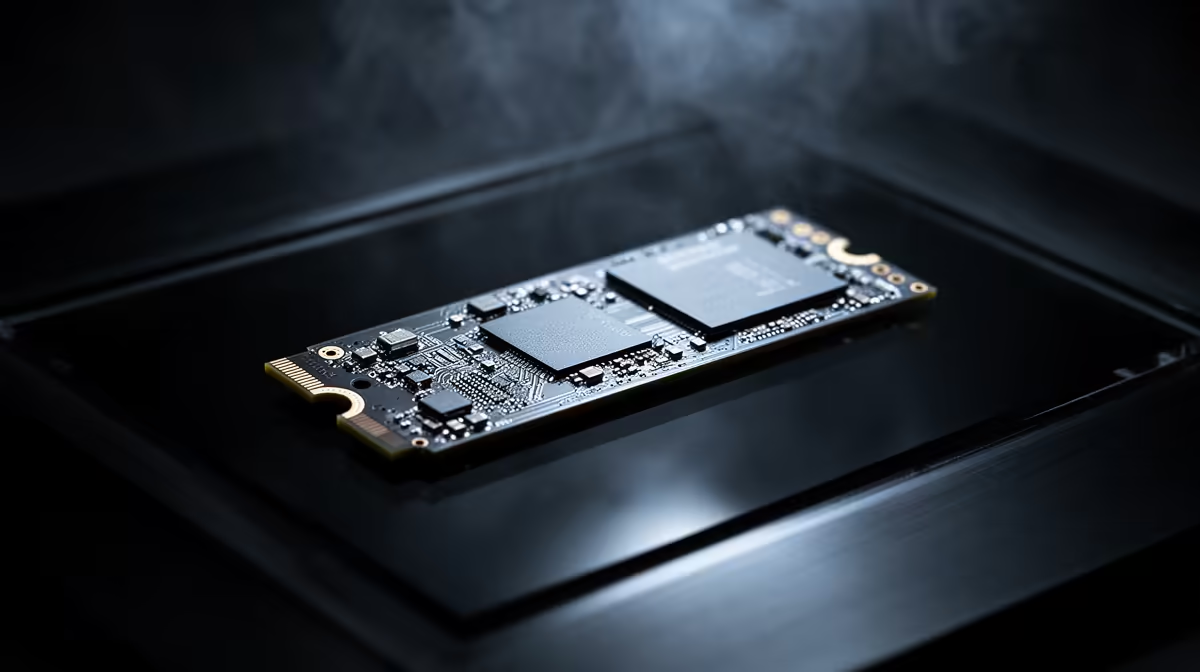
You've got a beast of a rig, rocking the latest GPU. Yet, you still feel that tiny, infuriating stutter when a new area loads in Starfield or Cyberpunk 2077. You start wondering… is my NVMe SSD fast enough? With all the hype around PCIe 5.0, the big question for South African gamers is simple: when comparing PCIe 4.0 vs 5.0 latency, does the new standard actually make a difference for your gaming experience? Let's dive in.
Latency vs. Bandwidth: The Difference That Matters
Before we compare generations, let's clear up a common confusion. Think of it like a highway.
- Bandwidth is the number of lanes. PCIe 5.0 has twice the lanes of 4.0, meaning it can move a massive amount of data at once. It's great for transferring huge video files.
- Latency is the speed limit. It’s how quickly a single piece of data can get from the SSD to your CPU. For gaming, where the system constantly requests small, random files, low latency is crucial for responsiveness.
While PCIe 5.0 doubles the theoretical bandwidth, the improvement in PCIe 4.0 vs 5.0 latency is often measured in mere nanoseconds. It's an improvement, but one you're unlikely to feel.
The Real-World Latency Showdown ⚡
So, what does this mean for your load times? Independent tests from tech authorities consistently show that for game loading and system boot times, the difference between a top-tier PCIe 4.0 NVMe and a new PCIe 5.0 drive is… almost nothing. We're talking fractions of a second.
The primary benefit of PCIe 5.0 SSDs right now isn't lower latency for gaming, but their staggering sequential read/write speeds. This is fantastic for content creators moving 8K video files, but for loading a game map, the latency and random read performance of a good Gen 4 drive is already so fast that you've hit the point of diminishing returns. The rest of your system simply can't keep up.
Optimise Your NVMe Drive 🔧
Make sure your motherboard's BIOS is up to date and that you're using the NVMe driver provided by your SSD's manufacturer (e.g., Samsung Magician, WD Dashboard). These tools often include performance-boosting settings and firmware updates that can have a bigger impact on responsiveness than switching PCIe generations.
Where the Real Bottleneck Lies
Here's the kicker: you can't just slap a PCIe 5.0 SSD into any PC and expect it to work at full speed. To unlock that potential, you need a complete ecosystem. This includes a compatible CPU and, most importantly, the right motherboard. Without the proper foundation, your shiny new drive will just run at slower PCIe 4.0 speeds anyway.
Building a balanced rig is key. Whether you're looking for value or bleeding-edge performance, selecting from a solid range of cheap Intel and AMD based motherboards is the critical first step. For those siding with Team Blue, exploring the latest Intel motherboards is essential to support modern CPUs that can handle the new standard. Likewise, Team Red fans will need to look at current AMD motherboards on the AM5 platform to even get a taste of PCIe 5.0's power.
The Verdict for South African Gamers 🇿🇦
So, does the PCIe 4.0 vs 5.0 latency debate matter for your NVMe SSD? For 99% of gamers in South Africa right now, the answer is no.
The performance jump in real-world gaming scenarios is negligible, while the cost in Rands is significant. A high-quality PCIe 4.0 NVMe SSD remains the undisputed king of value and performance for gaming. It delivers lightning-fast load times and system responsiveness without requiring a complete (and expensive) platform overhaul. PCIe 5.0 is exciting technology for the future, but for now, your money is better spent on a balanced build.
Ready to Build a Lag-Free Rig? The PCIe 4.0 vs 5.0 latency debate shows that the smartest build is a balanced one. A great motherboard and a fast, reliable NVMe SSD are your ticket to instant load times and silky-smooth gameplay. Explore our massive range of PC components and find the perfect parts for your budget.









