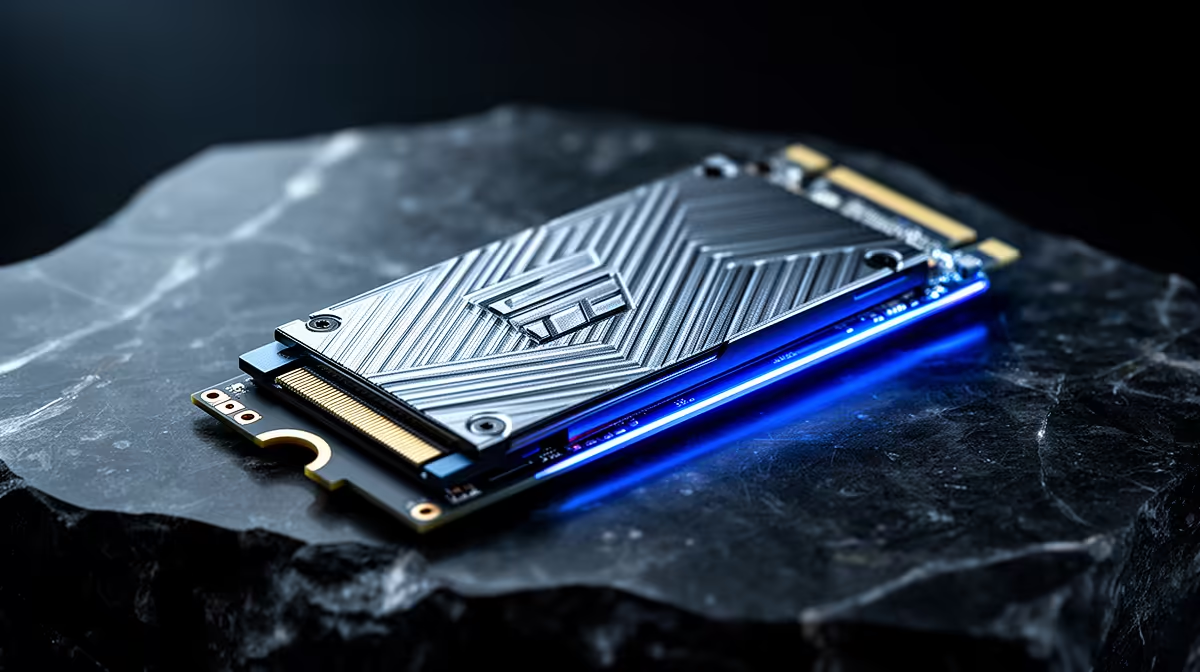
Howzit! You've seen the hype: PCIe 5.0 SSDs are here, promising mind-blowing speeds. But as a South African gamer, you're asking the real question: is it worth the extra ZAR? Will upgrading from a solid PCIe 4.0 drive actually give you more frames in Apex Legends or Warzone? Let's cut through the marketing noise and find out if the PCIe 5.0 vs 4.0 gaming debate ends with a clear winner for your rig.
The Raw Speed: What's the Difference Between PCIe 5.0 and 4.0?
On paper, the difference is massive. Think of PCIe (Peripheral Component Interconnect Express) as a highway for your data. Each new generation roughly doubles the number of lanes.
A standard PCIe 4.0 NVMe SSD can hit sequential read speeds of around 7,000 MB/s. That’s already incredibly fast, loading games and applications in a blink. PCIe 5.0, however, pushes that theoretical limit to around 14,000 MB/s. It's a staggering leap in bandwidth, promising to move massive files almost instantaneously.
This generational jump is what makes the latest blazing-fast NVMe SSDs so appealing, especially for professionals who transfer huge video files or work with complex datasets. But for gaming... the story is a bit more complicated.
Faster SSDs and Gaming: The Impact on Load Times 🚀
Here’s where you’ll see the most noticeable, albeit small, benefit in the PCIe 5.0 vs 4.0 gaming comparison. Loading screens.
When you boot up Cyberpunk 2077 or fast-travel across the map in Elden Ring, your SSD is fetching game assets—textures, models, audio—and loading them into your system's RAM and your graphics card's VRAM. A faster drive does this job quicker.
However, the difference between an elite PCIe 4.0 drive and a new PCIe 5.0 drive might only be a second or two. Why? Because modern games are optimised for the hardware most people have, and even a mid-range Gen 4 NVMe SSD is so fast that it's rarely the main bottleneck anymore.
Technologies like Microsoft's DirectStorage API are designed to change this by allowing the GPU to pull assets directly from the SSD, bypassing the CPU. While this tech holds huge promise for future games, it's not widely implemented yet. So, for now, the real-world loading time advantage of Gen 5 is minimal for most titles.
Don't Get Bottlenecked! 🔧
Before you even think about a Gen 5 SSD, check your hardware. You need a compatible motherboard (like a Z790 or X670E) and a recent CPU (like Intel 13th 14th Gen or AMD Ryzen 7000 series) to unlock its full speed. Plugging a Gen 5 drive into a Gen 4 slot will limit it to Gen 4 speeds, making the extra cost a total waste.
The Million-Rand Question: Do Faster SSDs Actually Boost FPS?
Let's get straight to the point: no, a PCIe 5.0 SSD will not directly increase your average frames per second (FPS) compared to a PCIe 4.0 SSD in 99% of gaming scenarios.
Your FPS is primarily determined by the processing power of your graphics card (GPU) and your central processing unit (CPU). The GPU renders the frames, and the CPU handles game logic, physics, and instructions. The SSD's main job is to feed these components the data they need before the rendering happens.
Once a game level or area is loaded into RAM and VRAM, the SSD's role becomes much less critical for moment-to-moment gameplay. A faster drive doesn't make your GPU render frames faster.
Could there be exceptions? ✨ Perhaps. In massive open-world games that constantly stream new assets from the drive, a faster SSD could potentially reduce micro-stutters or texture pop-in. However, extensive testing by major tech outlets has shown that even in these cases, the performance difference between a high-end Gen 4 and a Gen 5 drive is often statistically insignificant for framerates.
The Verdict: Is a PCIe 5.0 SSD Worth it for South African Gamers?
For the vast majority of gamers in South Africa right now, the answer is a clear no. The PCIe 5.0 gaming premium is substantial, and that money could deliver a far bigger performance boost if invested elsewhere.
Think about it. The price difference between a 2TB Gen 4 and a 2TB Gen 5 SSD could be enough to upgrade your RAM, get a better CPU cooler, or even jump up a tier on your graphics card—all of which will give you a tangible, measurable FPS increase.
So, who should consider the bleeding-edge Gen 5 NVMe SSDs?
- Hardcore Enthusiasts: If you're building a top-of-the-line rig with zero compromises and want to be ready for future games that leverage DirectStorage.
- Content Creators: If your workflow involves editing 8K video or moving multi-gigabyte files daily, the time saved could justify the cost.
For everyone else, a quality PCIe 4.0 SSD remains the undisputed king of value and performance for gaming. You get lightning-fast load times without breaking the bank. Your best bet is to keep an eye on Evetech's best SSD deals and grab a high-capacity Gen 4 drive. It's the smartest play for your gaming rand.
Ready to Slash Your Load Times?
Whether you're a future-proofing pro eyeing Gen 5 or a savvy gamer looking for the best value, the right SSD is waiting. Don't overspend on specs you don't need. Explore our incredible range of SSD specials and find the perfect drive to level up your rig today.