You’ve just unboxed a beast of a CPU, ready to push your frames to the limit. But as you plan your build, a critical question pops up: what about the motherboard? The jump to PCIe 5.0 promises incredible speeds for GPUs and SSDs, but it also raises concerns about heat. We grabbed our thermal camera to get to the bottom of the PCIe 5.0 vs 4.0 VRM temps debate. The results might surprise you. 🌡️
Understanding VRMs: Your PC's Unsung Heroes
Before we dive into the thermal images, let's quickly cover the basics. What exactly is a VRM, and why should you care?
A Voltage Regulator Module (VRM) is the power delivery system on your motherboard responsible for providing your CPU with clean, stable voltage. Think of it as a highly sophisticated power converter. When your CPU is under heavy load—like during an intense gaming session in Helldivers 2 or a complex video render—the VRM works overtime.
If the VRM gets too hot, it can't deliver power effectively. This leads to "throttling," where your CPU automatically slows down to prevent damage. In the worst-case scenario, overheating VRMs can cause system instability, crashes, and even shorten the lifespan of your components. This makes understanding their thermal performance crucial when choosing the right Intel and AMD based motherboards for your rig.
The PCIe 5.0 vs 4.0 Thermal Showdown
So, does the newer PCIe 5.0 standard automatically mean hotter VRMs? Not exactly. The standard itself is about data transfer speed, not direct power draw through the VRM circuit. However, the components that use PCIe 5.0—like flagship processors and next-gen graphics cards—are more power-hungry than ever.
Motherboard manufacturers know this. To handle the increased demand, they have significantly improved the power delivery and cooling on most modern PCIe 5.0 boards. Our thermal imaging revealed that while a high-end CPU draws immense power, a quality PCIe 5.0 motherboard often manages the heat better than its older PCIe 4.0 counterparts.
The key takeaway from comparing PCIe 5.0 vs 4.0 VRM temps is that board quality trumps the PCIe generation. A well-engineered board with robust cooling will always outperform a budget board, regardless of the PCIe version.
What Our Thermal Camera Revealed 🔥
Our deep dive showed that the real story isn't about the PCIe standard itself, but about the engineering that surrounds it.
It's All About the Heatsinks
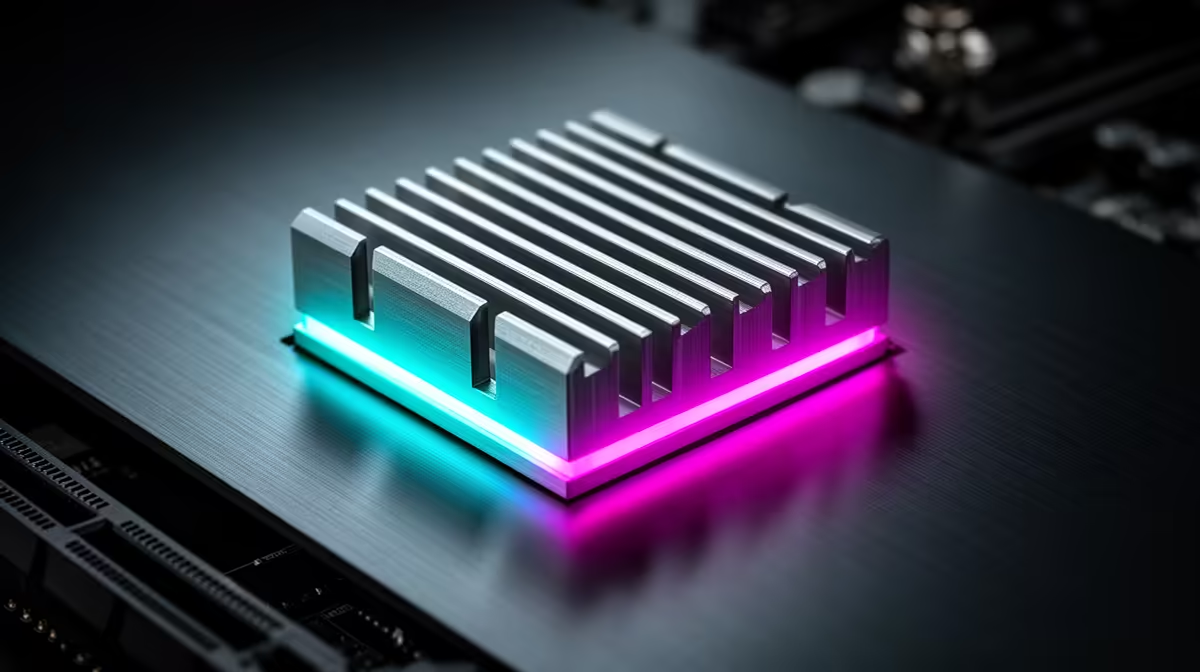
The most obvious difference on premium boards is the VRM cooling solution. High-quality motherboards feature large, chunky metal heatsinks with multiple fins covering the VRMs around the CPU socket. These are designed to dissipate heat efficiently and keep temperatures in a safe range, even under sustained load. This is especially true for the latest Intel motherboards built to handle power-hungry Core i9 processors.
Buyer's Pro Tip 🔧
Before you buy a motherboard, look up independent reviews that include VRM thermal testing. Reviewers often use thermal cameras or probes to show exactly how a board performs under stress. A board that runs 10-15°C cooler under load can provide better stability and more overclocking headroom.
Power Phase Design Matters
Beyond just the heatsinks, the number and quality of power phases in the VRM design play a huge role. More power phases mean the workload is spread out, reducing the strain and heat generated by any single component. This is why a 16+2 phase power design will almost always run cooler and more efficiently than a basic 8+1 design when powering the same CPU.
How to Choose Your Next Motherboard
So, what does this mean for your next build here in South Africa? The focus shouldn't solely be on PCIe 5.0 vs 4.0 VRM temps, but on the overall quality of the motherboard's power delivery system.
- For High-End Builds (Ryzen 9 / Core i9): Don't skimp. You need a motherboard with a robust VRM and substantial cooling. Most high-end X670E or Z790 boards are built for this and will handle the thermal load with ease.
- For Mid-Range Gaming (Ryzen 7 / Core i7): This is the sweet spot. A good quality B650 or B760 motherboard often provides the perfect balance of features, performance, and thermal headroom without the premium price tag. You'll find excellent options in our range of AMD motherboards that deliver fantastic value. ✨
- For Budget Builds: Even on a budget, look for boards with at least some form of VRM heatsink. It makes a significant difference in performance consistency.
Ultimately, a cool VRM is the foundation of a stable and powerful PC. By paying attention to the cooling and power design, you ensure your new rig runs at its peak for years to come.
Ready to Build a Cooler, Faster PC?
The motherboard is the heart of your rig. Choosing one with great thermal performance ensures you get every ounce of power you paid for. Explore our massive range of PC components and find the perfect foundation for your next build.