

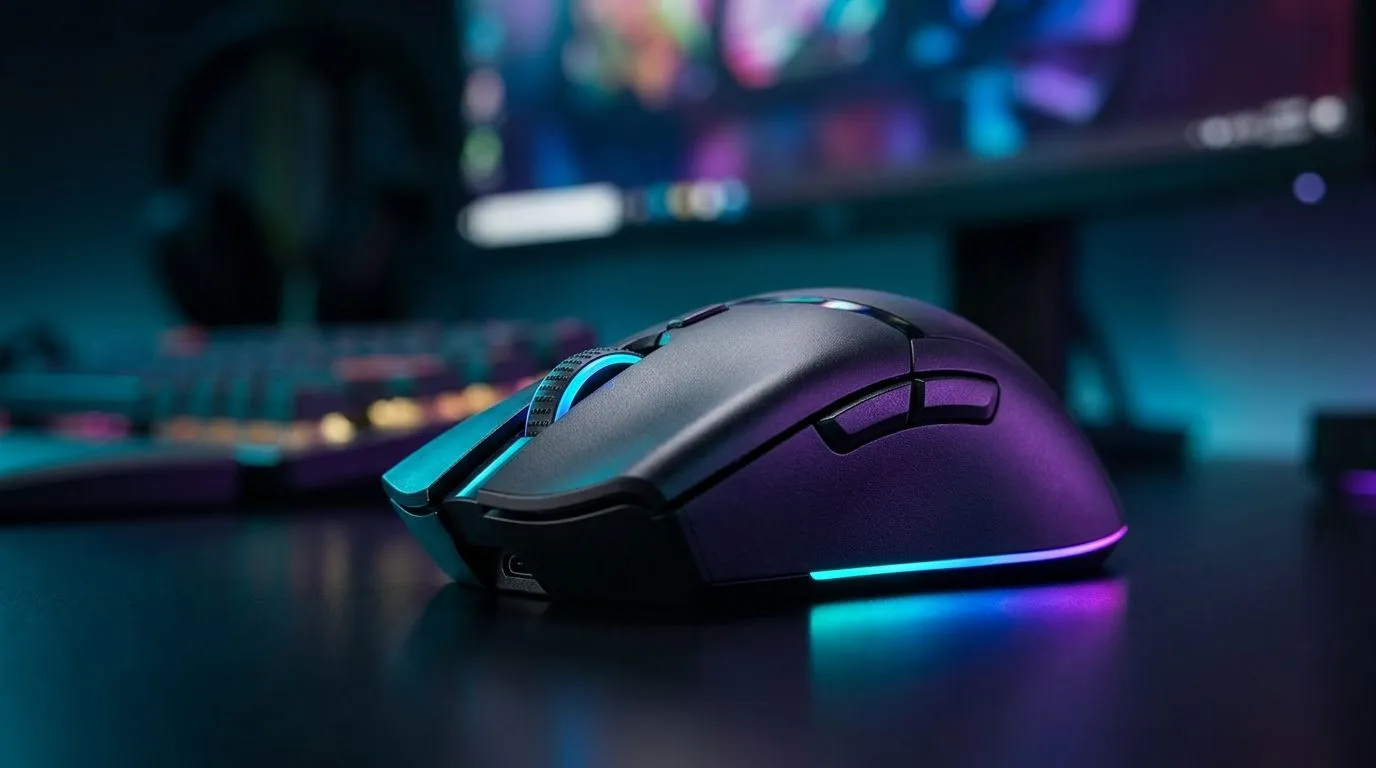
Pixart 3327 DPI Settings for FPS vs Desktop Use
If your mouse feels “fine” in Windows but sloppy in a clutch fight, you’re not imagining it. The PixArt 3327 is a popular sensor because it can feel quick, clean, and controllable when set up properly. The catch? The best DPI for FPS is not the best DPI for desktop work. That small difference can change how your aim feels, how fast you navigate, and whether your cursor lands exactly where you want it… or misses by a few pixels 🔧
Pixart 3327 DPI Settings for FPS: keep it controlled
For FPS gaming, lower DPI usually gives you more precise micro-adjustments. That matters when you’re tracking a target, clearing angles, or making a last-second flick. Most players pair a modest DPI with in-game sensitivity rather than relying on a super-high mouse setting.
A sensible starting point is often 800 DPI or 1600 DPI, then tune from there in-game. Why? Because steadier hand movement tends to feel more consistent across sessions. The exact “best” value depends on your grip style, pad size, and the game itself. Competitive players often prefer consistency over speed, especially in tactical shooters.
If you’re still shopping around for a mouse setup, Evetech’s mouse accessories can help you round out the desk setup without overspending.
Pixart 3327 DPI Settings for Desktop Use: comfort first
For desktop work, the goal changes. You want speed, less wrist strain, and easy navigation across large displays. A higher DPI can feel better for multitasking, especially if you use dual monitors or a high-resolution panel. That said, too much sensitivity can make your cursor feel jumpy.
Many users find 1200 to 2400 DPI more comfortable for office tasks, browsing, and creative work. If you jump between spreadsheets, browsers, and design tools, a slightly higher DPI can reduce hand movement and speed up daily use. The best setting is the one that feels natural after a full day, not just during a five-minute test.
If you need a new daily driver, browse Evetech’s wired mouse range for dependable plug-and-play options.
Pixart 3327 DPI Settings: how to dial it in properly
Start with a baseline
Pick one DPI for gaming and one for work. Don’t keep changing it every day. That makes muscle memory harder to build.
Match sensitivity to the task
In FPS games, lower mouse DPI plus in-game sensitivity usually gives better control. For desktop use, slightly higher DPI can make movement smoother and quicker.
Test with real tasks
Try aiming at the same target in-game, then try selecting small icons on your desktop. If you overshoot either one, adjust in small steps.
Practical DPI Tip ⚡
Start with one DPI preset for FPS and one for desktop work. Use the same mouse pad and the same posture each time you test. That way, you are tuning the mouse... not the room.
Don’t ignore polling and acceleration
DPI is only one part of the feel. Mouse acceleration settings in Windows can change how consistent your movement feels. Many gamers prefer to keep pointer behaviour predictable.
Pixart 3327 DPI Settings and buying smart in South Africa
If you’re looking for value, it helps to compare use cases before you buy. A lighter wireless option may suit a clean desk and general productivity, while a wired model can appeal to players who want zero charging anxiety during long sessions. That’s why it’s worth checking both categories before you decide.
You can compare options in Evetech’s wireless mouse collection and see whether wireless convenience fits your setup. If you’re hunting for value, the best gaming mouse deals page is a smart place to watch for specials in ZAR. For a broader look at current models, Evetech’s gaming mouse category makes it easier to compare features, sensor types, and pricing side by side.
The real win is buying for your actual habits. A budget-friendly mouse that matches your grip and sensitivity needs will usually beat a flashy one that feels wrong in your hand.
Ready to Find Your Perfect Match? The Mac vs Windows debate is complex, but for maximum power, choice, and value in South Africa, Windows is hard to beat. Explore our massive range of laptop specials and find the perfect machine to conquer your world.











