

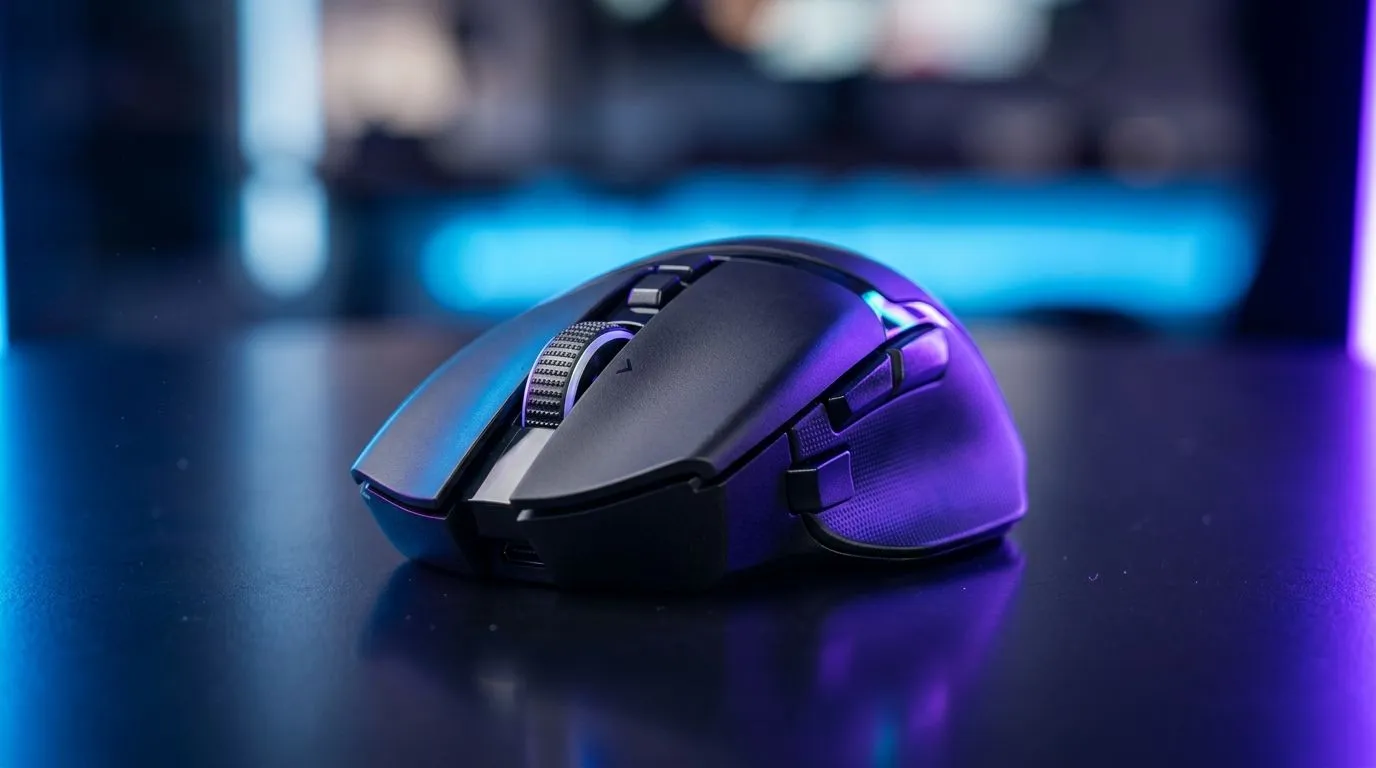
Pixart Gaming Mouse Sensors: The Complete Guide to Sensor Performance
South African gamers know the truth… flicks matter, aim matters, and tiny inconsistencies ruin your match. You can have the best switches and the prettiest RGB, but if your mouse sensor drifts, stutters, or “feels off”, your muscle memory suffers.
In this guide, we break down Pixart gaming mouse sensors in plain English. We’ll cover what actually affects sensor performance, how to choose the right spec for your playstyle, and how to buy smarter from Evetech. Then we’ll point you to the exact product categories you can shop right now. 🚀
Pixart Gaming Mouse Sensors: What the sensor actually does
Your mouse sensor tracks motion and translates it into cursor movement. That sounds simple… until you realise tracking can be affected by:
- Surface compatibility (desk mat vs bare desk)
- Polling and CPU load (how often updates are sent)
- Lift-off distance and re-docking behaviour
- Noise, smoothing, and firmware tuning
Pixart sensors are widely used in competitive mice because they tend to deliver consistent tracking when paired with the right sensor settings and a suitable surface. For a broad look at mouse options, browse Evetech’s gaming mouse selection here: gaming mice on Evetech.
Sensor specs that players should care about
Even when marketing lists numbers, you still need the meaning:
- DPI range: Higher DPI can help with rapid flick control, but it can also magnify micro-adjustments.
- IPS (inches per second): Indicates how fast the sensor can handle movement without losing tracking.
- LRA (lift-off distance): Impacts how the cursor behaves when you lift the mouse to reposition.
- Polling rate: Updates per second. Higher polling reduces input latency and can improve feel, especially in fast FPS titles.
Note: Exact values vary by model. Always check the product listing for the mouse you’re considering.
Productivity Pro Tip 🔧
Windows, use the built-in mouse settings to keep things consistent: set your mouse pointer speed to 6 11 (or your usual baseline), disable “Enhance pointer precision”, and then test in-game sensitivity with a single DPI profile. Small setting changes can look like sensor issues when you’re really dealing with software acceleration or smoothing.
Pixart Gaming Mouse Sensors: DPI vs accuracy (and why “more” isn’t always better)
Let’s address a common SA-gamer problem. You upgrade to a higher DPI sensor, then your aim feels worse.
Usually, it’s not the sensor suddenly “getting worse”. It’s because:
- Your in-game sensitivity is still tuned for the old DPI.
- Higher DPI can make small movements harder to control if your grip and desk surface aren’t consistent.
- Some people change multiple variables at once (DPI, polling, sensitivity, and mousepad).
A better approach is to test one variable at a time:
- Pick a comfortable DPI (many competitive players live in low-to-mid ranges).
- Keep Windows pointer settings stable.
- Test on your main mousepad first.
- Adjust in-game sens in small steps.
If you want to compare what’s available right now, Evetech has excellent filters for getting the right kind of mouse quickly. Start with current deals here: best gaming mouse deals from Evetech.
Pixart Gaming Mouse Sensors: Surface matters more than most people think
Ask any LAN regular… the mousepad choice can change your tracking feel as much as the sensor.
Why? Because optical tracking needs a consistent texture. On rough surfaces, it can “read” more noise. On glass or glossy desks, it may behave unpredictably.
Quick checklist before you blame the sensor:
- Use a proper mouse mat (cloth or hybrid).
- Clean the pad if it’s dusty.
- Avoid reflective surfaces.
- Test both lift-off and fast swipes.
Not sure whether you want wireless or wired for your setup? Wireless can be more convenient for office and couch play, while wired can feel more “locked-in” for competitive sessions. Here’s a helpful starting point: buy wireless mice.
And if you prefer simplicity and consistent response: buy wired mice.
Pixart Gaming Mouse Sensors: Polling rate and “feel” in real games ⚡
Polling rate affects how frequently the mouse reports movement. In competitive shooters, that can translate into a more stable feel during fast aim adjustments.
But here’s the nuance. Polling rate doesn’t fix:
- inconsistent grip pressure
- a mismatched sensor-to-pad surface
- bad in-game sensitivity settings
- motion blur or stale drivers
What it can help with is the “smoothness” and consistency of updates during micro-corrections.
So when you shop, treat polling as part of a system. The best sensor in the world can’t compensate for a worn pad or incorrect settings.
Pixart Gaming Mouse Sensors: Maintenance that keeps performance stable ✨
Mouse sensors are sensitive to environment, so a little maintenance goes a long way:
- Wipe the sensor window gently if the mouse gets dusty.
- Keep the skates clean and replace them if they wear thin.
- Use the same mousepad for aim practice.
- Avoid dragging the mouse on rough, gritty surfaces.
If you want to improve control, accessories matter too. Consider compatible gear like skates, pads, or other extras here: mouse accessories at Evetech.
Pixart Gaming Mouse Sensors: How to choose the right sensor performance for you
Not everyone needs the same sensor tuning. Choose based on your game and habits:
- Fast FPS (Apex, Valorant-style aim, CS2-style micro): prioritise consistency, controlled tracking, and stable feel.
- MOBA/MMO: focus on comfort, weight balance, and reliable tracking on your desk mat.
- Long sessions: battery life (wireless) or cable management (wired) can matter as much as the sensor.
When you’re buying, look for product listings that clearly state sensor performance specs and supported settings. Evetech’s categories make it easier to narrow down without getting lost in noise.
Ready to Find Your Perfect Match? The Mac vs Windows debate is complex, but for maximum power, choice, and value in South Africa, Windows is hard to beat. Explore our massive range of laptop specials and find the perfect machine to conquer your world.











