

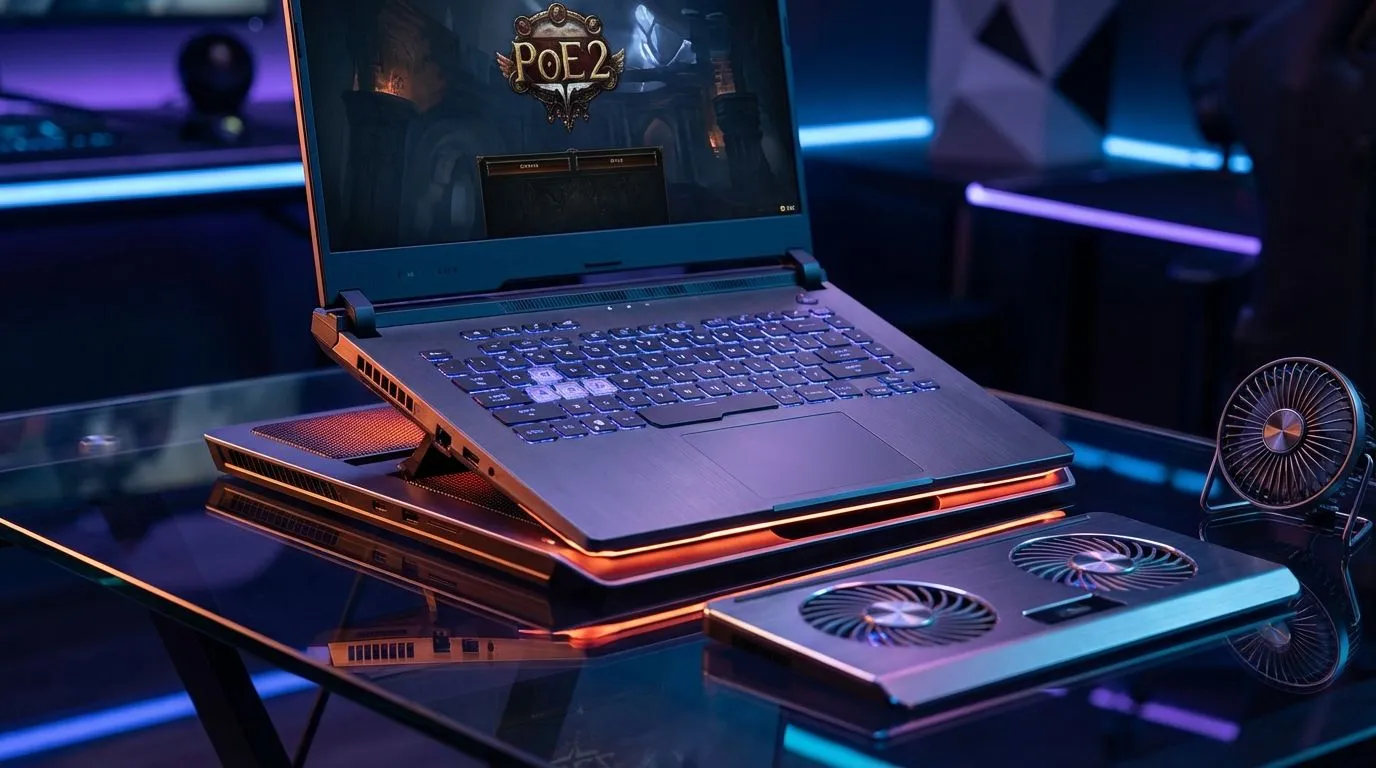
Keep Your Cool While Grinding Wraeclast
Path of Exile 2 is a visual marvel, but it is also a certified laptop heater. If your fans are screaming louder than a Karoo thunderstorm, it is time to intervene. Overheating does not just hurt performance... it kills hardware. Whether you are pushing for endgame or just starting Act 1, these PoE 2 laptop overheating fixes will keep your frame rates stable and your lap cool.
Optimising In-Game Settings for Lower Temps
The PoE 2 engine is sophisticated and demanding. Global Illumination and shadows are the biggest heat culprits in the graphics menu. Dropping these settings to "Medium" can shave off several degrees without ruining the dark aesthetic. If you are running on geforce-rtx-gaming-laptops-on-special, ensure you leverage DLSS or FSR. These upscaling technologies reduce the native rendering load on your GPU, significantly lowering power draw and heat output. 🔧
Performance Pro Tip ⚡
Cap your frame rate to match your monitor's refresh rate or even slightly lower, like 60 FPS. Letting your GPU run uncapped in Path of Exile 2 forces it to work at 100% capacity constantly, which is the fastest way to trigger thermal throttling and stuttering during intense boss fights.
Hardware Maintenance and Airflow Essentials
Dust is the silent enemy of performance in South Africa. A quick blast of compressed air into your vents can work wonders for your internal temperatures. Always play on a hard, flat surface to ensure the intake vents are not blocked. If your current machine is struggling to breathe, the latest intel-laptops-on-special feature redesigned thermal modules for better heat dissipation. Alternatively, the ryzen-laptop-deals offer incredible power efficiency, meaning less waste heat is generated during those twelve-hour grinding sessions. 🚀
Managing Power Profiles and Background Apps
Windows "Best Performance" mode often pushes CPU voltage higher than necessary. Switching to a "Balanced" power plan can reduce spikes in temperature. For gamers looking to buy-gaming-laptops-under-r20k, being mindful of background tasks is vital. Close Chrome tabs and unnecessary apps to free up thermal headroom for the game. If your rig still feels like a braai stand, browsing the best-gaming-laptop-deals might be the most logical step to ensure a smooth, cool experience in the latest ARPGs. ✨
Ready to Find Your Perfect Match? Overheating can ruin the best gaming moments, but the right hardware makes all the difference for PoE 2. Explore our massive range of laptop specials and find the perfect machine to conquer your world.





