

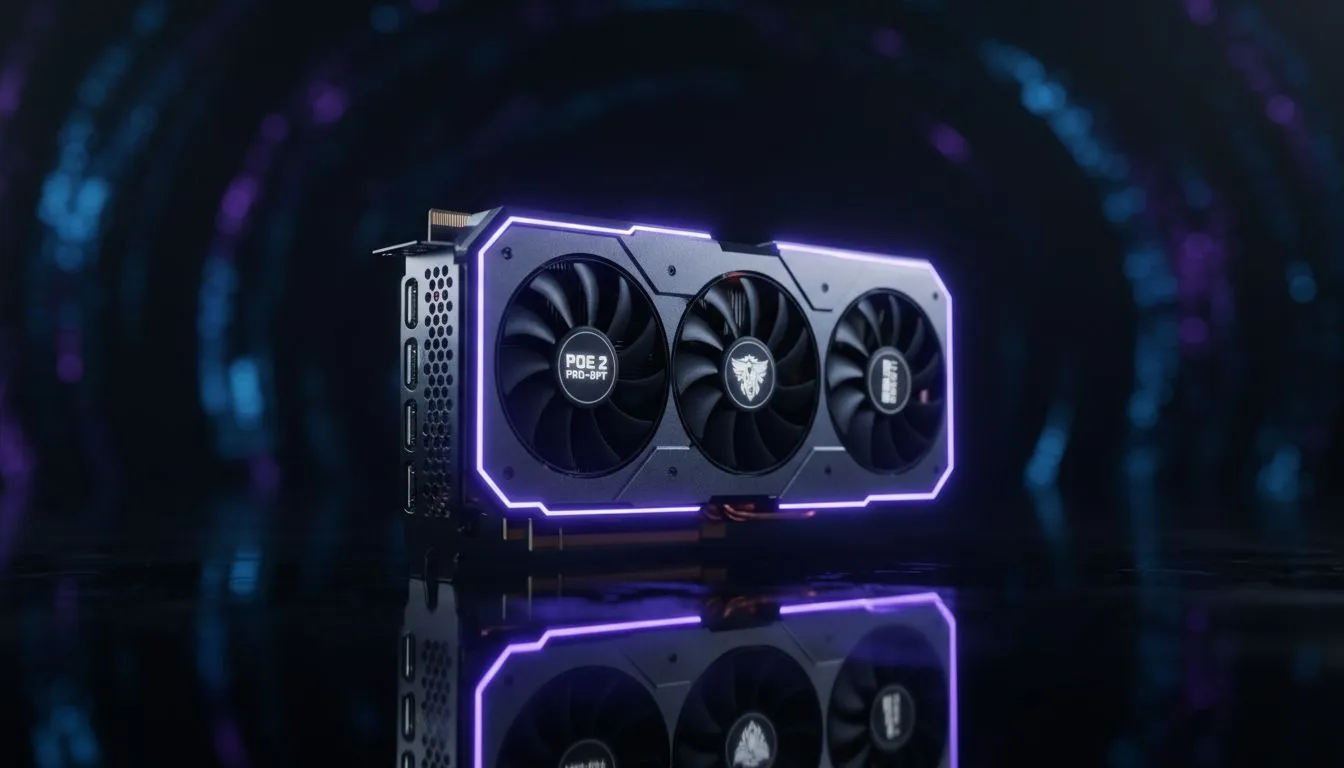
Master Your Frames: PoE 2 Low-End PC Optimization
Path of Exile 2 is finally here, but for many South African exiles, the dream of smooth mapping is being cut short by stuttering. You do not need a R50,000 rig to push deep into the endgame. With a few smart tweaks, you can keep your frame rates stable even when the screen is filled with monsters and loot 🔧.
Essential Graphics Settings for Performance
The first step in any PoE 2 low-end PC optimization guide is tackling the settings menu. Grinding Gear Games has pushed the engine further than ever... which means older hardware can struggle with Global Illumination and Shadows. Start by setting your Global Illumination to "Medium" or "Low". This single change can drastically reduce the load on your GPU during intense combat.
If you find your frame rate dipping during boss fights, consider looking at a wide selection of NVIDIA and ATI graphics cards to see if a modern entry-level card fits your budget. Even a modest upgrade can provide better driver support for the latest Vulkan and DirectX 12 features that PoE 2 relies on.
Dynamic Resolution ⚡
Navigate to your graphics settings and enable Dynamic Resolution. Set your "Target Frame Rate" to your monitor's refresh rate (usually 60 or 144). When the action gets too heavy, the game will automatically lower the internal resolution to keep your gameplay fluid. It's a lifesaver for surviving juiced maps without a total system freeze.
Hardware Choices for the Budget Exile
Sometimes, software tweaks can only go so far. If you are still rocking a card from several generations ago, it might be time for a hardware refresh. For those who value cooling and reliability, premium MSI graphics cards offer excellent thermal management... which is vital during those long South African summer gaming sessions.
If you are looking for incredible value, the budget-friendly Intel Arc graphics cards have seen massive driver improvements. They handle modern APIs like DX12 exceptionally well, making them a sleeper hit for PoE 2 players on a budget. Alternatively, many players find that the latest AMD Radeon graphics cards provide the best raw performance per Rand in the current market 🚀.
Balancing Work and Play
We often see users trying to play demanding titles on hardware meant for the office. While professional workstation graphics cards are monsters at rendering and CAD, they aren't always optimised for the rapid-fire particle effects of an ARPG. If you are using a work machine, ensure your drivers are set to "Performance Mode" in the control panel to squeeze out every bit of power for your smooth FPS in juiced maps.
Remember to keep your PC clean from dust and ensure your thermal paste is fresh. In our local climate, heat is the number one killer of performance. A cool PC is a fast PC ✨.
Ready to Crush the Endgame? Don't let low frame rates hold back your build. Whether you need a budget-friendly upgrade or a high-end monster, we have the gear to get you there. Explore our latest GPU deals and upgrade your rig today to experience PoE 2 the way it was meant to be played.











