

The Competitive Edge of Custom Inputs
Landing in Fragment East or dropping into a hot zone in Warzone requires more than just luck. In South Africa, where every millisecond counts against local latency, your hardware needs to work for you. Learning how to program mouse buttons for faster reactions in Battle Royales can be the difference between a win and a trip back to the lobby. It is about efficiency and muscle memory... ensuring your most vital actions are always within reach.
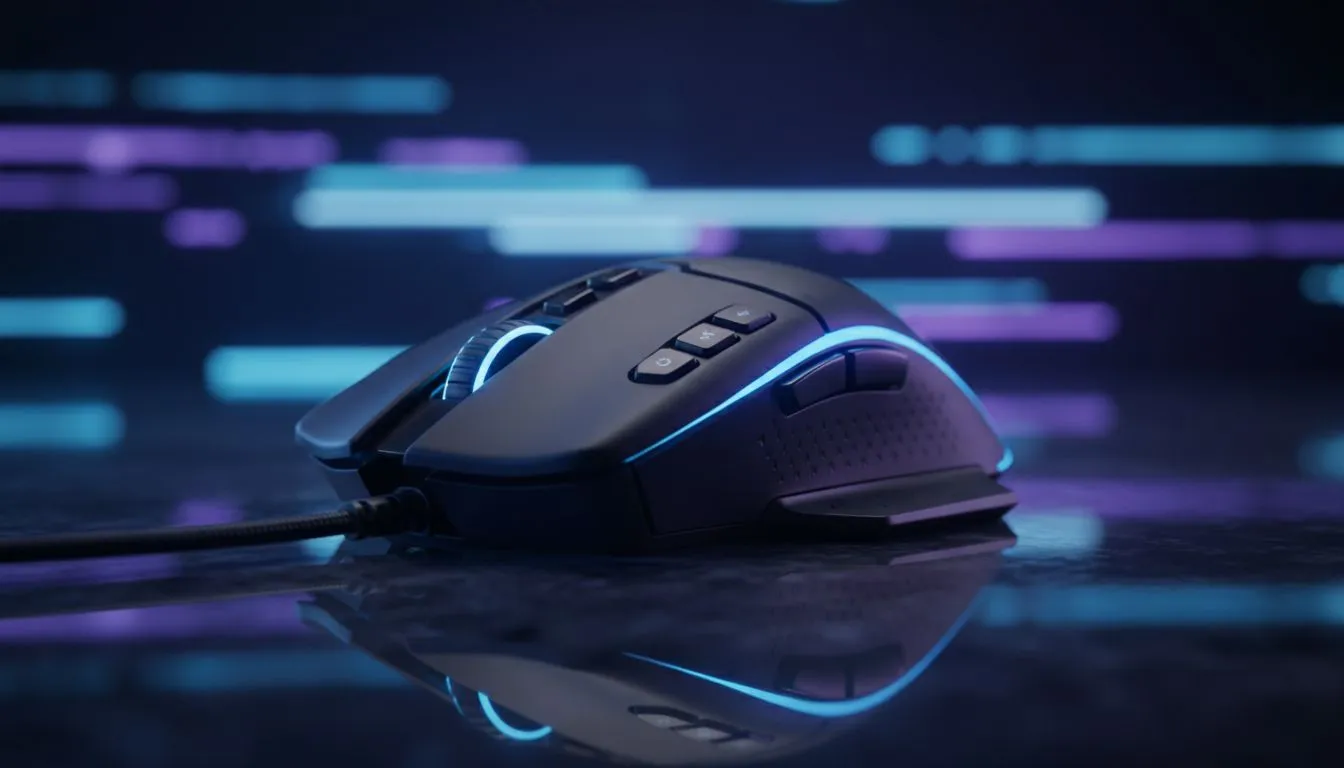
When you look at a high-end gaming mouse, those extra buttons are not just for show. Moving your fingers off the WASD keys to hit 'G' for a grenade or '4' for a shield cell takes time. By mapping these to your side buttons, you keep your movement fluid. This allows you to strafe and jump while simultaneously prepping a tactical ability ⚡.
Optimise Your Layout for Speed
Not all sensors or button layouts are created equal. If you are looking for a competitive edge without breaking the bank, checking out the best gaming mouse deals can help you find a sensor that tracks every twitch. Most modern software allows you to create profiles specifically for different titles. This means your Apex Legends layout won't mess with your Fortnite building binds.
Battle Royale Pro Tip ⚡
Map your 'Interact' or 'Loot' key to the scroll wheel tilt or a side button. This allows you to spam pickups while still strafing to avoid sniper fire. It is a small change that drastically speeds up your early-game looting phase during those chaotic hot drops.
Wired vs Wireless Performance in SA
The debate between choosing a wireless mouse and a traditional wired mouse has shifted lately. Modern wireless technology is now as fast as its tethered counterparts... sometimes even faster. For many local pros, the lack of cable drag is worth the investment. It allows for those massive "flick shots" across the mousepad without the cord snagging on your monitor stand 🔧.
To truly refine your setup, do not overlook your mouse accessories. A clean, high-quality surface ensures that your programmed macros and quick-flicks register perfectly every time. Whether you prefer a control pad or a speed surface, the goal is consistency. 🚀
Master Your Macro Logic
When you program mouse buttons for faster reactions in Battle Royales, focus on "Panic Buttons" first. These are the inputs you need when your health is low or you are being pushed by a full squad. Mapping your "Crouch" to a side button can also make "crouch-strafing" much easier to execute during a 1v1 duel. In the South African gaming scene, where competition is fierce, these small optimisations lead to more Victory Royales.
Ready to Find Your Perfect Match? Mastering your inputs is the first step to dominating the leaderboard. For the best tech, local support, and incredible value in South Africa, we have you covered. Explore our massive range of gaming mice and find the perfect tool to sharpen your reactions today.











