

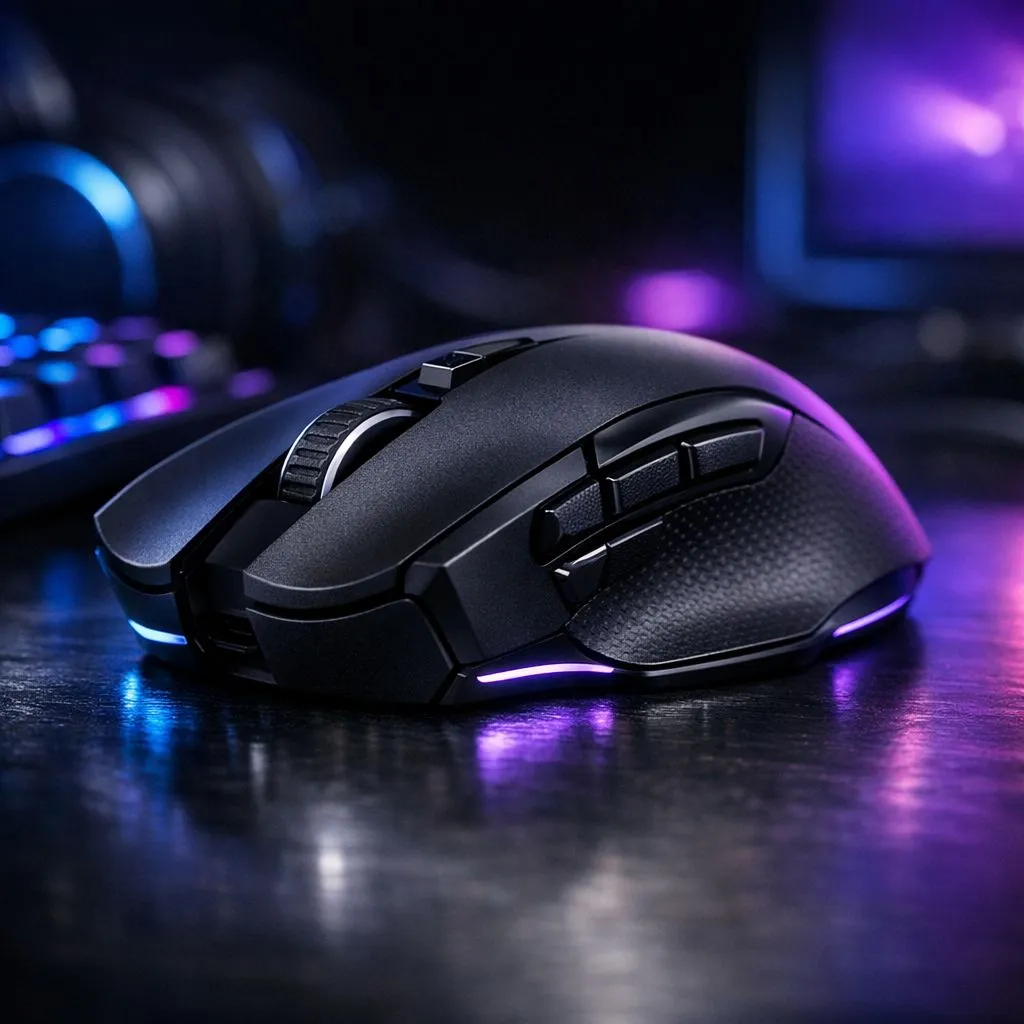
Program side buttons: start saving minutes every day 🔧
South African gamers and remote workers — want smarter shortcuts without learning new software? Program Side Buttons on Gaming Mouse for Productivity can shave seconds off every task and add up to real hours saved. Whether you're editing video or juggling tabs, a few well-mapped side buttons make your workflow feel premium and fast. Check the range of gaming mice components to find the right fit. https://www.evetech.co.za/components/gaming-mouse-117.aspx
Program side buttons: quick wins for common tasks ⚡
Map side buttons to actions you perform most: copy/paste, tab switching, push-to-talk, or a screenshot macro. Keep mappings simple at first — two buttons, two functions. If you use Windows, link one to Task View and another to virtual desktop switching... you’ll feel the difference within a session.
For great bargains when you’re ready to upgrade, browse Evetech’s curated best gaming mouse deals. https://www.evetech.co.za/best-gaming-mouse-deals/x/054.aspx
Small setup checklist
- Install the manufacturer’s driver or software; most allow per‑app profiles.
- Pick a polling rate and DPI that match your desktop tasks, not just gaming.
- Save profiles to the mouse (if supported) so settings travel with the device.
Program side buttons: workflow templates and micro‑stories 🚀
For creative workflows: I mapped two side buttons to cycle brushes and undo in my compositor — saved minutes per edit and kept me in flow. For streamers: map mute and scene-switch to side buttons to avoid hunting for controls during live drops. These are practical, repeatable wins.
If you prefer wireless freedom, check the selection of wireless mice built for reliable latency and battery life. https://www.evetech.co.za/buy-wireless-mouse/x/1597.aspx
Program side buttons: pick the right hardware and accessories ✨
Wired mice often give tighter input for fast switching; if you like that feel, start with a wired model. https://www.evetech.co.za/buy-wired-mouse/x/1596.aspx
Also consider spare side‑button covers, grips, or dongles so your setup lasts. Evetech’s mouse accessories section has practical add-ons that keep custom setups working. https://www.evetech.co.za/buy-mouse-accessories/x/1595.aspx
Productivity Pro Tip ⚡
On Windows, use the PowerToys FancyZones utility to create custom snap layouts for your windows. It's a lifesaver for managing multiple apps on an ultrawide monitor, letting you organise your timeline, preview window, and asset folders perfectly for video editing.
Program side buttons: final setup tips and etiquette
- Name your profiles clearly: “Editing”, “Browsing”, “Streaming”.
- Keep one universal button as an emergency undo or hotkey reset.
- Share your profile files with teammates; consistency reduces mistakes.
Small changes compound. Program side buttons on your gaming mouse for productivity and you’ll wonder why you waited. Ready to test mappings? Start with two functions, measure time saved, then expand.
Ready to Find Your Perfect Match? The Mac vs Windows debate is complex, but for maximum power, choice, and value in South Africa, Windows is hard to beat. Explore our massive range of laptop specials and find the perfect machine to conquer your world.











