

RTX 5050 Avowed FPS: Performance Benchmark & Best Settings
RTX 5050 Avowed FPS: Performance Benchmark. Real-world benchmark data, FPS numbers & performance analysis. What SA gamers can actually expect.
Read morePUBG laptop settings: Learn how to tune system and in-game options to balance max FPS and battery life. Step-by-step power plan, GPU and graphics tips for longer, smoother play 🔧⚡
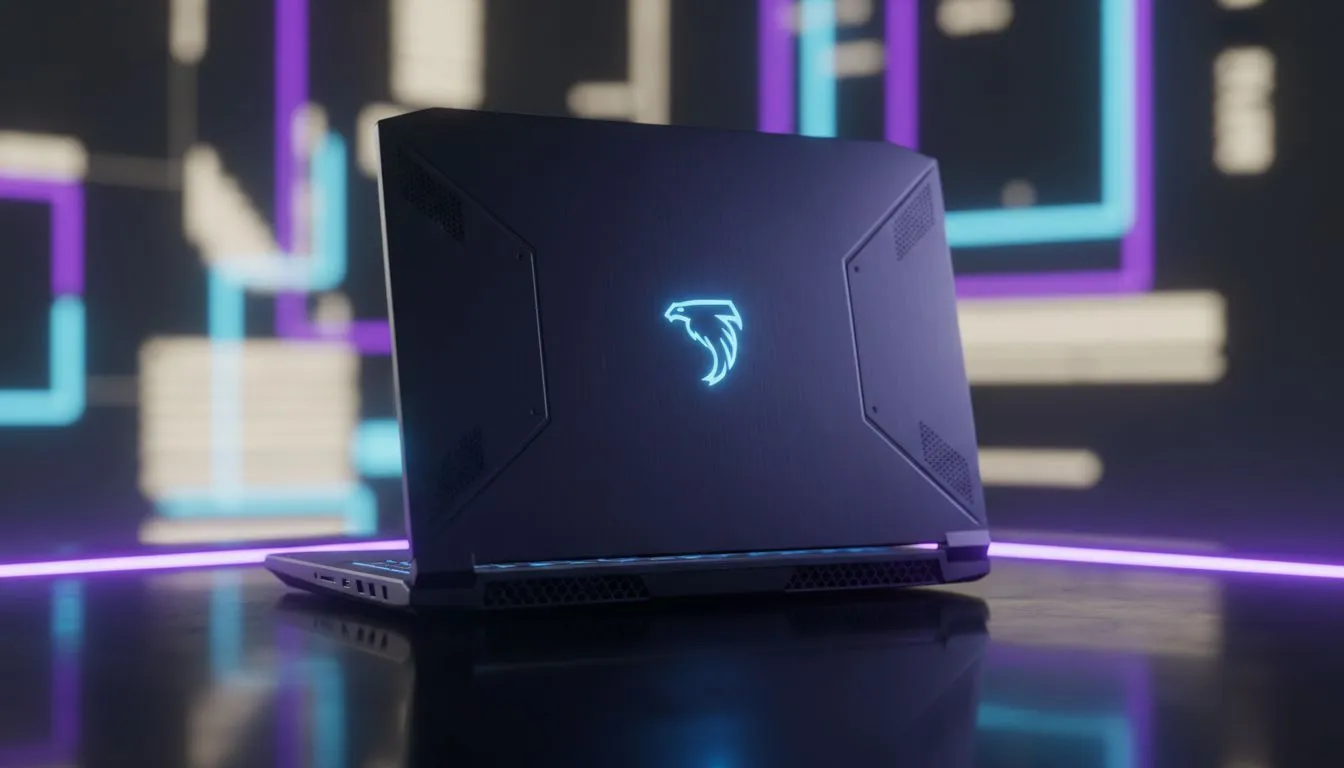
Whether you are dropping into Erangel while waiting for the next round of loadshedding or grinding ranks at your local coffee shop, getting your PUBG laptop settings right is vital. Balancing high frame rates against power consumption is the ultimate survival skill for any South African gamer on the move. You need to decide if you want to see every blade of grass or keep your machine running long enough to see the final circle. 🔧
If you are plugged into a wall socket, performance is king. To achieve a competitive edge, you should aim for the highest frame rate your screen can handle. Most competitive players prefer "Very Low" settings for everything except View Distance and Textures. This setup reduces visual clutter... making it much easier to spot an enemy hiding in the shadows of Pochinki.
For those looking to push those frames even higher, upgrading to the latest geforce-rtx-gaming-laptops-on-special provides access to DLSS technology. This feature uses AI to upscale your resolution, giving you a massive boost in fluidity without sacrificing too much visual clarity.
Playing PUBG on battery power is a different beast entirely. Your laptop will naturally throttle the GPU and CPU to save energy... often resulting in stuttering. To counter this, you should cap your frame rate to 30 or 60 FPS in the in-game settings. Lowering your screen brightness and turning off RGB lighting can also squeeze out a few extra minutes of playtime.
If you prioritise efficiency, looking at the latest intel-laptops-on-special can reveal some incredibly power-efficient architectures. These processors manage background tasks better... ensuring your battery life goes toward the game rather than Windows updates. ⚡
If you have an RTX GPU, ensure NVIDIA Reflex is set to 'On + Boost'. This reduces system latency significantly, making your mouse clicks feel more responsive. It is a must-have for those intense sniper duels where every millisecond counts toward that Chicken Dinner.
Not every gamer needs a flagship machine to enjoy a smooth experience. There are plenty of ryzen-laptop-deals that offer a fantastic balance of multi-core performance and thermal efficiency. These machines stay cooler under pressure, which is essential during our hot South African summers.
If you are just starting your journey into PC gaming, you might be surprised by what you can find in the buy-gaming-laptops-under-r20k category. These entry-level powerhouses are more than capable of running PUBG at stable frame rates if you use the right optimisations.
For those who want the absolute peak of mobile performance, keeping an eye on our best-gaming-laptop-deals ensures you get the most hardware for your Rand. Whether you choose to max out your FPS or stretch your battery to the limit, the right hardware makes all the difference. ✨
Ready to Find Your Perfect Match? The Max FPS vs Battery Life debate is complex, but for maximum power, choice, and value in South Africa, Evetech is hard to beat. Explore our massive range of laptop specials and find the perfect machine to conquer your world.
Lower render scale, reduce shadows and post processing, use high performance power plan and update GPU drivers to improve PUBG fps laptop settings.
Lower screen brightness, cap FPS, switch to balanced power plan when needed, and lower texture/detail levels to reduce battery drain PUBG.
Yes. Capping FPS reduces GPU load and heat, saving battery and keeping frame times stable for better performance vs battery laptop gaming.
Limiting GPU power via vendor tools can cut consumption and temps, helping battery life; try mild GPU power limit PUBG to test results.
Use High Performance for max FPS or Balanced with custom GPU limits to extend runtime; adjusting the laptop power plan gaming profile helps tune results.
Lower anti-aliasing, ambient occlusion, and post processing first; these in-game settings PUBG laptop often save battery with minimal visual loss.
Yes. Updated GPU drivers can optimize power scaling and performance. Keep drivers current to optimize laptop for PUBG and battery efficiency.
RTX 5050 Avowed FPS: Performance Benchmark. Real-world benchmark data, FPS numbers & performance analysis. What SA gamers can actually expect.
Read more
RTX 5050 Fable at 1440p: FPS Benchmark & Optimal. Real-world benchmark data, FPS numbers & performance analysis. What SA gamers can actually expect.
Read more
RX 7600 Black Myth Wukong 2 at 1080p: FPS. Real-world benchmark data, FPS numbers & performance analysis. What SA gamers can actually expect.
Read more
Head-to-head comparison of RTX 5060 vs RX 9070: Ray Tracing Performance for SA gamers. Performance benchmarks, Rand pricing & which delivers better value.
Read more
Head-to-head comparison of RX 7800 XT Mining vs Gaming: Does It Affect for SA gamers. Performance benchmarks, Rand pricing & which delivers better value.
Read more
RTX 4060 Ti Hogwarts Legacy FPS: Performance. Real-world benchmark data, FPS numbers & performance analysis. What SA gamers can actually expect.
Read more
When Will the RTX 6090 Launch in South Africa Detailed answer with SA data, expert analysis & practical recommendations for local buyers.

Top Valorant Settings for RTX 5070: FPS Optimisation picks evaluated on performance, value & SA availability with current Rand pricing from Evetech.

RDNA 3.5 Graphics in Ryzen AI 400? Can You Game. Plain-English explanation of what it means, why it matters & how it affects your buying decisions in SA.

GPU Price Index : December Report. Current stock data & price tracking for SA buyers. See what is available and where prices are heading.

Core i5-14600K + B760 + RTX 5060 Build Under. Full parts list, Rand pricing & expected performance. Build confidently with SA-available components.

RX 7600 Apex Legends at 4K: FPS Benchmark. Real-world benchmark data, FPS numbers & performance analysis. What SA gamers can actually expect.

RX 7900 XTX GTA 6 at 4K: FPS Benchmark & Optimal. Real-world benchmark data, FPS numbers & performance analysis. What SA gamers can actually expect.

Head-to-head comparison of RTX 5070 vs RX 9070 XT: Gaming Performance for SA gamers. Performance benchmarks, Rand pricing & which delivers better value.

Top Laptop with Ryzen 5 + RTX 4090 Laptop: Picks picks evaluated on performance, value & SA availability with current Rand pricing from Evetech.

Top Budget GPU for Marvel Rivals picks evaluated on performance, value & SA availability with current Rand pricing from Evetech.

Valorant Settings on RTX 5070: Performance. Real-world benchmark data, FPS numbers & performance analysis. What SA gamers can actually expect.

Top Budget GPU for Assassins Creed Shadows picks evaluated on performance, value & SA availability with current Rand pricing from Evetech.