

RTX 5060 Ti vs RX 9070: Gaming Performance Compared in South Africa 2026
Head-to-head comparison of RTX 5060 Ti vs RX 9070: Gaming Performance for SA gamers. Performance benchmarks, Rand pricing & which delivers better value.
Read moreR6 Siege Pro Settings guide 2026: master visibility fixes, optimal aspect ratios, FOV and HUD tweaks to spot targets faster and keep FPS high. 🎯🖥️
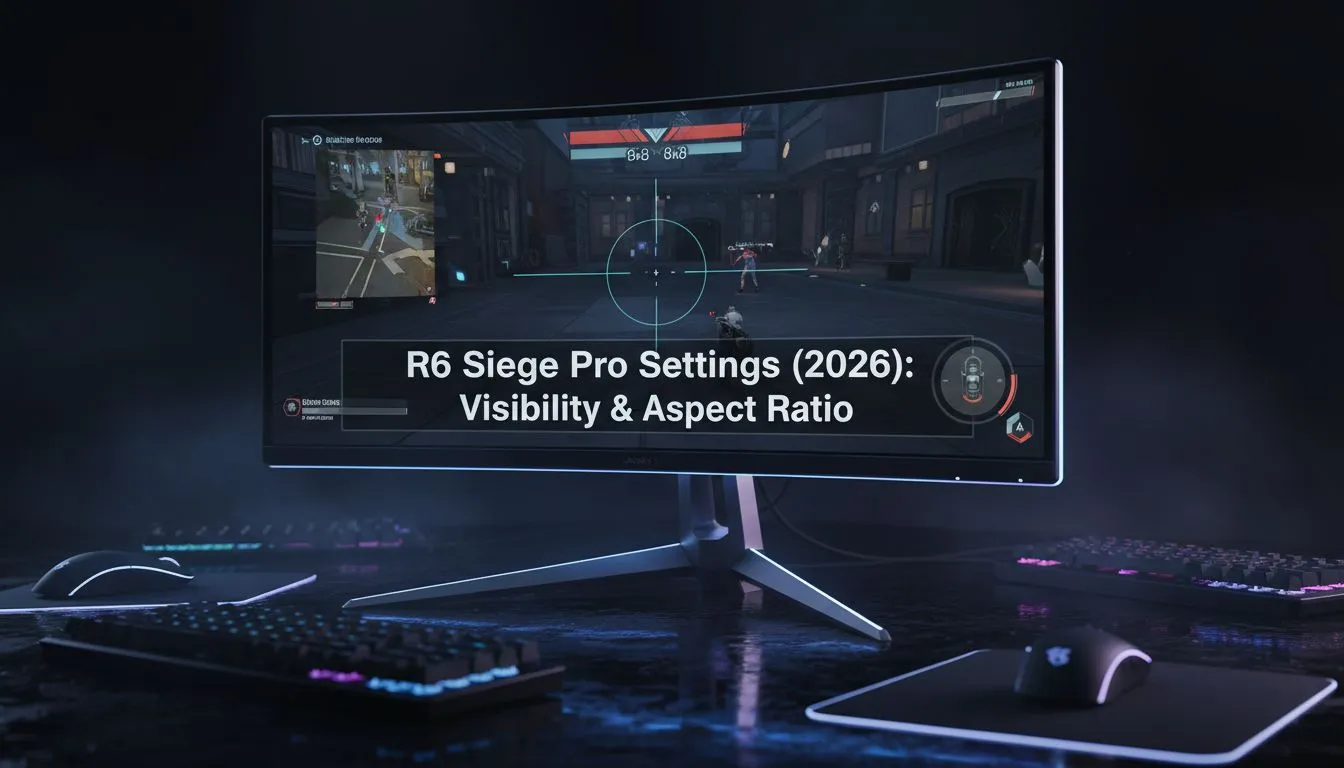
In the high stakes world of Rainbow Six Siege, your eyes are your greatest weapon. If you are still running default visuals in 2026, you are likely missing pixel-thin peeks that pros exploit every single round. Finding the right R6 Siege Pro Settings: Visibility & Aspect Ratio (2026) is not just about making the game look pretty... it is about gaining a competitive edge that secures the win. ⚡
Most professional players have moved away from the standard 16:9 format. By choosing a 4:3 or 3:2 aspect ratio, you effectively "stretch" the character models on your screen. This makes heads larger and easier to click, which is vital when holding a tight angle in a basement site. Finding the best pc monitor deals in South Africa is the first step toward finding a panel that handles these non-native resolutions without introducing unwanted blur.
While 4:3 provides the widest targets, it does come with a trade-off in peripheral vision. You might feel like you have blinkers on... but for most, the trade is worth it. If you are currently browsing the full range of pc monitors at Evetech, look for displays with robust scaling options to ensure your stretched image remains crisp.
Visibility in Siege has always been a point of contention. In 2026, the lighting engine has seen several updates that make "Rat Spots" even harder to clear. To counter this, pros often crank their brightness to around 60 or 65 and keep shadows on Medium. Why Medium? Because Low shadows remove player-cast shadows entirely... and seeing a shadow around a corner can give you the intel you need for a pre-fire.
When looking at all gaming monitors available today, focus on the Black Equalizer or Shadow Boost features. These hardware-level tweaks allow you to see into dark corners without washing out the rest of the map's colours. 🚀
Always set your Texture Filtering to Anisotropic 16x. It has a negligible impact on your frame rate but ensures that textures at a distance remain sharp. This prevents "shimmering" on long hallways like the one on Bank, allowing you to spot a crouching defender's head much faster than with lower settings.
Your choice of display dictates how well these R6 Siege Pro Settings: Visibility & Aspect Ratio (2026) actually perform. While some players prefer flat panels for consistent geometry, you can buy curved monitors if you enjoy more immersion during your casual sessions. However, for the purest competitive experience, a high-refresh flat panel remains the gold standard.
For those who travel to local South African LAN events or tournaments, you might buy portable monitors to keep your practice consistent while away from your main rig. Just ensure the response time is low enough to handle Siege's frantic pace. While competitive players usually stick to 1080p for maximum frames, those who want crisp detail for other titles can buy 5k 4k monitors to enjoy the best of both worlds.
Finally, do not forget to buy monitor accessories like adjustable desk mounts. Getting your screen to the perfect eye level is essential for maintaining focus during those long overtime matches where posture can be the difference between a clutch and a throw. ✨
Ready to Dominate the Server? The right settings only take you so far... you need the hardware to back it up. For the best refresh rates and clearest visuals in South Africa, our monitor selection is second to none. Explore our massive range of gaming monitors and find the perfect display to climb the ranks.
Use high contrast, reduce bloom, 90–110 FOV, HUD scale 85–95, balanced texture/detail and a colour profile that highlights enemies for better visibility.
Many pros pick 16:10 or widescreen for more horizontal view; some use 4:3 stretched to enlarge targets but trade peripheral vision.
Yes. Aspect ratio changes pixel load and FOV; widescreen improves situational awareness while 4:3 can feel aim-enhancing on some systems.
Try 90–110 FOV with DPI/sensitivity tuned to a consistent eDPI (400–800 range) and adjust ADS multipliers to match muscle memory.
Use custom matches and aim trainers to compare 16:10, 16:9 and 4:3, record clips and check target clarity, sightlines and FPS stability.
Yes. Lower HUD scale, turn off motion blur, keep shadows and effects moderate, and prioritize clarity over ultra visuals for visibility.
Enable low input lag mode, use a 120Hz+ refresh rate, calibrate brightness/contrast and set a sharp colour profile for enemy contrast.
Head-to-head comparison of RTX 5060 Ti vs RX 9070: Gaming Performance for SA gamers. Performance benchmarks, Rand pricing & which delivers better value.
Read more
RTX 5090 Star Wars Outlaws at 1440p: FPS. Real-world benchmark data, FPS numbers & performance analysis. What SA gamers can actually expect.
Read more
RTX 5060 Star Wars Outlaws at 4K: FPS Benchmark. Real-world benchmark data, FPS numbers & performance analysis. What SA gamers can actually expect.
Read more
Head-to-head comparison of RTX 5060 vs RX 7700 XT: Price-to-Performance for SA gamers. Performance benchmarks, Rand pricing & which delivers better value.
Read more
RTX 3060 Red Dead Redemption 2 FPS: Performance. Real-world benchmark data, FPS numbers & performance analysis. What SA gamers can actually expect.
Read more
Head-to-head comparison of RTX 5060 Benchmarks vs Real Gaming Performance for SA gamers. Performance benchmarks, Rand pricing & which delivers better value.
Read more
When Will the RTX 6090 Launch in South Africa Detailed answer with SA data, expert analysis & practical recommendations for local buyers.

Top Valorant Settings for RTX 5070: FPS Optimisation picks evaluated on performance, value & SA availability with current Rand pricing from Evetech.

RDNA 3.5 Graphics in Ryzen AI 400? Can You Game. Plain-English explanation of what it means, why it matters & how it affects your buying decisions in SA.

GPU Price Index : December Report. Current stock data & price tracking for SA buyers. See what is available and where prices are heading.

Core i5-14600K + B760 + RTX 5060 Build Under. Full parts list, Rand pricing & expected performance. Build confidently with SA-available components.

RX 7600 Apex Legends at 4K: FPS Benchmark. Real-world benchmark data, FPS numbers & performance analysis. What SA gamers can actually expect.

RX 7900 XTX GTA 6 at 4K: FPS Benchmark & Optimal. Real-world benchmark data, FPS numbers & performance analysis. What SA gamers can actually expect.

Head-to-head comparison of RTX 5070 vs RX 9070 XT: Gaming Performance for SA gamers. Performance benchmarks, Rand pricing & which delivers better value.

GPU Setup Guide Gamers. Clear setup instructions with SA-specific considerations, troubleshooting tips & recommended components.

Top RTX 5090 Under R12000 picks evaluated on performance, value & SA availability with current Rand pricing from Evetech.

Call of Duty Warzone 2 Settings on RX 7600. Real-world benchmark data, FPS numbers & performance analysis. What SA gamers can actually expect.

GTA 6 Settings on RTX 5070 Ti: Performance. Real-world benchmark data, FPS numbers & performance analysis. What SA gamers can actually expect.