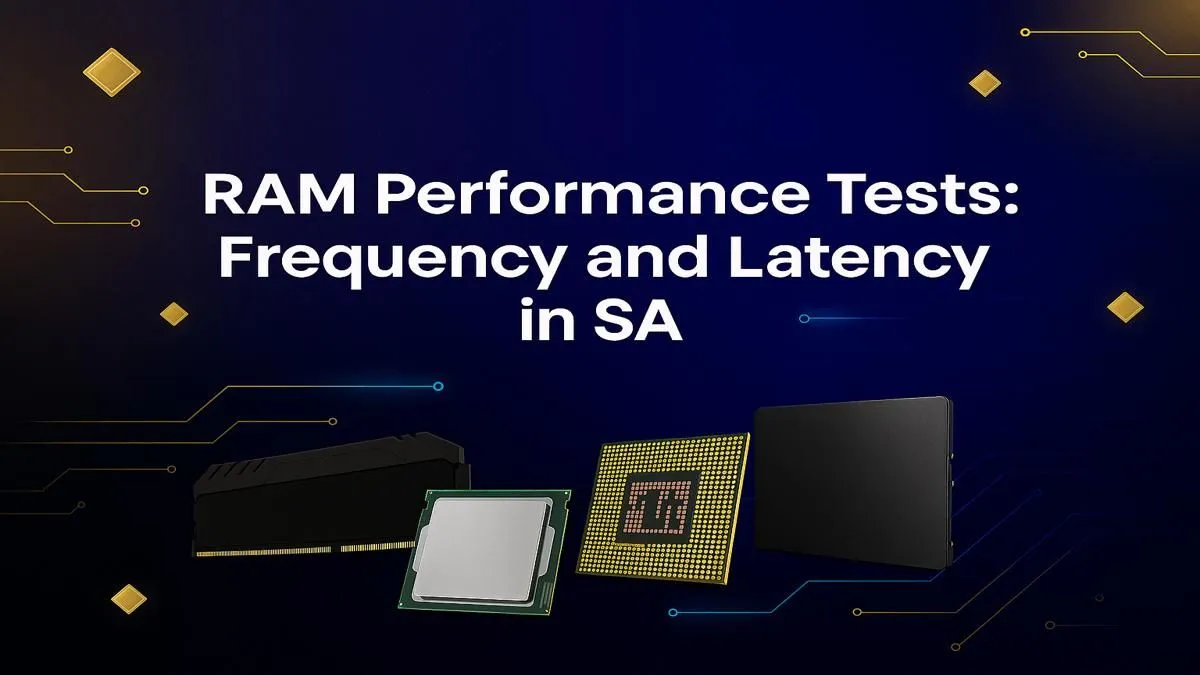
You've got a powerful GPU and a top-tier CPU, but your game still stutters during intense moments. Sound familiar? For many South African gamers, the culprit isn't what you think. It's often your RAM, and the confusing battle between speed (frequency) and responsiveness (latency). Understanding this is key to unlocking your PC's true potential. This guide breaks down the ultimate RAM speed test South Africa has been waiting for: frequency vs latency decoded. 🚀
Decoding RAM Speed: What is Frequency?
Think of RAM frequency, measured in Megahertz (MHz), as the speed limit on a highway. A higher number, like 6000MHz on DDR5 RAM, means data can travel much faster between your RAM and CPU. For gamers, this often translates to higher average and minimum frame rates, especially in fast-paced titles like Warzone or Apex Legends.
More speed means your processor isn't left waiting for data, leading to a smoother experience. Even in more modest setups, like those found in many PCs under R20,000, choosing a kit with a decent frequency can provide a noticeable performance uplift over the bare minimum.
The Latency Factor: What is CAS Latency (CL)?
If frequency is the highway's speed limit, CAS Latency (or CL) is the time it takes to get on the on-ramp. It measures the delay, in clock cycles, between the RAM module receiving a command and it actually starting to send the data. A lower CL number is better. For example, a CL30 kit is quicker and more responsive than a CL40 kit running at the same frequency.
For many builders of budget gaming PCs, finding a balance between a good frequency and a low CL timing is the secret to maximising performance without breaking the bank. It’s all about efficiency. ✨
Check Your Own RAM Speed 🔧
Curious about what you're running right now? On Windows 10 or 11, open Task Manager (Ctrl+Shift+Esc), go to the "Performance" tab, and click on "Memory". You'll see your RAM speed listed right there. For more detailed info, including your exact CAS Latency timings, the free tool CPU-Z is the go-to for enthusiasts across South Africa.
The Ultimate Showdown: Frequency vs Latency for Gaming
So, what's more important for your next rig? The truth is... it depends. Here’s a quick breakdown for the typical South African gaming scenario:
- High Frequency Wins (Mostly): For most modern games running on DDR4 and DDR5 platforms, higher frequency generally provides a more significant real-world performance gain than ultra-low latency. The sheer bandwidth helps feed today's powerful GPUs.
- Low Latency for Responsiveness: In competitive esports titles or CPU-intensive simulation games, lower latency can reduce input lag and improve 1% low framerates, making the experience feel snappier and more consistent.
This choice becomes especially crucial in high-end systems. When you're investing in powerful PCs above R20k, pairing your processor with the right RAM "sweet spot" (like DDR5 6000MHz CL30) ensures you're not leaving performance on the table.
The Verdict for South African Gamers
Conducting your own personal RAM speed test in South Africa comes down to balancing performance with your budget. While it's tempting to chase the highest numbers, the law of diminishing returns is very real. The performance jump from 5200MHz to 6000MHz is significant; the jump from 6400MHz to 7200MHz is often much smaller and costs a lot more.
For most gamers, the smart money is on a well-regarded "sweet spot" kit. This ensures you get a massive performance uplift without overspending. Whether you build it yourself or opt for one of our expertly configured pre-built PC deals, understanding this balance is your ticket to a better gaming experience.
Ready to Feel the Difference? Now that you know the score on frequency vs latency, you're ready to choose a PC that's perfectly optimised for performance. Stop guessing and start gaming on a machine built for victory. Explore our best gaming PC deals and find the perfect rig for your needs and budget.