

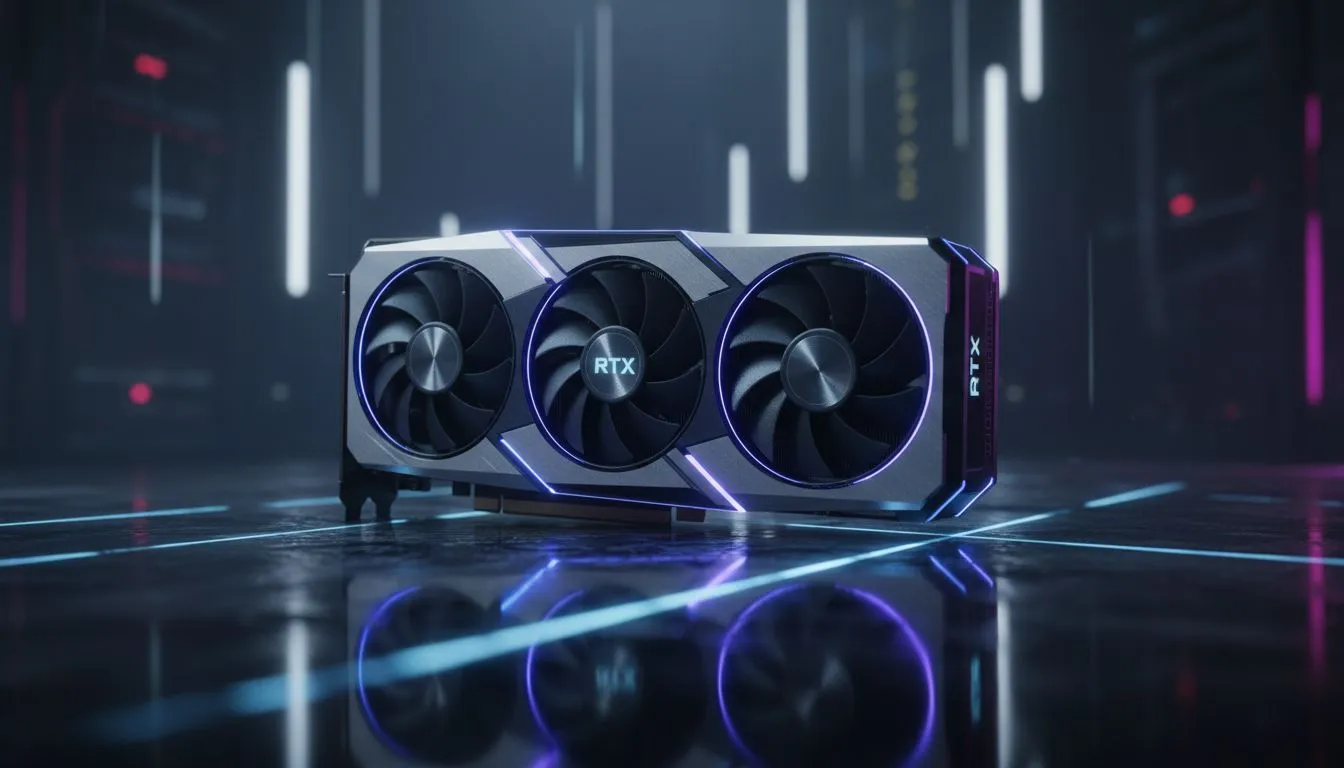
Ever enabled Ray Tracing in Cyberpunk 2077 only to see your frames drop faster than the Rand against the Dollar? We have all been there. While Ray Tracing makes Night City look incredible, the performance cost is real. Understanding how shadows and reflections impact your hardware is the first step to finding that perfect balance between eye candy and smooth gameplay. 🔧
Decoding the Ray Tracing Performance: Shadows & Reflections Cost Explained
Ray tracing mimics how light moves in the real world. It calculates the path of millions of individual light rays. This requires massive computational power. Our range of NVIDIA graphics cards handles these calculations using dedicated RT cores. Without these cores, your frame rate would crawl. The visual payoff is immense... but the tax on your hardware is high.
Why Ray Traced Reflections Impact Your Frame Rate
Reflections are usually the most demanding part of the ray tracing cost. The GPU must render the scene multiple times. It draws what you see directly and what appears in shiny surfaces. If you use MSI graphics cards, you can often push these settings higher. This is due to their superior cooling and power delivery. However, even high-end cards feel the weight of complex reflections in rainy streets or glass buildings. ⚡
Understanding the Performance Hit of Ray Traced Shadows
Shadows are different from reflections. They do not require the same level of complex recursion. They offer more realistic depth... especially in large outdoor scenes. If you are looking at Intel Arc graphics cards, you will find they punch above their weight in RT tasks. Shadows provide a great visual boost. They do this without destroying your performance as much as reflections do.
Choosing Hardware to Optimise Ray Tracing Performance
Not every gamer needs a flagship card to enjoy better lighting. Many AMD Radeon graphics cards offer excellent raw performance. They handle ray tracing well if you manage your settings carefully. For professionals, workstation graphics cards are built for different types of accuracy. These are perfect for architectural renders where every ray of light must be perfect. 🚀
Performance Pro Tip ⚡
If your frame rate is struggling with ray tracing enabled, try lowering the reflection quality first while keeping shadows on. Reflections often consume up to 40 percent more resources than shadows. Using upscaling tech like DLSS or FSR can also recover those lost frames without losing much detail.
Ready to Level Up Your Visuals? Ray tracing is the future of gaming, but you need the right hardware to handle the heat. Whether you want the ultimate NVIDIA rig or a value-driven AMD build, we have you covered. Explore our massive range of graphics cards and start your journey into high-fidelity gaming today.











