

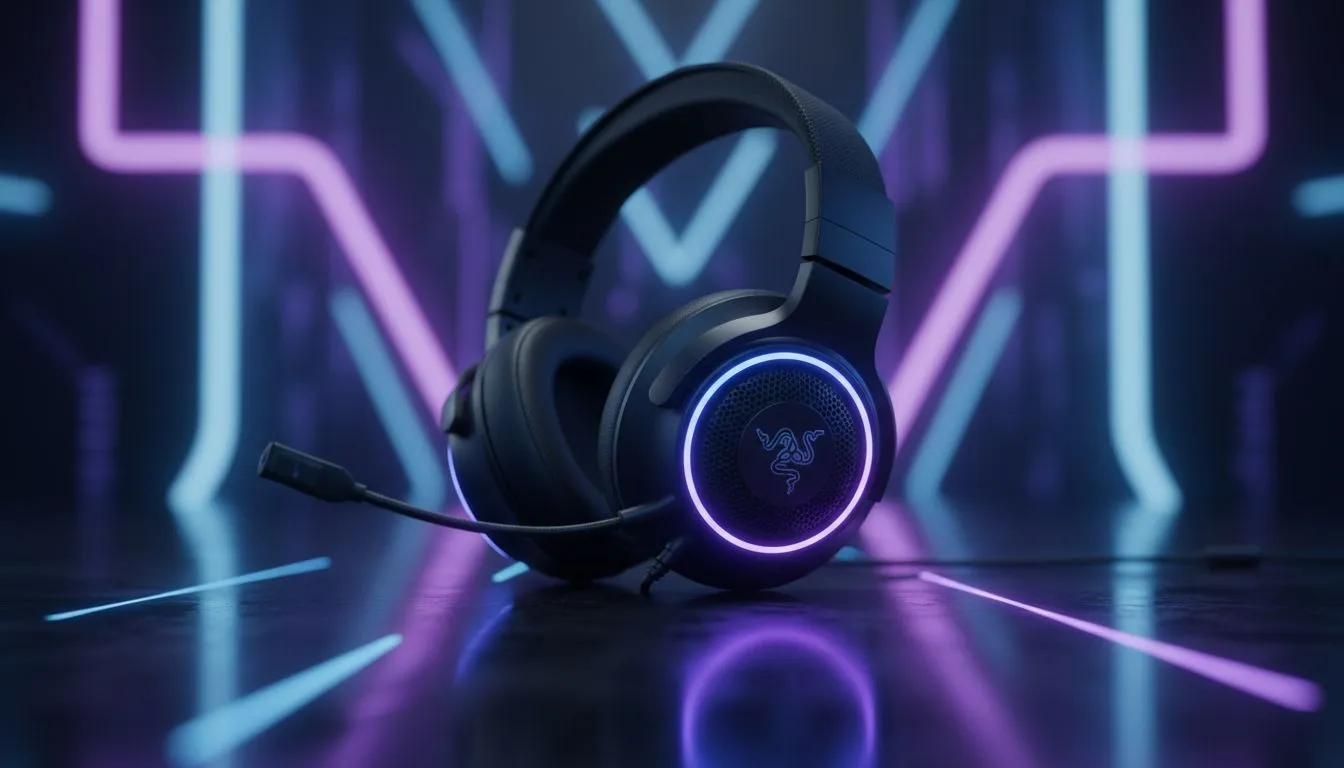
There is nothing worse than your audio cutting out during a clutch 1v1 in Valorant because you forgot to charge. For South African gamers juggling load shedding and long weekend grinds, battery management is a vital skill. Maximising your Razer wireless headset battery life ensures you stay immersed in the action for multi-day sessions without ever hunting for a USB cable mid-match.
Optimise Your Chroma RGB Settings
We all love the aesthetic of a glowing setup. However, those vibrant LEDs are the primary culprit for rapid power drain. If you are using a high-end model like the Razer Barracuda X Chroma Wireless Headset in Phantom White, you have access to incredible lighting zones. To extend your playtime, consider lowering the brightness to 30% or 50% within Razer Synapse. This simple tweak can add several hours to your total uptime without sacrificing the look of your station.
Master the Razer Synapse Power Settings
Your software is your best friend when it comes to efficiency. Most Razer headphones and headsets feature an "Auto-Shutdown" timer. Set this to turn off after 5 or 10 minutes of inactivity. It prevents the battery from trickling away while you are making a coffee or grabbing a snack. ⚡
Pro Battery Tip ⚡
Turn off haptic feedback or 'Hypersense' when playing non-competitive titles. While the vibration adds immersion, the physical motors require significant power. Disabling this feature can nearly double your battery endurance during casual sessions.
Proper Charging Habits for Longevity
To keep your gear ready for those multi-day sessions, avoid letting the battery hit 0%. Modern lithium-ion cells prefer shallow discharge cycles. Try to plug in your device when it hits the 20% mark. If you are looking to upgrade your audio experience, Evetech offers a massive range of headphone headsets that feature quick-charge capabilities... giving you hours of play from just a fifteen-minute charge. 🔧
Environmental Factors and Firmware
Heat is the enemy of battery health. Avoid leaving your headset in direct sunlight or near a hot PC exhaust. Additionally, always check for firmware updates in Synapse. Razer often releases patches that optimise power consumption and wireless efficiency... ensuring your hardware runs as lean as possible. 🚀
Ready to Upgrade Your Audio? Don't let a dead battery ruin your win streak. Whether you need ultra-long endurance or competitive precision, we have the gear for you. Explore our latest Razer headset deals and dominate the server today.











