

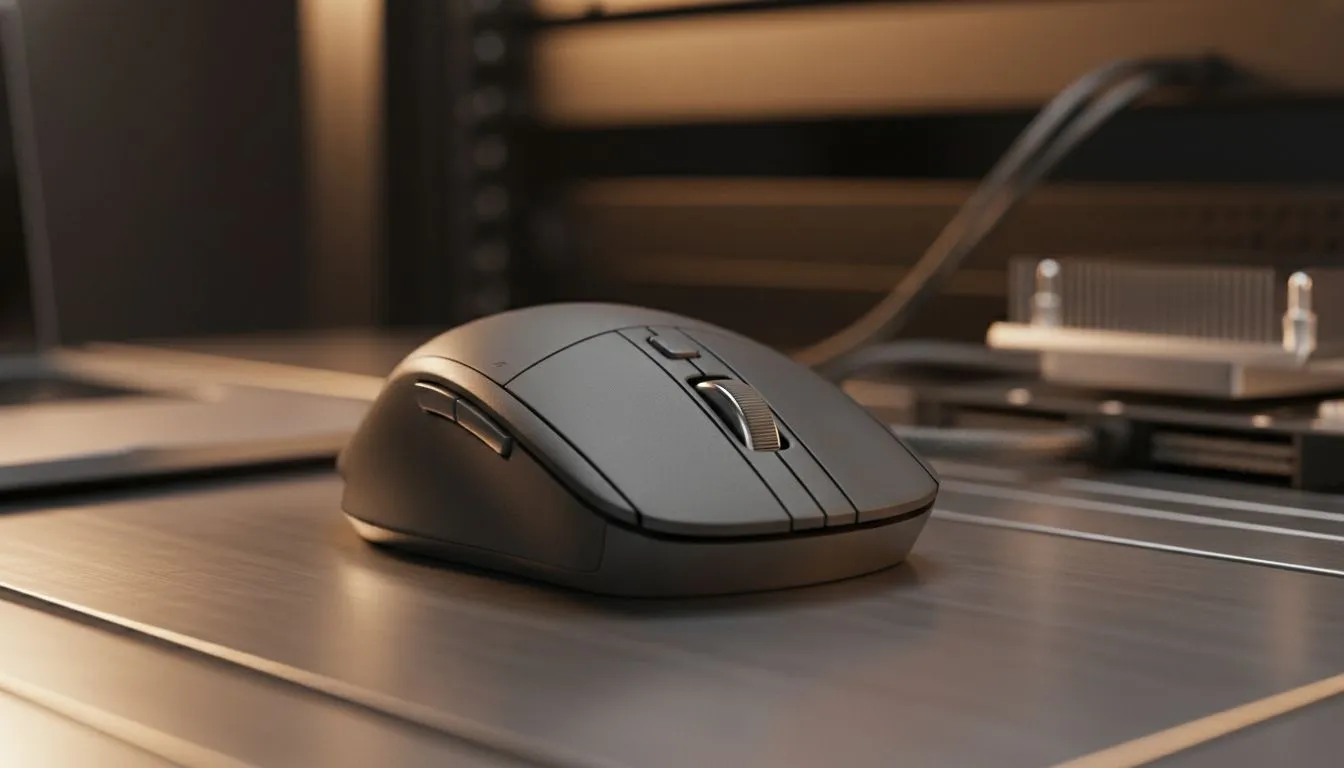
Why Your Cursor is Lagging and How to Fix It 🔧
Ever been mid-clutch in a local CS2 lobby and your cursor skips like a scratched CD? Nothing kills the vibe faster than input delay. Whether you are working from a coffee shop in Sandton or grinding ranks at home, learning how to reduce Bluetooth mouse lag on laptops is essential for a fluid experience. Let's fix that stutter and get you back in the game.
Optimising Windows Power Settings for Better Response
Windows often tries to save power by putting your Bluetooth radio to sleep... this causes that annoying half-second wake-up delay. To fix this, head to your Device Manager, find your Bluetooth adapter properties, and uncheck "Allow the computer to turn off this device to save power." If you are looking for the latest tech to avoid these headaches, browse the best gaming mouse deals currently available in ZAR to find a more efficient sensor.
Bluetooth is convenient, but it shares the 2.4GHz frequency with your Wi-Fi and even your microwave. If you want to eliminate interference, checking out a high-quality gaming mouse with robust shielding and modern firmware is a great first step. Sometimes the issue isn't just the software, but the hardware's ability to handle crowded airwaves in a busy South African household.
Signal Strength Pro Tip ⚡
Keep your laptop's Bluetooth antenna clear of metal obstructions. If you use a docking station, ensure your mouse is within a one-metre radius for the lowest possible latency. Even a thick wooden desk can occasionally dampen the signal enough to cause micro-stutters during intense movements.
Driver Updates and Interference Management 🚀
Outdated drivers are a common culprit for performance dips. Ensure your laptop's Bluetooth and chipset drivers are current via the manufacturer's support site. If you find Bluetooth is still too unreliable for your high-speed needs, you might want to buy a wireless mouse that includes a dedicated 2.4GHz USB dongle. These receivers offer much lower latency and higher polling rates than standard Bluetooth connections.
When to Make the Switch to Wired Performance
For competitive players in South Africa, even a single millisecond matters. If your environment has too much electronic noise, the most reliable way to reduce Bluetooth mouse lag on laptops is to simply bypass the wireless airwaves entirely. You can buy a wired mouse to guarantee a zero-lag connection that never needs charging. Alternatively, you can buy mouse accessories like high-speed pads or cable bungees to make your existing setup feel significantly more responsive and smooth. ✨
Ready to Find Your Perfect Match? Bluetooth lag can be a literal drag, but the right hardware makes all the difference for South African gamers. Explore our massive range of gaming mice and find the perfect machine to conquer your world.











