

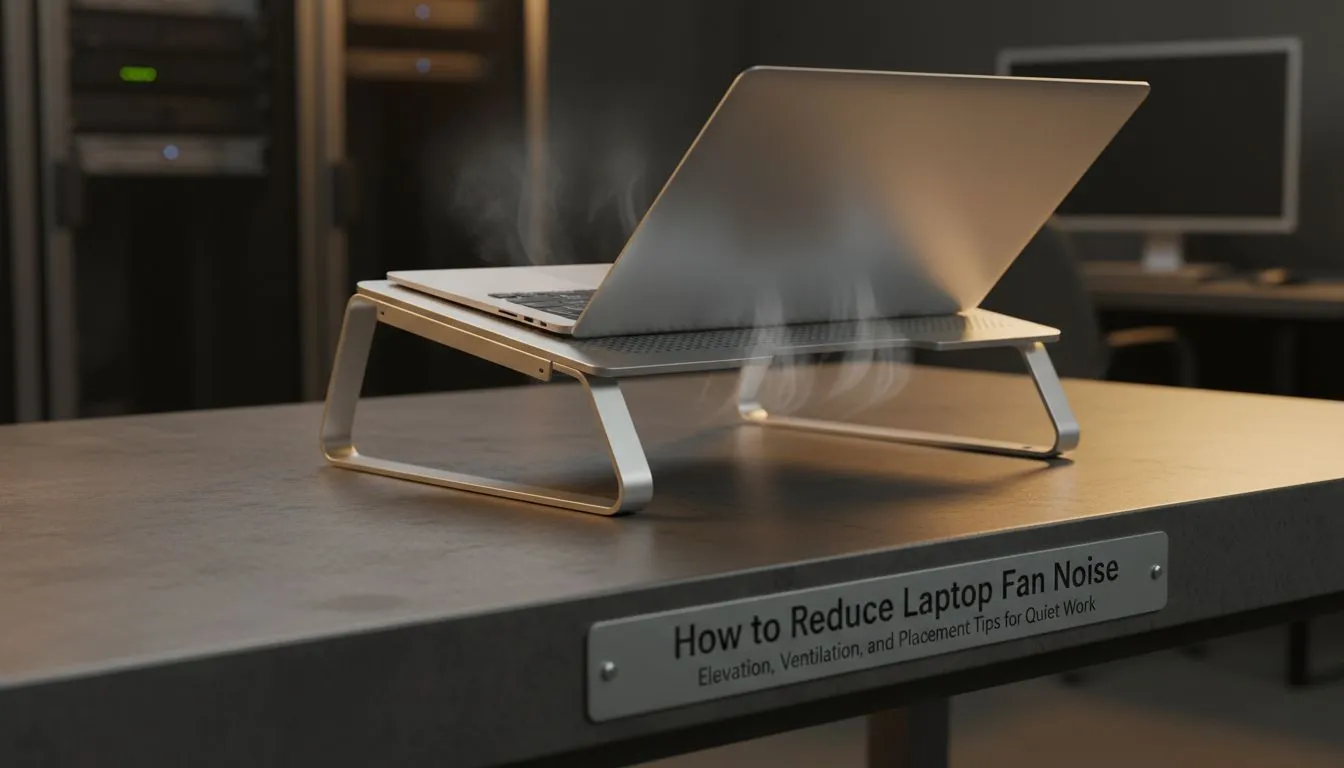
The Secret to a Silent Setup: Airflow is King 🔧
There is nothing more distracting than your gaming laptop sounding like a Boeing 747 taking off from OR Tambo. Whether you are mid-clutch in Counter-Strike 2 or rendering a 4K video... excessive noise usually means your hardware is struggling with heat. Learning how to reduce laptop fan noise through better elevation, ventilation, and placement is the easiest way to keep your system cool.
The Importance of Proper Elevation and Airflow
Most gaming laptops pull cool air from the bottom and exhaust hot air through the sides or back. When your device sits flat on a desk... the intake vents are often choked. This forces the fans to spin at maximum RPM to compensate. By simply lifting the rear of the machine... you create a larger "air gap" that allows for better thermal exchange.
If you want a professional solution... investing in quality laptop cooling pads can drop temperatures by several degrees instantly. These stands provide a dedicated mesh surface that ensures your intake fans are never restricted.
Strategic Placement for Maximum Ventilation
Where you play matters just as much as what you play on. Never place your laptop on soft surfaces like beds... carpets... or cushions. These materials act as insulators and trap heat against the chassis. They also block the vents entirely. Always stick to hard... flat surfaces like wooden or glass desks.
For those who need ergonomic comfort alongside thermal management... Promate cooling solutions offer excellent height adjustments. This keeps the screen at eye level while allowing the fans to breathe freely.
Thermal Maintenance Pro Tip ⚡
Use a can of compressed air every three months to blow out the dust from your side vents. Dust buildup acts like a blanket on your internal components... forcing your fans to work twice as hard to move the same amount of air. It is the cheapest way to keep your fan noise low.
Active Cooling Solutions for Quiet Performance
Sometimes elevation alone isn't enough for high-end rigs during a South African summer. Active cooling uses external fans to push extra air into your system's intakes. This helps the internal fans reach their target temperature faster... allowing them to throttle down to lower... quieter speeds.
Brands like Orico's range of stands focus on high-airflow designs that are surprisingly quiet. If you are running a high-spec RTX 40-series laptop... you might want to look at high-performance cooling pads designed for heavy-duty thermal loads. Spending a bit more now can extend the lifespan of your internal components significantly 🚀.
Ready to Silence the Noise? Don't let thermal throttling ruin your gaming experience or your hardware's lifespan. Explore our massive range of laptop cooling pads and find the perfect silent partner for your setup.











