

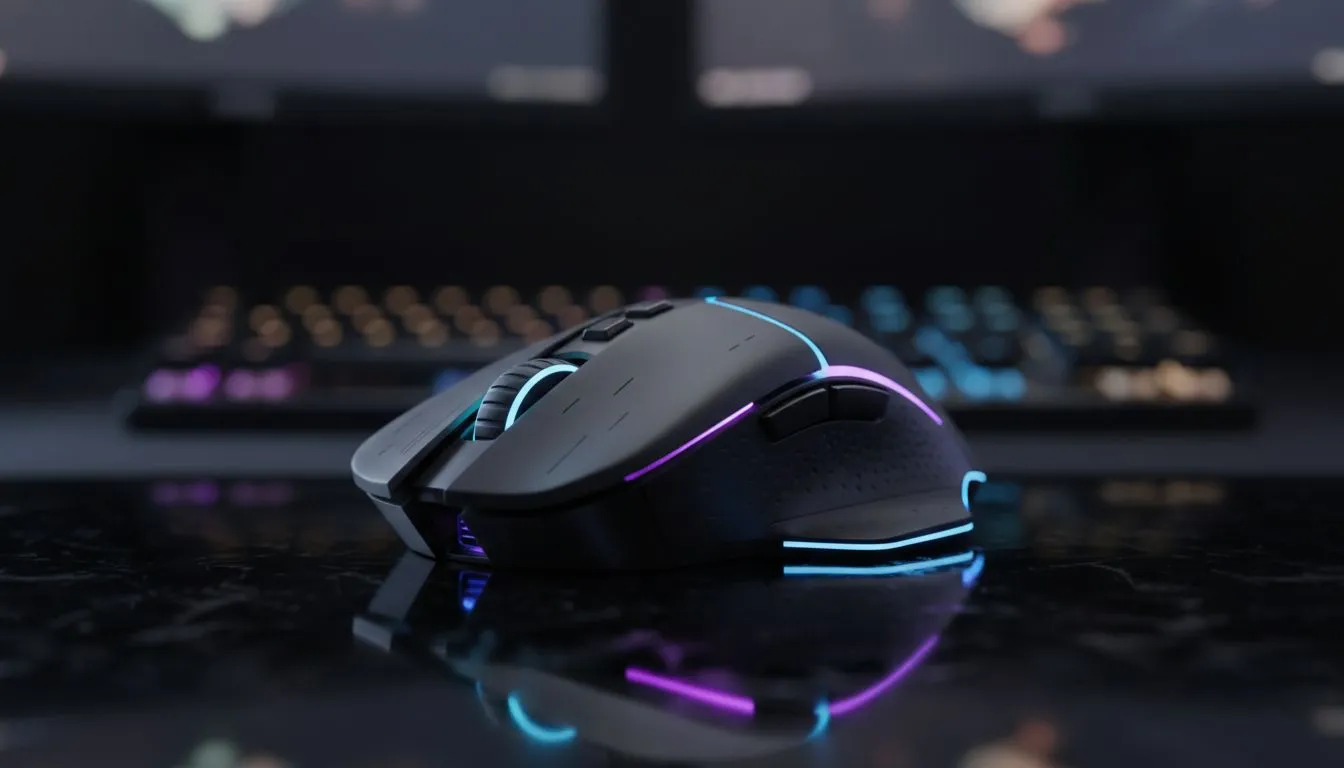
Ever finished a six-hour session in Apex Legends or Dota 2 only to find your wrist feels like it’s been through a blender? We’ve all been there. In South Africa, where weekend gaming marathons are a way of life, physical comfort is just as important as your frame rate. Learning how to reduce mouse fatigue isn’t just about comfort... it is about staying sharp.
Choosing the Right Shape to Reduce Mouse Fatigue
The first step to comfort is a mouse that actually fits your hand. If your peripheral is too small, you will find yourself cramping into a claw grip. A proper gaming mouse should support your natural grip style without forcing your tendons to overwork. Choosing an ergonomic shape helps distribute the pressure across your palm... reducing the risk of long-term strain during those intense ranked matches. 🔧
Weight and Balance for Effortless Movement
Heavy mice require more force to move and stop. Over thousands of micro-adjustments, that extra weight adds up to significant muscle exhaustion. If you want to stay agile during competitive play, check out the best gaming mouse deals to find modern lightweight models. Many top-tier brands now use honeycomb shells or ultra-thin plastic to keep the weight under 70 grams. This allows your hand to glide across the pad with minimal effort. ⚡
Wrist Health Pro Tip ⚡
Every 60 minutes, take a 30-second break to perform 'reverse wrist curls'. Gently pull your fingers back toward your forearm to stretch the flexor muscles. This simple movement counteracts the repetitive gripping motion used while gaming and helps prevent carpal tunnel symptoms before they start.
Cutting the Cord or Managing the Drag
Cable drag is a silent killer of wrist health. Constant resistance from a thick braided cable can cause you to use more force than necessary. Switching to a high-performance wireless mouse removes this friction entirely. Modern wireless tech is now just as fast as wired, so you won't lose any performance. If you prefer the reliability of a wired mouse, ensure you use a bungee. This keeps the cable slack and prevents it from tugging against the back of your desk. 🚀
The Role of Surface and Maintenance
A scratchy surface makes your sensor work harder and your hand move slower. High-quality mouse accessories like speed-mats or replacement PTFE feet can make your mouse feel like it is floating. Smooth glides mean less physical effort... which is the most effective way to reduce mouse fatigue during those long South African summer nights. Keep your surface clean to ensure consistency in every flick shot. ✨
Ready to Find Your Perfect Match? Don't let wrist pain cut your sessions short. Whether you need an ultra-lightweight speedster or an ergonomic powerhouse, Evetech has the gear to keep you in the game. Explore our massive range of gaming mice and find the perfect machine to conquer your world.











