

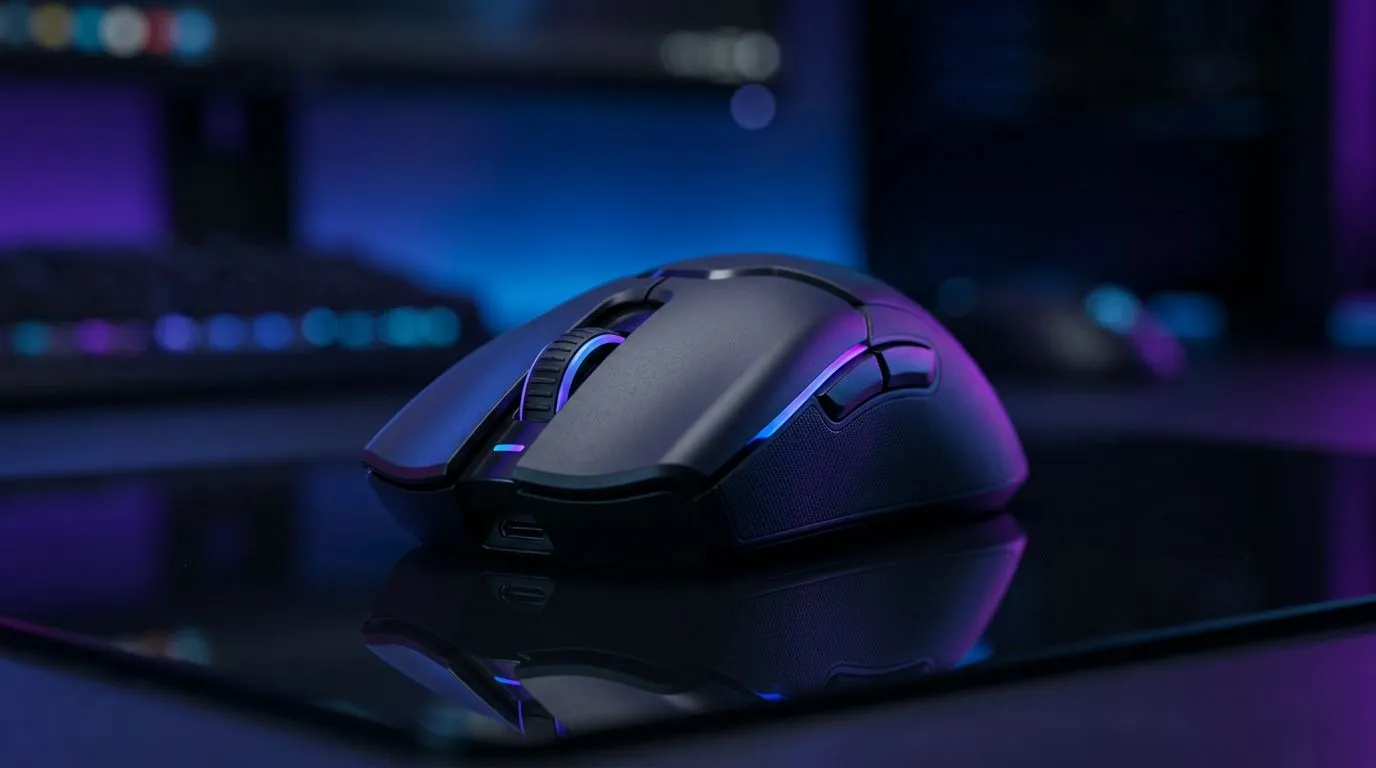
Reduce Mouse Input Lag for Online Gaming in South Africa — Quick hook 🔧
Mouse jitter, missed flicks and one-shot fails are the worst. If you play FPS or MOBAs in South Africa, shaving milliseconds off your input can mean the difference between rank-up and rage‑quit. This guide shows practical, tested steps to Reduce Mouse Input Lag for Online Gaming in South Africa — from USB tweaks to sensor settings — so you can feel the cursor behave how you expect, every match. 🎯
Reduce Mouse Input Lag for Online Gaming in South Africa — What causes the delay?
Mouse input lag comes from three places: the mouse hardware and sensor, the connection and USB/reporting, and your PC settings or surface. Wireless mice have improved, but wired connections still typically give the lowest latency; compare wired and wireless options on Evetech to see the trade-offs. https://www.evetech.co.za/buy-wired-mouse/x/1596.aspx
Polling rate and DPI matter. If your mouse is set to 125Hz and your game expects 1000Hz, you’ll feel a delay. Many gaming mice let you change polling rate and DPI in software — check the selection and specs at Evetech’s components section to match a mouse to your needs. https://www.evetech.co.za/components/gaming-mouse-117.aspx
Reduce Mouse Input Lag for Online Gaming in South Africa — Quick fixes to try now ⚡
- Switch USB ports: use a USB 2.0/3.0 port directly on the motherboard. Avoid hubs.
- Set polling to 500–1000Hz if your mouse supports it; test which feels best. For models and local deals, browse Evetech’s best gaming mouse deals. https://www.evetech.co.za/best-gaming-mouse-deals/x/054.aspx
- Disable "Enhance pointer precision" in Windows and turn off mouse acceleration in-game.
- Close background apps that sample input (recording, overlays).
- Use a low-friction surface or a quality mousepad from Evetech’s accessories to keep tracking consistent. https://www.evetech.co.za/buy-mouse-accessories/x/1595.aspx
Pro Tip ⚡
Use your mouse’s onboard memory (if available) to store DPI and polling settings so you get the same behaviour on other rigs. If you test settings, change only one thing at a time so you can measure the result.
Reduce Mouse Input Lag for Online Gaming in South Africa — Wireless vs wired: the buying decision 🔍
Wireless tech has closed the gap with low-latency dongles and higher polling rates. But for competitive play, many South African gamers still prefer wired mice for consistent lowest latency. Compare wireless models and their dongle tech before you buy; Evetech lists wireless options and specs to help you decide. https://www.evetech.co.za/buy-wireless-mouse/x/1597.aspx
If you’re upgrading, look for optical sensors with proven tracking, high max DPI (not just marketing), and a 1000Hz report rate. If you need help choosing, Evetech’s product pages include specs and local stock to compare quickly. https://www.evetech.co.za/components/gaming-mouse-117.aspx
Reduce Mouse Input Lag for Online Gaming in South Africa — Final checklist before a match
- Confirm polling and DPI in the mouse utility.
- Use a direct USB port and disable power saving for USB hubs.
- Match in-game sensitivity to an eDPI that feels consistent.
- Keep firmware and drivers updated. If you want tactile upgrades, consider one of the mouse pads or skates on Evetech to refine glide and tracking. https://www.evetech.co.za/buy-mouse-accessories/x/1595.aspx ✨
Reduce Mouse Input Lag for Online Gaming in South Africa — Wrap and next step
If you tested the tips above and still feel lag, it may be time for a sensor or cable upgrade. Start with the practical tweaks first; small changes often deliver the biggest in-game gains. Want product suggestions or hands-on help? Check Evetech’s curated ranges and deals to pick a mouse that fits your playstyle.
Ready to Find Your Perfect Match? If you want the lowest possible lag and the right feel for your hand, Evetech has a wide selection of gaming mice and accessories. Explore our full range at Evetech











