

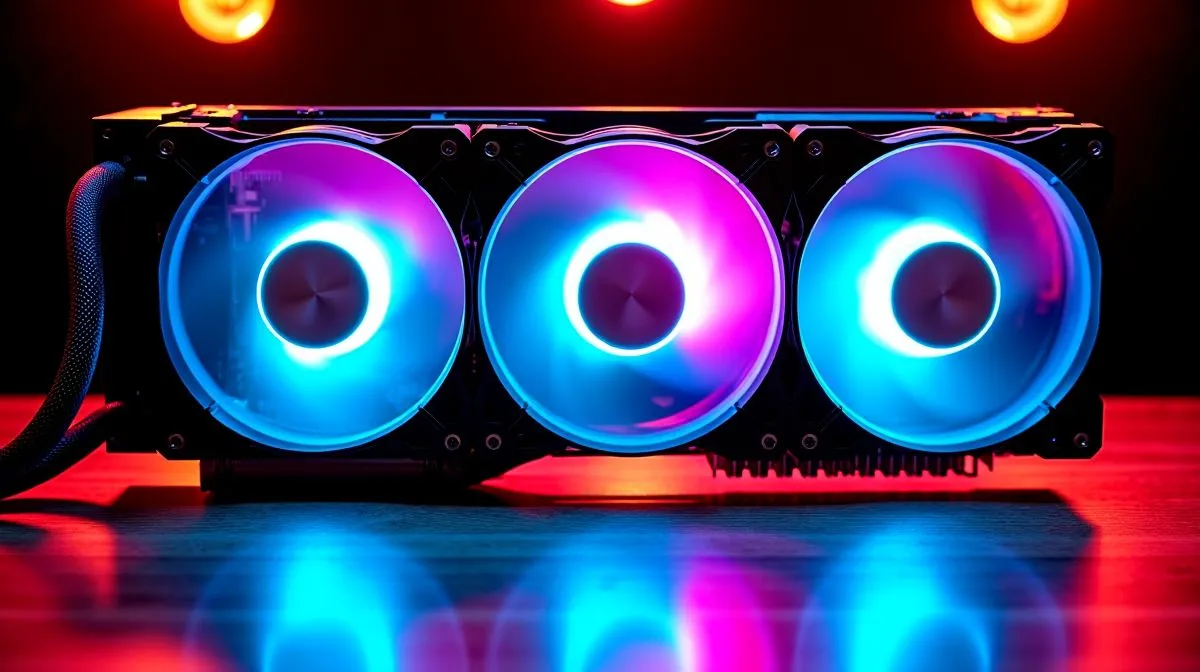
Reduce Noise from Triple 120mm Radiator Fans Without Losing Cooling
If your AIO sounds like a small wind tunnel every time a match loads, you are not imagining it. Triple 120mm radiator fans can move plenty of air, but they can also add a sharp, high-pitched whoosh that ruins an otherwise clean gaming setup. The good news? You do not need to sacrifice cooling to calm things down. With a few smart tweaks, your rig can stay cool, quieter, and far less distracting 🔧
Reduce Noise from Triple 120mm Radiator Fans Without Losing Cooling: Start with the real source
Most radiator noise comes from three places... fan speed, fan curve behaviour, and turbulence through the radiator fins. In practice, the fans often run harder than they need to, especially at idle or during light gaming sessions. Modern CPUs can handle brief temperature spikes, so a calmer curve is usually enough.
Before changing hardware, check the motherboard software or BIOS fan controls. Lower the ramp-up speed slightly and set a smoother curve. That small adjustment can cut the annoying “surge” sound when a game menu opens or a download starts.
Reduce Noise from Triple 120mm Radiator Fans Without Losing Cooling: Fit matters more than people think
A radiator mounted too close to a solid panel can choke airflow and make fans work harder. Make sure the case has enough clearance and that dust filters are clean. A clogged filter can raise noise fast, especially in dusty South African environments.
If you are shopping for an upgrade, Evetech’s CPU coolers range is a sensible place to compare options. If you specifically want an AIO liquid cooler selection, you can narrow things down by design rather than guessing.
A practical buying mindset
Some builders assume bigger always means louder. Not true. A well-tuned 360mm unit can often run its fans slower than a smaller cooler, because it has more surface area to work with. That is why many enthusiasts look at 360mm radiator options when they want lower noise under load. A 240mm radiator can still be solid for lighter builds, but fan speed matters more.
Quick Noise-Saving Tip ⚡
When tuning an AIO, cap fan speeds gradually instead of dropping them all at once. Reduce the top-end by 10 to 15 percent, test temperatures in a real game, then adjust again. It is the easiest way to keep noise down without guessing.
Reduce Noise from Triple 120mm Radiator Fans Without Losing Cooling: Choose smarter hardware
If your current cooler uses aggressive stock fans, swapping to better-balanced models can help. Some brands focus on pressure and acoustic profile more carefully than others. For example, Evetech stocks CORSAIR AIO options and Deepcool AIO options, both worth a look if you want to compare cooling style and noise behaviour.
The secret is not chasing maximum fan RPM. It is matching the cooler to your CPU, case airflow, and daily usage. A machine that mostly handles gaming and streaming may not need the same aggressive curve as a workstation rendering all day.
Reduce Noise from Triple 120mm Radiator Fans Without Losing Cooling: Small tuning wins add up
A few final tweaks can make a big difference:
- Use PWM control where possible.
- Set a slower pump profile if the pump is the loudest part.
- Keep front intake and exhaust paths open.
- Re-seat the radiator if vibration is travelling into the case.
- Test with your most demanding game, not just a desktop temperature readout.
Quiet cooling is about balance. Not silence at any cost. A slightly louder PC is fine. A PC that drones constantly is not.
Ready to Find Your Perfect Match? The Mac vs Windows debate is complex, but for maximum power, choice, and value in South Africa, Windows is hard to beat. Explore our massive range of laptop specials and find the perfect machine to conquer your world.











