

Core i9-14900K + RTX 4060 Ti Build: Bottleneck Analysis & Benchmark Results 2026
Core i9-14900K + RTX 4060 Ti Build: Bottleneck. Real-world benchmark data, FPS numbers & performance analysis. What SA gamers can actually expect.
Read moreResponse time single player games: learn how monitor response time affects immersion, input feel and motion clarity in solo titles — when low ms helps and when it doesn't. Get testing tips and monitor picks. 🎮🕹️
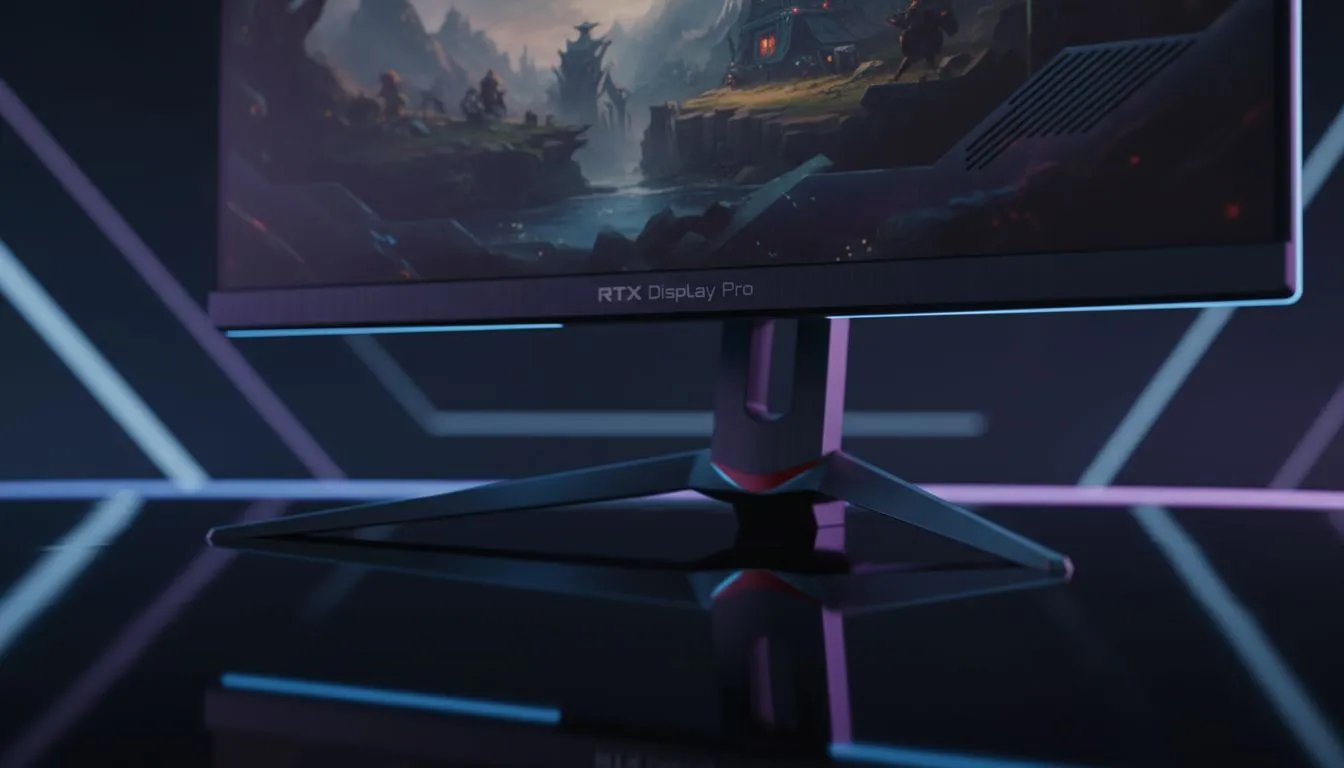
Ever wandered through the lush forests of Elden Ring or the neon streets of Night City and felt a weird "smear" when turning? You might be wondering if response time in single player games actually matters. While esports pros obsess over every millisecond, the impact on your cinematic experience in South Africa is often misunderstood. Let’s dive into whether that 1ms spec is a must-have or just marketing fluff. 🎮
When browsing for new PC monitors, the response time usually refers to GtG (Gray-to-Gray). This is the speed at which a pixel changes from one colour to another. In fast-paced competitive shooters, a slow response time causes ghosting. This creates a blurry trail behind moving objects. But does this ruin a solo adventure?
In a single player RPG or action-adventure title, immersion is everything. If you are playing on a screen with a high response time, fast camera movements can feel "mushy." This isn't just about winning or losing... it is about visual clarity. High-quality all gaming monitors aim to keep that image sharp even when you are spinning your character around to face a boss.
While a 1ms response time is the gold standard, many modern IPS panels with 4ms or 5ms are perfectly fine for single player titles. You likely won't notice the difference unless you are looking for it. However, if you are moving from an old office screen to one of the best PC monitor deals available today, the jump in clarity will be immediately obvious.
modern monitors have an 'Overdrive' setting in the OSD menu. Setting this to 'Normal' or 'Fast' can significantly reduce ghosting in single player games. Be careful not to use the 'Extreme' setting, as it often causes 'overshoot,' which creates a weird glowing outline around moving objects. Look for high-quality [monitor accessories](https: www.evetech.co.za PC-Components buy-monitor-accessories-368.aspx) like premium DisplayPort cables to ensure a stable signal for these features.
If you prefer the wrap-around feel of a cockpit or a sweeping landscape, curved monitors provide a level of depth that flat panels struggle to match. For these setups, response time is still important, but panel contrast and colour accuracy often take priority for the solo gamer. 🚀
For those who travel or have limited desk space, portable monitors have come a long way. Many now offer response times low enough to handle modern titles without significant blurring. However, if you want the absolute pinnacle of visual fidelity, moving up to 5K and 4K monitors will give you the crispest image possible. In these high-resolution scenarios, the sheer detail often outweighs the need for sub-1ms response speeds. ✨
Ultimately, response time in single player games matters for clarity, but it shouldn't be your only metric. Balance it with resolution and panel type to get the best experience for your budget in ZAR.
Ready to Find Your Perfect Match? The debate over milliseconds is over, but your journey to better visuals is just beginning. For the best prices and widest selection in South Africa, we have you covered. Explore our massive range of monitor specials and find the perfect screen to bring your single player worlds to life.
Yes. Response time affects motion clarity, ghosting and input feel in fast solo titles, though its impact is often smaller than in competitive multiplayer.
Aim for 4–8ms for most single-player games; 1–4ms helps action, racing or fast camera pans without big extra cost.
Refresh rate drives smoothness while response time reduces blur. For single-player, prioritize both but favor resolution and color for slower-paced titles.
High input lag can blunt controls and immersion in action games, but story-driven or turn-based titles tolerate higher latency.
Use ghosting tests, high-FPS video clips or tools like Blur Busters to measuring response time for gaming and spot trailing.
For solo play choose balanced specs: good color and resolution plus sub-8ms response time for clear motion without overspending.
Yes—response time influences motion blur during camera pans; static scenes rely more on resolution and color accuracy.
Core i9-14900K + RTX 4060 Ti Build: Bottleneck. Real-world benchmark data, FPS numbers & performance analysis. What SA gamers can actually expect.
Read more
Upgrading from GTX 1070 to RX 9070 XT: Is It. Performance uplift data, SA cost analysis & whether the upgrade justifies the Rand investment.
Read more
RTX 4060 Ti Apex Legends at 1080p: FPS Benchmark. Real-world benchmark data, FPS numbers & performance analysis. What SA gamers can actually expect.
Read more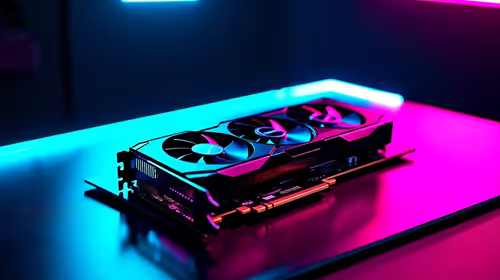
RTX 5080 FPS Benchmark: Performance in 25 Popular. Real-world benchmark data, FPS numbers & performance analysis. What SA gamers can actually expect.
Read more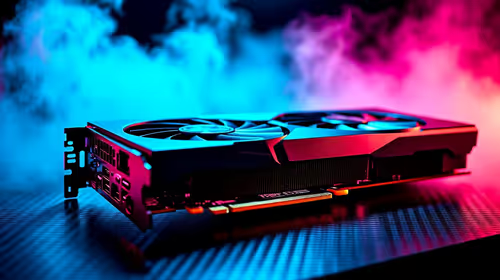
RTX 4080 Super DLSS 4: Benchmark & Real-World Test. Real-world benchmark data, FPS numbers & performance analysis. What SA gamers can actually expect.
Read more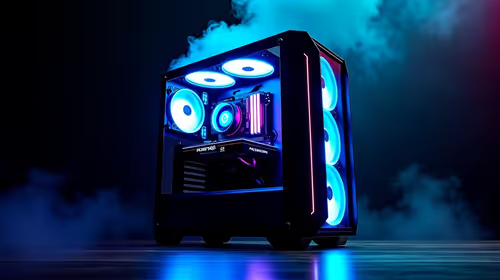
Core i5-14600K + RTX 5070 Ti Build: Bottleneck. Real-world benchmark data, FPS numbers & performance analysis. What SA gamers can actually expect.
Read more
Complete ATX Case Size Guide: Interior Dimensions. Best deals curated with real SA discounts, price history & tips on getting genuine value.

What GPU Do You Need for AI & Machine Learning. Hardware requirements breakdown with recommended specs & SA pricing for each tier.

Top Settings for RTX 4060 at Ultrawide 1440p picks evaluated on performance, value & SA availability with current Rand pricing from Evetech.

Head-to-head comparison of FreeSync vs G-Sync Explained: Which Should Gamers for SA gamers. Performance benchmarks, Rand pricing & which delivers better value.

Every spec on PCIe 5.0 explained in plain English. What matters for gaming and creator work in 2026, what's marketing fluff, and how each number translates to real-world performance.

Every spec on bios explained in plain English. What matters for gaming and creator work in 2026, what's marketing fluff, and how each number translates to real-world performance.

Every spec on gaming setups explained in plain English. What matters for gaming and creator work in 2026, what's marketing fluff, and how each number translates to real-world performance.

Every spec on cooling systems explained in plain English. What matters for gaming and creator work in 2026, what's marketing fluff, and how each number translates to real-world performance.

Every spec on understanding how much vram is needed explained in plain English. What matters for gaming and creator work in 2026, what's marketing fluff, and how each number translates to real-world.

How to pick the right PCIe 5.0 for your build in 2026: the features worth paying for, ZAR value tiers, and the trade-offs between budget, mid-range and flagship picks.

Every spec on gpu explained in plain English. What matters for gaming and creator work in 2026, what's marketing fluff, and how each number translates to real-world performance.

Every spec on gpu explained in plain English. What matters for gaming and creator work in 2026, what's marketing fluff, and how each number translates to real-world performance for SA buyers.