

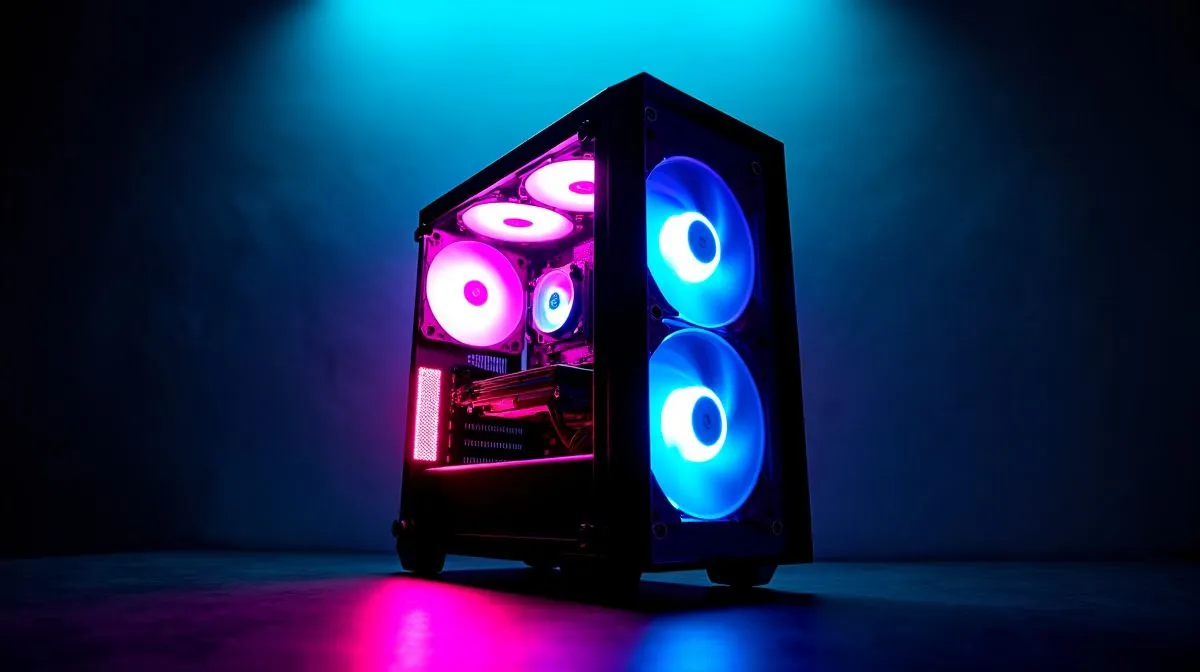
RGB Case Looks Good But Runs Hot: Fix the Cooling Now
RGB Case Looks Good But Runs Hot: Fix the Cooling Now — you know the vibe: LEDs blazing, temps climbing, and frame rates slipping mid-session. South African gamers and modders, this quick guide helps you diagnose airflow, swap fans, and pick parts without wasting rand or voiding warranties. Read on for practical fixes and Evetech links to affordable cases and components. 🔧
RGB Case Looks Good But Runs Hot: Quick diagnosis
Start by opening the side panel and noting fan orientation, cable clutter, and where hot air exits. Many cases with flashy RGB prioritise style over ventilation. Look for blocked intakes, PSU shrouds trapping heat, and fans that exhaust into a densely packed GPU. A quick visual check takes five minutes and often reveals the issue. Browse Evetech's full case selection to compare airflow designs and sizes.
Why an RGB case runs hot: airflow, fans, and layout
Airflow moves heat. Positive vs negative pressure matters, but most home gamers just need clear intake and exhaust. Swap restrictive front panels for perforated designs, rearrange intake fans, and manage cables with ties. If you want quieter operation, look for cases with mesh fronts and removable dust filters. For modularity and silent performance, see Fractal Design cases for cleaner internal layouts.
Fix the cooling now: practical swaps and part picks
Start with fans: replace cheap stock units with higher quality PWM fans and set curves in your BIOS or motherboard software. Adding a top exhaust fan helps hot air escape; orient front fans as intakes. If the CPU is the problem, an all-in-one liquid cooler lowers temps and clears airflow around VRMs. For budget builds, Gamdias offers competitive RGB fans and cases that balance look and airflow. ⚡
Cooling Pro Tip ⚡
many RGB cases a simple fan flip fixes airflow: make front fans intake and top rear fans exhaust. Use a fan controller or motherboard PWM to ramp fans only under load, and check fan direction arrows. A clean dust filter can cut temps by several degrees and extend component life.
If you shop in South Africa, compare prices and warranty options before buying. Evetech lists Gamdias cases under R1,500 for some models, and you can filter by price to find deals. For modular premium designs consider Fractal, or browse our full case range and accessories to match your cooling plan. Want help choosing parts or a build checklist? Our team can advise via live chat or phone. ✨
Small tweaks often avoid big costs. Start with fan reorientation, a dust-out, and a firmware update to your motherboard to support fan curves. If temps still climb under benchmarks, consider reapplying CPU thermal paste with a quality compound. When you buy parts locally, factor in delivery and support. Evetech stocks compatible fans, AIO coolers, and thermal paste with local warranty, making it easy to upgrade and keep gaming without throttling. A cool case keeps FPS steady and components happier longer. Ask our tech team for a free compatibility check. Call or chat today.
Ready to Find Your Perfect Match? The Mac vs Windows debate is complex, but for maximum power, choice, and value in South Africa, Windows is hard to beat. Explore our massive range of laptop specials and find the perfect machine to conquer your world.











