

RTX 5050 Avowed FPS: Performance Benchmark & Best Settings
RTX 5050 Avowed FPS: Performance Benchmark. Real-world benchmark data, FPS numbers & performance analysis. What SA gamers can actually expect.
Read moreRocket League Pro Settings 2026 deliver camera, graphics, and display tweaks to unlock max FPS and clearer visibility for competitive play. Quick, tested steps to improve tracking and reaction 🚀🎮
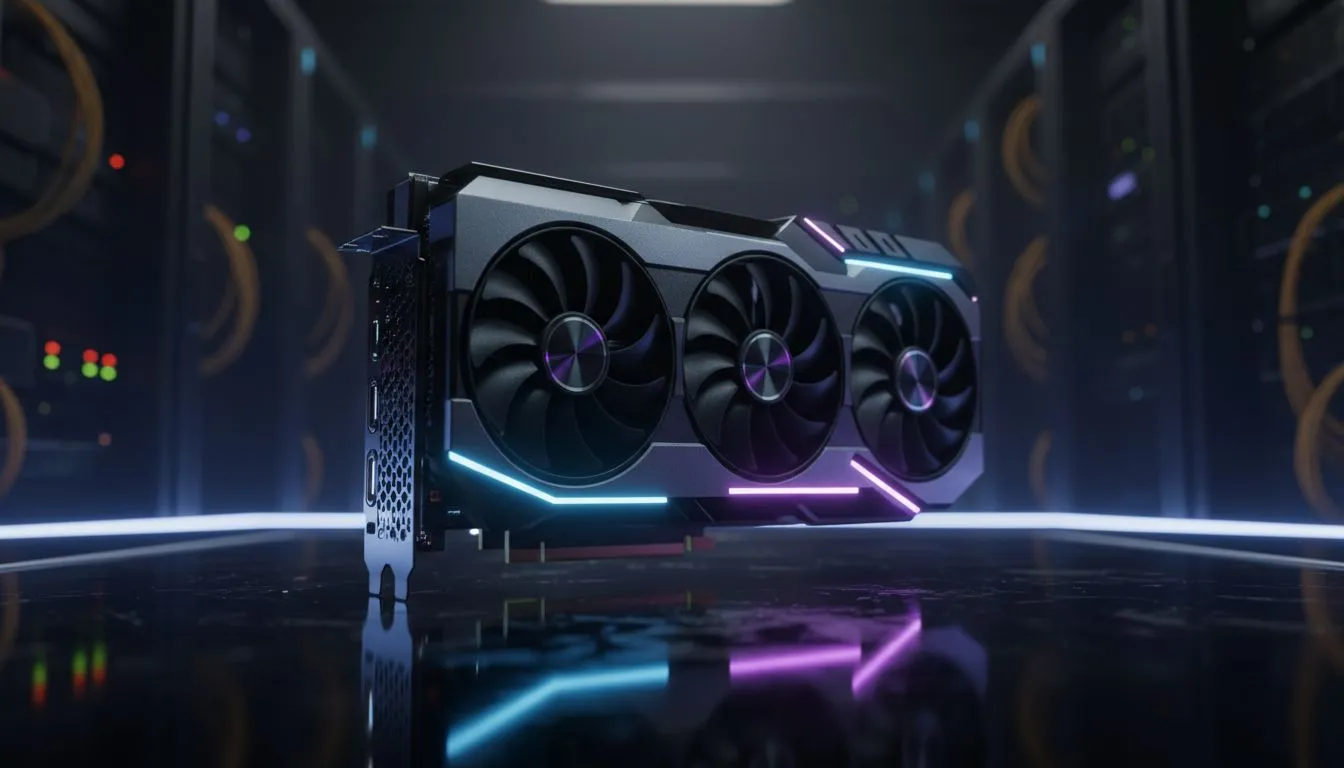
In the high-speed world of 2026 car soccer, every millisecond counts. If your screen stutters during a crucial aerial, you’ve already lost. To climb the ranks from Platinum to Grand Champion, you need the ultimate Rocket League Pro Settings 2026: Max FPS & Visibility. We have tested the latest hardware to ensure your local setup handles the heat of competitive play without dropping a single frame... let's dive in. ⚡
To achieve the best results, you must sacrifice visual flair for raw performance. Start by setting your Resolution to your monitor's native refresh rate. In the current meta, most pros favour 1080p or 1440p to keep frame times low. For those looking to push their system to the limit, upgrading to the latest NVIDIA graphics cards is the most reliable way to maintain a steady 360 FPS.
Under the video tab, ensure "Frames Per Second" is set to "Uncapped" or your monitor's max refresh rate. Turn off Vertical Sync immediately... it adds input lag that will ruin your kick-offs. Set Texture Detail and World Detail to "High Performance" to strip away distracting background elements that clutter the arena.
Visibility is about more than just high frame rates. You need to see the ball and your opponents clearly across the pitch. Disable Motion Blur, Lens Flares, and Bloom. These effects might look pretty, but they obscure your vision during fast rotations. If you find your PC is running a bit hot during intense South African summer sessions, consider MSI graphics cards for their superior thermal designs.
Most Rocket League pros use a Field of View (FOV) between 108-110. Set your Camera Distance to 270 and Height to 100. This provides the perfect balance between seeing the whole field and maintaining enough precision for delicate ball touches.
While Rocket League is well-optimised, the 2026 updates have introduced more detailed physics and lighting. For entry-level competitive play, the Intel Arc graphics cards offer surprising value for money... providing smooth gameplay at 1080p without breaking the bank.
If you are a content creator who renders videos while you play, you might look toward workstation graphics cards for their stability and multi-tasking prowess. However, for pure gaming performance in ZAR terms, many local enthusiasts prefer the raw rasterisation power of AMD Radeon graphics cards to get those extra frames in 4K. ✨
Don't forget to adjust your "Transparent Goalposts" setting to "On". This is essential for defending from inside the net. Also, set your "Client Send Rate" and "Server Send Rate" to "High" to ensure your local machine stays perfectly synced with the server. With these Rocket League Pro Settings 2026: Max FPS & Visibility applied, your hardware will no longer hold you back. 🔧
Ready to Find Your Perfect Match? The quest for the ultimate rank starts with the right hardware. For maximum power, choice, and value in South Africa, our range of GPUs is hard to beat. Explore our massive range of graphics card specials and find the perfect machine to conquer the pitch.
Lower graphics preset, disable motion blur, set render quality to 100%, and match FPS cap to monitor refresh — these rocket league max fps settings reduce stutter and input lag.
Increase contrast and turn off bloom; use a slightly higher FOV and adjust ball camera opacity for better tracking — try best visibility settings rocket league 2026 values.
Pros favor lower stiffness, moderate distance, and 100–110 FOV. These rocket league camera settings pro players 2026 improve reaction and spatial awareness.
Turn VSync off to avoid added input lag and let your GPU hit higher frame rates. Use adaptive sync or G-Sync for screen tear control while maintaining FPS.
Lower resolutions boost FPS but can reduce clarity. Use native resolution with tuned graphics or play 1080p for the best balance of rocket league visibility and performance.
Use high refresh rate (144Hz+), low response mode, and disable post-processing. These monitor settings for rocket league fps improve smoothness and reduce motion blur.
Yes. Update drivers, set power mode to prefer maximum performance, and disable unnecessary overlays. GPU optimizations deliver consistent fps gains.
RTX 5050 Avowed FPS: Performance Benchmark. Real-world benchmark data, FPS numbers & performance analysis. What SA gamers can actually expect.
Read more
RTX 5050 Fable at 1440p: FPS Benchmark & Optimal. Real-world benchmark data, FPS numbers & performance analysis. What SA gamers can actually expect.
Read more
RX 7600 Black Myth Wukong 2 at 1080p: FPS. Real-world benchmark data, FPS numbers & performance analysis. What SA gamers can actually expect.
Read more
Head-to-head comparison of RTX 5060 vs RX 9070: Ray Tracing Performance for SA gamers. Performance benchmarks, Rand pricing & which delivers better value.
Read more
Head-to-head comparison of RX 7800 XT Mining vs Gaming: Does It Affect for SA gamers. Performance benchmarks, Rand pricing & which delivers better value.
Read more
RTX 4060 Ti Hogwarts Legacy FPS: Performance. Real-world benchmark data, FPS numbers & performance analysis. What SA gamers can actually expect.
Read more
Top Valorant Settings for RTX 5070: FPS Optimisation picks evaluated on performance, value & SA availability with current Rand pricing from Evetech.

RDNA 3.5 Graphics in Ryzen AI 400? Can You Game. Plain-English explanation of what it means, why it matters & how it affects your buying decisions in SA.

GPU Price Index : December Report. Current stock data & price tracking for SA buyers. See what is available and where prices are heading.

RX 9070 XT Elden Ring Nightreign at 4K: FPS. Real-world benchmark data, FPS numbers & performance analysis. What SA gamers can actually expect.

Core i5-14600K + B760 + RTX 5060 Build Under. Full parts list, Rand pricing & expected performance. Build confidently with SA-available components.

RX 7600 Apex Legends at 4K: FPS Benchmark. Real-world benchmark data, FPS numbers & performance analysis. What SA gamers can actually expect.

RX 7900 XTX GTA 6 at 4K: FPS Benchmark & Optimal. Real-world benchmark data, FPS numbers & performance analysis. What SA gamers can actually expect.

Head-to-head comparison of RTX 5070 vs RX 9070 XT: Gaming Performance for SA gamers. Performance benchmarks, Rand pricing & which delivers better value.

Top Laptop with Ryzen 5 + RTX 4090 Laptop: Picks picks evaluated on performance, value & SA availability with current Rand pricing from Evetech.

Top Budget GPU for Marvel Rivals picks evaluated on performance, value & SA availability with current Rand pricing from Evetech.

Valorant Settings on RTX 5070: Performance. Real-world benchmark data, FPS numbers & performance analysis. What SA gamers can actually expect.

Top Budget GPU for Assassins Creed Shadows picks evaluated on performance, value & SA availability with current Rand pricing from Evetech.