

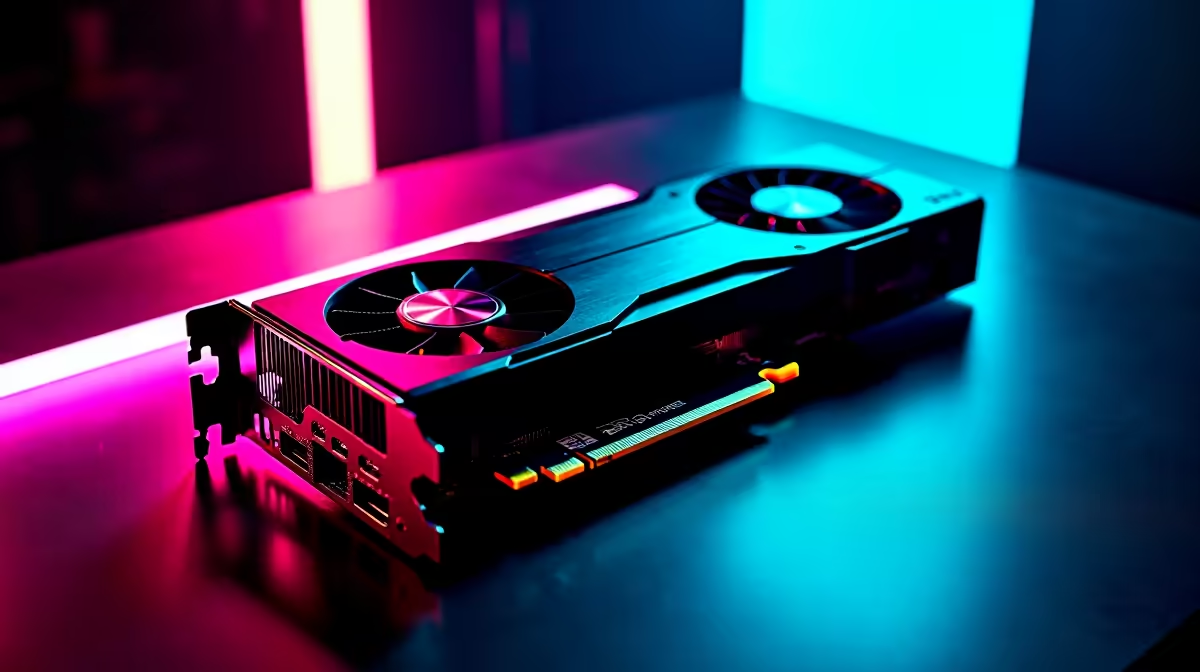
Dropping into Urzikstan with stuttering frames is a quick ticket to the Gulag. South African gamers need reliable performance without breaking the bank. If you are wondering how the RTX 3060 handles Call of Duty Warzone at 1080p, you are in the right place. We benchmarked this incredibly popular GPU to find the sweet spot between visual clarity and competitive frame rates.
RTX 3060 Call of Duty Warzone at 1080p FPS Benchmark 🚀
When testing the RTX 3060 in Call of Duty Warzone at 1080p, the results are seriously impressive for a mid-tier card. On the "Ultra" preset, you can expect to hover around 85 to 95 frames per second. But let us be honest... competitive players do not play on Ultra. You need every single frame to track enemies parachuting in or sliding around tight corners.
By dropping down to a mix of "Normal" and "Low" settings, the 12GB RTX 3060 easily pushes past the 120 FPS mark. This makes it a perfect match for high refresh rate 144Hz monitors. If you are currently building a rig and comparing different graphics cards, the 3060 remains a top-tier choice for 1080p gaming. You will often find this exact GPU featured in our most popular gaming PC deals because it offers such brilliant value for your hard-earned ZAR.
Optimal Settings for Maximum Frames 🔧
To get that buttery smooth RTX 3060 Call of Duty Warzone at 1080p experience, you need to optimise your in-game menus properly. The 12GB of VRAM gives you plenty of breathing room, but smart tweaks are essential. Leave Texture Resolution on 'Normal' so the map still looks crisp, but drop Shadow Map Resolution and Volumetric Quality to 'Low'.
Next, turn on NVIDIA DLSS and set it to 'Quality'. This renders the game at a slightly lower resolution and upscales it using AI... giving you a massive FPS boost without making distant snipers look like blurry pixels. If you prefer a system that is ready to plug and play with these optimal settings, checking out reliable pre-built PCs takes the hassle out of building from scratch. Alternatively, if you are always on the move or dealing with load shedding schedules, many modern gaming laptops pack the mobile version of the 3060 with very similar 1080p capabilities.
Warzone Pro Tip ⚡
Always enable NVIDIA Reflex Low Latency in your Warzone settings. Set it to 'On + Boost' when using an RTX 3060. This reduces system latency, ensuring your mouse clicks register faster during intense close-quarters gunfights.
The Verdict for South African Gamers ✨
The 3060's Warzone performance proves you do not need to spend upwards of R20,000 on a flagship GPU to get highly competitive frame rates. It handles the absolute chaos of Urzikstan beautifully, keeping your 1% low frame rates stable during intense firefights. Before you pull the trigger on your next upgrade, always keep a close eye on our weekly specials to stretch your budget even further.
Ready to Dominate the Warzone? You do not need to settle for low frame rates and stuttering gameplay. Upgrade your arsenal with hardware that delivers high FPS at unbeatable South African prices. Explore our massive range of RTX 3060 gaming PCs and secure your next victory.











