

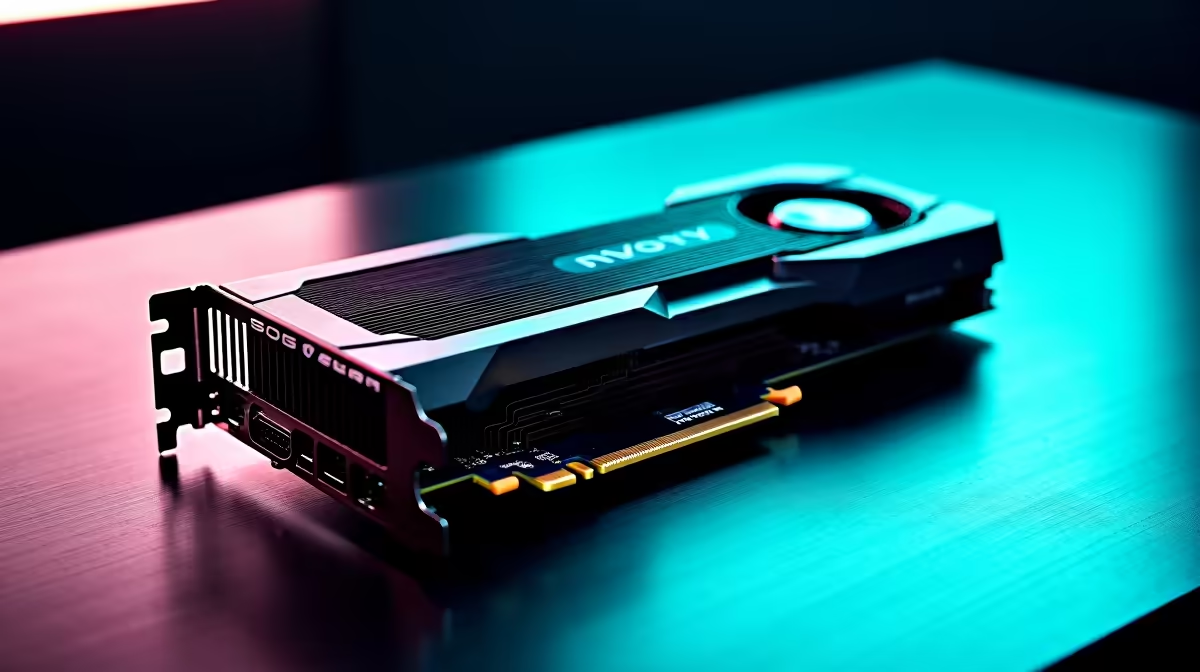
Running large language models locally has moved from enthusiast curiosity to genuine professional workflow for many South African developers and researchers. The RTX 3060 - with its 12GB VRAM - is one of the most accessible cards that can meaningfully participate in local LLM inference, but understanding exactly what it can and can't do sets realistic expectations before you invest.
Quick Answer
The RTX 3060 12GB can run quantised LLMs in the 7B to 13B parameter range at practical inference speeds using tools like Ollama or llama.cpp. A 7B model at Q4 quantisation fits comfortably in VRAM and generates tokens at 30–50 tokens per second - usable for professional tasks. Models above 13B typically require offloading layers to system RAM, which significantly reduces throughput to 5–15 tokens per second.
🤖 What the RTX 3060 Can Actually Run
The 12GB VRAM on the RTX 3060 is the key differentiator from 8GB cards for LLM inference. At Q4_K_M quantisation (a practical quality-performance tradeoff), a 7B parameter model occupies approximately 4–5GB of VRAM, leaving headroom for the KV cache. Llama 3.1 8B, Mistral 7B, and Gemma 2 9B all run fully in VRAM on the RTX 3060, generating tokens at 35–50 tokens per second - responsive enough for interactive use. At 13B with Q4 quantisation (~8GB), the model still fits entirely in VRAM, though generation speed drops to around 18–28 tokens per second. This is still fast enough for batch processing tasks where latency is less critical than throughput. The RTX 3060 12GB represents the practical entry point for professional local LLM work in South Africa.
📉 Where It Hits Limits: 20B+ Models and Context Windows
Models above 13B parameters begin requiring CPU offloading on the RTX 3060, which dramatically reduces throughput. A 20B model at Q4 quantisation (~11GB) can still mostly fit in VRAM with careful layer management, but the KV cache for long contexts will overflow into system RAM. This makes long-context tasks - document summarisation, codebase analysis, extended conversations - substantially slower. 34B and 70B models are technically runnable via llama.cpp's CPU offloading but generate at 2–8 tokens per second, which is impractical for most professional workflows. For these use cases, upgrading to a card with 24GB VRAM is the correct solution. Embedding generation (for RAG pipelines) is a lighter task where the RTX 3060 performs well regardless of model size - embedding workloads are less VRAM-bound than generative inference.
⚡ Optimising the RTX 3060 for LLM Work
Several practical steps improve RTX 3060 LLM performance. Using Q4_K_M or Q5_K_M quantisation rather than lower-quality Q2 or Q3 variants gives a better quality-speed balance. Enabling Flash Attention in compatible inference servers reduces KV cache memory pressure, allowing slightly longer context handling. Ensuring your system has fast DDR4 or DDR5 RAM (32GB minimum) reduces the penalty when layers are offloaded to CPU. Running Ollama or LM Studio with the GPU backend explicitly enabled (not the CPU fallback) is essential - some default configurations don't automatically select the GPU. Pairing the RTX 3060 with a capable CPU that handles CPU-offloaded layers efficiently maximises overall throughput.
❓ FAQ
Q: Can the RTX 3060 run LLMs for professional use? A: Yes, for models up to 13B parameters at Q4 quantisation. Token generation at 18–50 tokens per second is practical for interactive and batch professional tasks. Models above 13B become progressively slower due to VRAM constraints.
Q: Is 12GB VRAM enough for LLM inference? A: 12GB is the practical minimum for comfortable 7B–13B model inference. It's significantly better than 8GB cards for this task. For 20B+ models, 24GB VRAM becomes necessary for acceptable performance.
Q: Does the RTX 3060 support CUDA for LLM frameworks? A: Yes. The RTX 3060 supports CUDA 8.6, which is compatible with PyTorch, llama.cpp (CUDA backend), Ollama, and most modern LLM inference frameworks.
Evetech stocks All Graphics Cards and Graphics Card Deals — browse current SA pricing and availability online.
Ready to Find Your Perfect Match? Build a dedicated local AI inference workstation matched to your model size and performance requirements.











