

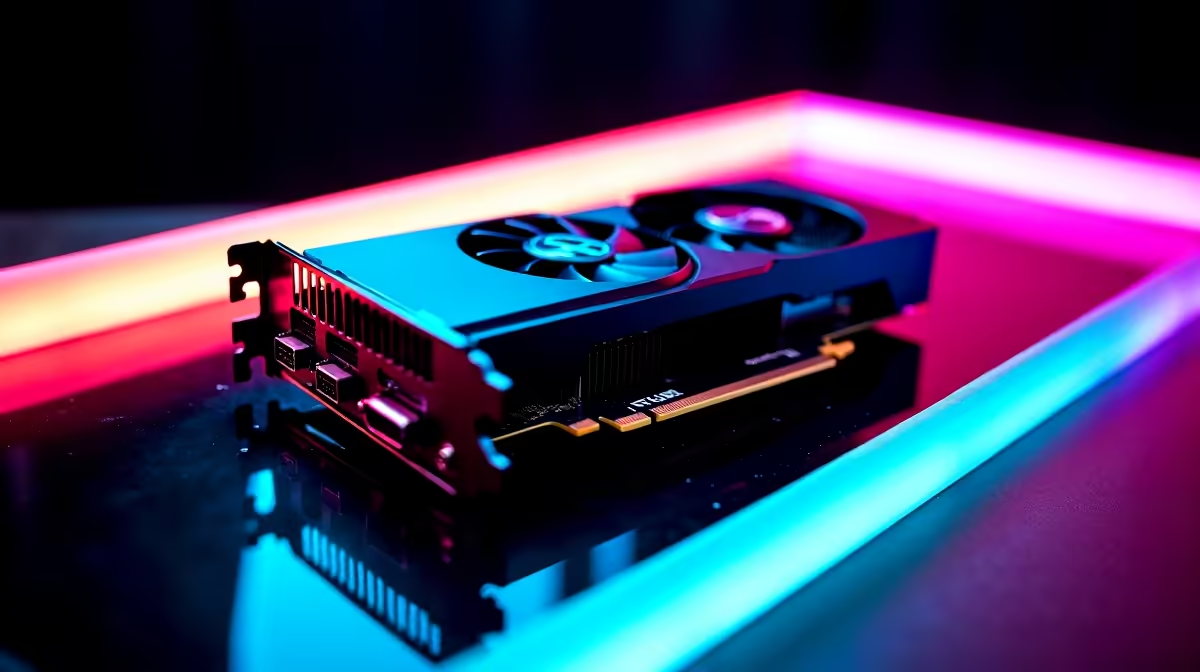
Load-shedding might be giving us a breather, but the hero shooter scene is seriously heating up. If you are jumping into the action, you likely want those ultimate abilities looking as crisp as possible. But can you run an RTX 3060 Marvel Rivals at 4K without your frame rate tanking? We benchmarked this fan-favourite GPU to see if you need to tweak settings or finally upgrade your rig.
The RTX 3060 Marvel Rivals at 4K Challenge 🚀
The NVIDIA RTX 3060 is famous for dominating 1080p gaming. Stepping up to 4K is a massive leap in pixel count. Fortunately, the 12GB of VRAM on this card gives it a fighting chance. If you are browsing through the latest gaming PC deals in South Africa, you will still see this card featured heavily because of its incredible value.
Playing a fast-paced competitive shooter requires high frame rates. Pushing 8.2 million pixels per frame puts immense strain on your hardware. Let us look at how this card actually performs when the chaos kicks off.
FPS Benchmark Results ⚡
Running native 4K on Epic settings is simply too heavy for this tier of hardware... you will likely hover around 25 to 30 FPS. That is much too sluggish for tracking fast-moving targets across the map. The dynamic environment destruction in the game also adds sudden spikes in GPU load. However, NVIDIA DLSS completely changes the game.
By enabling DLSS on 'Performance' mode, your RTX 3060 Marvel Rivals at 4K experience transforms. Frame rates leap to a much more playable 55 to 65 FPS during intense team fights. If you are currently shopping around for new graphics cards, never underestimate the incredible power of AI upscaling to extend the lifespan of your hardware.
Performance Pro Tip 🔧
Always enable NVIDIA Reflex when playing competitive shooters like Marvel Rivals. It drastically reduces system latency, making your mouse clicks register faster on screen. This is crucial when playing at higher resolutions where input lag can sometimes creep in.
Optimal Settings for Smooth Gameplay
To keep your frame rates stable without sacrificing too much visual colour and detail, you need a highly balanced approach. Even if you are playing on one of the latest gaming laptops, these tweaked settings will help you maintain a serious competitive edge.
- Resolution: 3840 x 2160 (4K)
- DLSS: Performance
- Textures: High (Your 12GB VRAM handles this perfectly)
- Shadows: Low
- Effects Quality: Medium
- Volumetric Fog: Low
Dropping shadows and fog gives you the absolute biggest FPS boost. You get to keep the crisp 4K character textures while removing the heavy background effects that cause annoying stuttering during ultimate combos.
Is It Time to Upgrade? ✨
The RTX 3060 Marvel Rivals at 4K setup is surprisingly viable if you optimise your settings. It proves exactly why this GPU remains a budget king. But if you want a locked 144Hz experience at 4K to match a high-end monitor, you will definitely need more horsepower.
Upgrading to a modern pre-built PC with an RTX 4070 or higher will give you that flawless high-refresh 4K experience. Keep an eye out for local tech specials to save some ZAR while making the exciting jump to next-gen performance.
Ready to Dominate the Battlefield? Pushing 4K resolution requires serious graphical power. Whether you need a budget-friendly upgrade or a top-tier powerhouse, we have the perfect hardware for your needs. Explore our massive range of graphics cards and level up your gaming experience today.











