

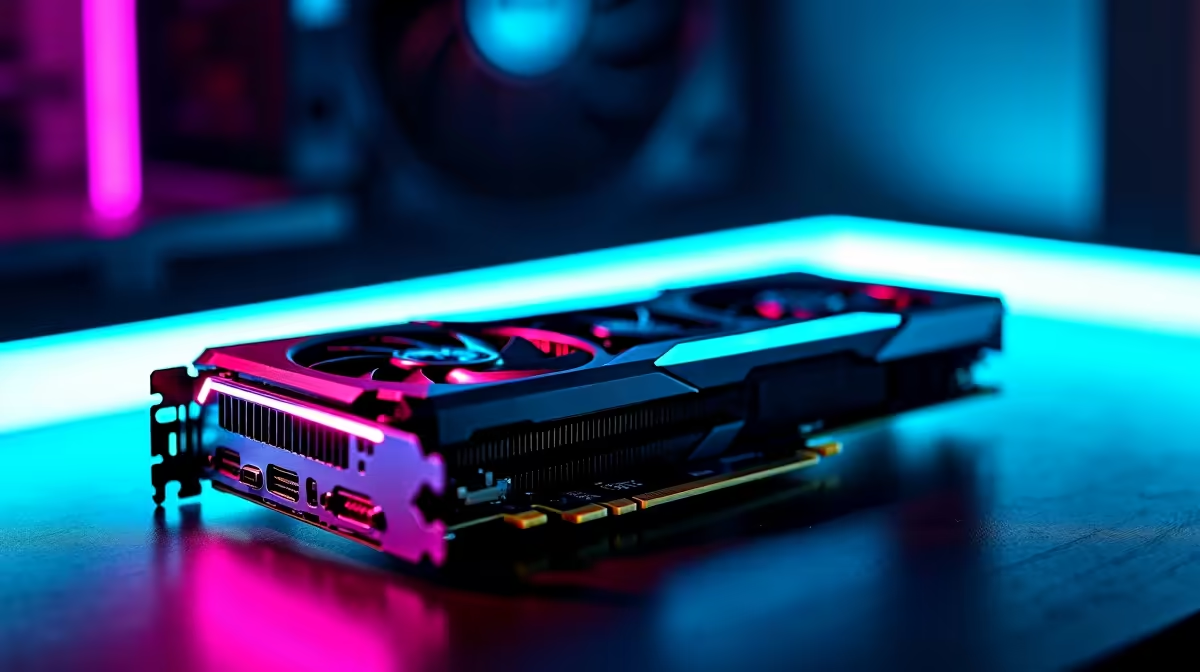
Dropping into Urzikstan with your squad is stressful enough without frame drops ruining your Gulag match. South African gamers know the pain of high ping... but what about raw pixel-pushing power? Everyone asks if a budget-friendly GPU can survive ultra-high resolutions. Today we test the RTX 4060 Call of Duty Warzone at 4K to see if this card truly punches above its weight class.
Can the RTX 4060 Handle 4K Gaming? 🚀
Pushing 8.3 million pixels is no joke. The RTX 4060 was heavily marketed for 1080p dominance. However, NVIDIA's Ada Lovelace architecture brings serious magic to the table. You want to buy graphics cards that balance aggressive pricing with modern features. This GPU is a top contender.
Can it actually play Warzone smoothly at 4K? Yes... but you need the right tweaks. You cannot simply max out every slider and expect victory. Let's look at the real-world numbers.
FPS Benchmark Results in the Heat of Battle
Running a quick Warzone 4K benchmark reveals surprising results. Native 4K rendering is incredibly tough on this silicon. You will likely hover around 35 to 45 FPS on standard high settings. That is simply not ideal for a fast-paced competitive shooter. But turn on DLSS 3 (Deep Learning Super Sampling) and the story completely changes.
With DLSS set to 'Performance' mode, frame rates jump to a highly playable 65 to 80 FPS. The visual clarity remains surprisingly sharp. This massive boost makes grabbing one of our best gaming PC deals incredibly tempting. It is perfect for budget-conscious 4K gamers.
Optimal Settings for Smooth Gameplay 🔧
To get that buttery smooth feel, you must optimise your graphics menu. First, drop your texture resolution to 'Normal' to save precious VRAM. The 8GB memory buffer on the 4060 fills up fast at 4K. Turn your shadow map resolution down to 'Low'. Disable ray tracing entirely... it eats far too many frames for a competitive edge.
Do you prefer a mobile setup? Modern laptops for sale in South Africa equipped with the mobile RTX 4060 offer similar DLSS benefits. You can easily hook them up to an external 4K monitor for a desktop-like experience.
Warzone Performance Pro Tip ⚡
Always enable NVIDIA Reflex Low Latency in your Warzone settings. When you push the RTX 4060 at 4K using DLSS, Reflex ensures your mouse clicks register instantly... giving you that crucial edge in close-quarters combat.
Building the Right Setup for Victory ✨
Pairing your new GPU with a solid processor is vital to avoid bottlenecks. A weak CPU will drag down your 4K gaming experience. Are you avoiding a scratch build? Picking up a pre-built PC takes the hassle out of hardware matching. These systems are tested to ensure maximum stability.
Furthermore, building a great setup does not have to drain your wallet. Keeping a close eye on our tech specials means you can stretch your Rands further. You might save enough to grab a high-refresh-rate monitor or a premium gaming headset.
Ready to Upgrade Your Warzone Experience? Dominating at 4K requires the right hardware, and Evetech has everything you need to build the ultimate loadout. Explore our massive range of gaming PCs and find the perfect machine to conquer your next match.











