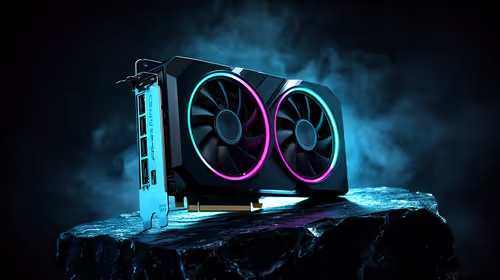
Upgrading your rig on a tight budget often means pairing a new GPU with an older motherboard. If you are eyeing the RTX 4060, you have probably stumbled across a massive debate. Because it uses an x8 lane design, dropping it into an older board cuts its data speed in half. But does RTX 4060 PCIe bandwidth actually matter in the real world? Let us find out.
Understanding the PCIe Gen 3 vs Gen 4 Divide ⚡
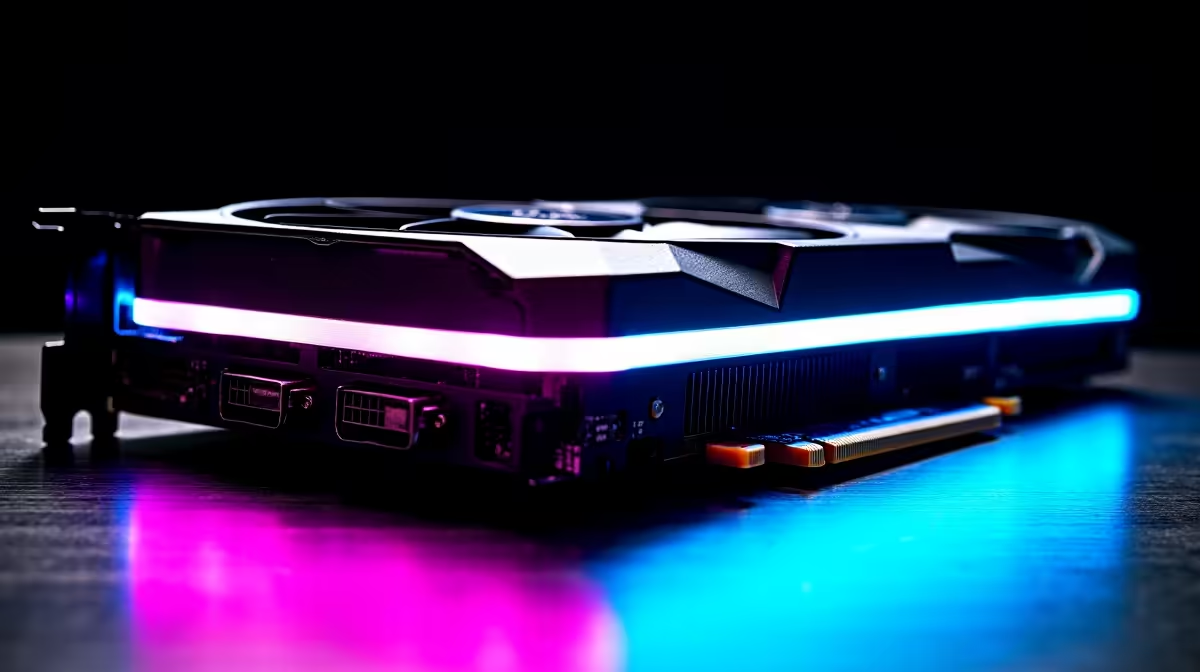
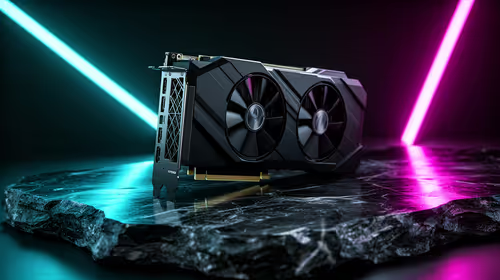
Modern graphics cards communicate with your processor through PCIe lanes. The RTX 4060 is wired for PCIe 4.0 x8. This means it uses eight lanes rather than the traditional sixteen found on older, bulkier cards. When you upgrade your graphics card and plug it into a modern PCIe Gen 4 motherboard, everything runs perfectly at maximum speed. It has all the headroom it needs to render complex scenes.
However, plugging it into a Gen 3 board drops the connection to PCIe 3.0 x8. This halves the maximum data transfer rate. On paper... that sounds like an absolute disaster for your frame rates. You might think your shiny new hardware is being choked. But synthetic benchmarks rarely tell the whole story for South African gamers looking to stretch every single ZAR.
Does RTX 4060 PCIe Bandwidth Affect FPS?
The short answer is no... not really. Extensive testing from reputable tech outlets shows that at 1080p, the performance difference between Gen 3 and Gen 4 is typically around 1% to 3%. You might lose two or three frames per second in highly demanding titles like Cyberpunk 2077 or Starfield. In competitive shooters like Valorant or CS:GO, the difference is completely non-existent.
If you are browsing through the best gaming PCs, you will notice that even budget builds push incredibly high frame rates with this specific card. You simply will not feel a 2% drop during intense, fast-paced gameplay. For anyone looking at affordable pre-built PC deals, pairing an RTX 4060 with a slightly older CPU and motherboard remains a highly logical and smart financial move. It saves you money that could be spent on a better monitor or faster storage.
Upgrade Pro Tip 🔧
If you are running a PCIe Gen 3 motherboard with a Ryzen 5000 or Intel 10th Gen CPU, do not panic upgrade your board just yet. The RTX 4060 will still deliver massive frame rate boosts over older GTX 1060 or RTX 2060 cards without bottlenecking your system.
When Will You Notice the Difference? 🚀
There is one specific scenario where Gen 3 vs Gen 4 actually matters. The RTX 4060 features 8GB of VRAM. If you push texture settings to absolute maximum in poorly optimised, modern AAA games, you might exceed that 8GB limit.
When VRAM fills up entirely, the GPU borrows standard system RAM to keep running. This extra data must travel across the PCIe bus. In this rare edge case, the slower Gen 3 bandwidth can cause noticeable stuttering or severe frame drops. The simple fix? Just lower your texture quality slightly to keep VRAM usage under 8GB, and the stuttering vanishes.
This same highly efficient architecture applies to portable gaming as well. Many modern gaming laptops feature mobile versions of the 4060. They handle 1080p gaming beautifully without ever hitting those frustrating bandwidth limits, proving the silicon is highly capable.
The Final Verdict on Gen 3 vs Gen 4 ✨
Do not let the RTX 4060 PCIe bandwidth debate scare you away from a genuinely great upgrade. Whether you are building a custom rig from scratch or hunting for the latest tech specials, the RTX 4060 offers stellar value. It runs exceptionally cool, consumes very little power, and absolutely dominates 1080p gaming... regardless of your motherboard's PCIe generation. It brings features like DLSS 3 and frame generation to the masses, proving that smart architecture beats raw bandwidth numbers every single time.