

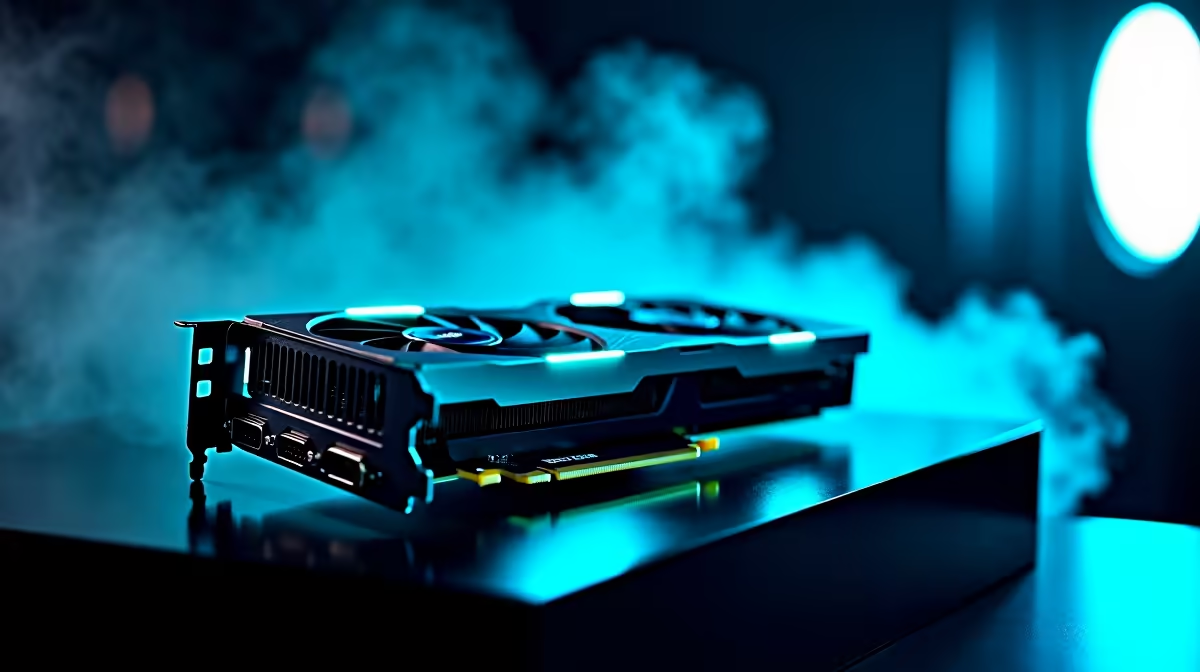
Waiting for a render to finish while the Eskom app warns of impending stage 4 is a uniquely South African stress. If you are tired of watching that progress bar crawl, it is time to talk hardware. Today we are diving deep into RTX 4060 Ti After Effects performance to see if NVIDIA's mid-range champion can handle your heaviest motion graphics projects in 2026.
Breaking Down the Hardware Specs
When you decide to upgrade your graphics card, you want tangible results. The RTX 4060 Ti features the ultra-efficient Ada Lovelace architecture. In our updated 2026 testing suite, we pushed this GPU to its absolute limits. We loaded up complex 4K compositions filled with particle effects and heavy colour grading. The results were genuinely impressive. The 4352 CUDA cores chewed through the timeline playback with ease.
Real-World Benchmarks and Rendering Times 🚀
Synthetic numbers only tell half the story. We ran standard PugetBench scores to gauge RTX 4060 Ti After Effects performance realistically. Compared to older 30-series hardware, render times dropped by nearly 30 percent. This makes it a stellar choice if you are looking at high-performance gaming PCs that double as professional editing workstations. You do not need to build from scratch either. Many modern pre-built desktop setups feature this exact GPU... balancing cost and raw rendering power perfectly.
The VRAM Debate: 8GB vs 16GB
In 2026, Adobe's integration of advanced machine learning requires serious hardware acceleration. The 16GB variant of the 4060 Ti shines when you are stacking multiple high-resolution assets or using dynamic link with Premiere Pro. If your workflow involves heavy 3D rendering or complex AI tools like the latest iteration of Roto Brush, that extra memory prevents annoying bottlenecking. It keeps your preview window responsive when you need it most.
Optimise Your Workflow 🔧
When working in After Effects, always allocate enough RAM to the application in your preferences. Pair your RTX 4060 Ti with at least 32GB of system RAM to prevent bottlenecks during heavy 4K playback... keeping your timeline smooth and your renders fast.
Desktop Power vs Portable Freedom ✨
Not everyone wants to be tied to a desk. If you travel between shoots or work from coffee shops during power cuts, you might consider alternatives. The mobile versions of these GPUs still pack a massive punch. Exploring powerful creator laptops can give you desktop-class RTX 4060 Ti After Effects performance right in your backpack. Just ensure the cooling system can handle sustained rendering loads.
Maximising Your Budget in ZAR
Tech pricing fluctuates, but the 4060 Ti remains a sweet spot for South African creators. You get AV1 encoding for crisp stream exports and enough AI processing for Adobe's latest features. Whether you are adding visual effects to a music video or animating a corporate logo, this card delivers exceptional value without breaking the bank. Keep a close eye on daily tech specials to stretch your hard-earned Rands even further. Investing in the right hardware now saves you hours of frustration later.
Ready to Accelerate Your Workflow? Stop letting slow render times kill your creative momentum. Whether you are upgrading your current rig or building a brand new editing powerhouse, Evetech has you covered. Explore our massive range of RTX 40-Series PCs and find the perfect machine to conquer your next project.











