

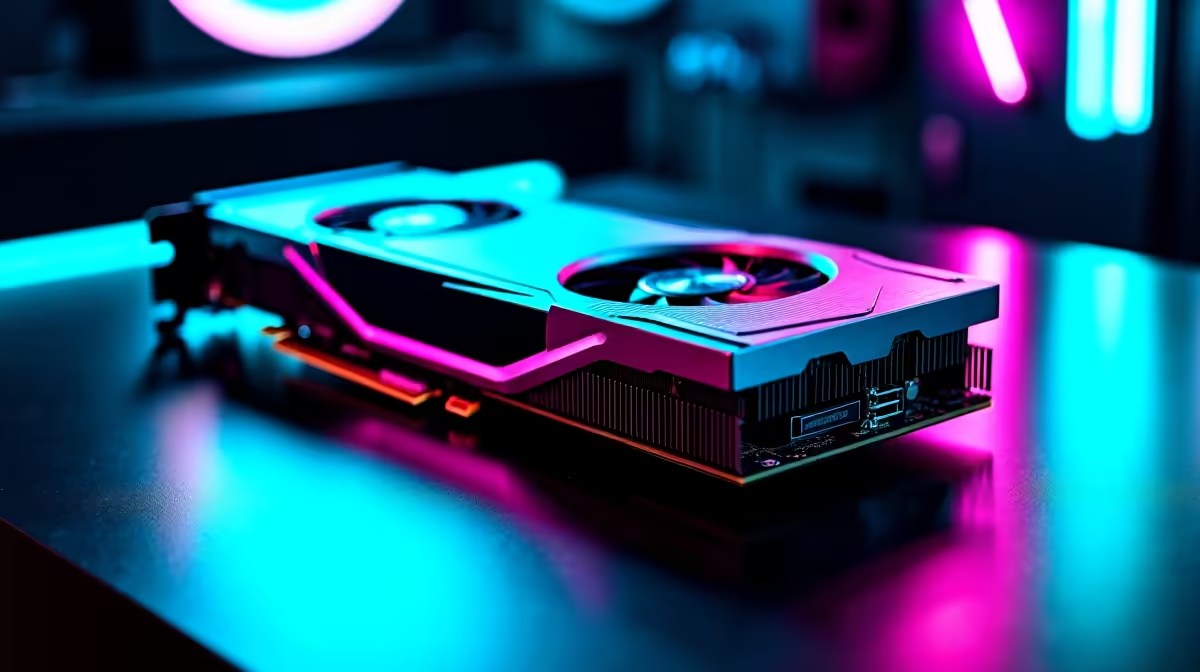
Chasing those ultra-realistic reflections in Cyberpunk 2077? We get it. But when you are dropping hard-earned ZAR on a new rig, you want smooth frames... not a slideshow. The NVIDIA RTX 4060 Ti is a popular mid-range beast in South Africa. The big question remains... should you actually use its ray tracing capabilities? Let's break down the real-world performance impact of RTX 4060 Ti ray tracing on vs off.
The Visuals vs The Performance Hit
Ray tracing simulates how light behaves in the real world. It makes puddles reflect neon signs perfectly and casts accurate shadows. However... this eye candy requires serious computing power. When looking to buy graphics cards, many gamers wonder if the 8GB of VRAM on the 4060 Ti can actually handle it.
Running native 1080p with ray tracing enabled usually cuts your frame rate in half. A game pushing 100 FPS with standard rasterisation might drop to 45 FPS once you flip that switch. For competitive shooters, keep it off. For story-driven RPGs, the visual bump might just be worth the performance dip.
RTX 4060 Ti Ray Tracing On vs Off: Real World Stats
Let us look at a heavy hitter like Alan Wake 2. With ray tracing disabled, the 4060 Ti delivers a highly playable 60 to 70 FPS at 1080p high settings. Turn ray tracing to high... and you are suddenly hovering around the 30 FPS mark. This is where you have to decide what matters most to your daily gaming experience.
If you want the best of both worlds without building from scratch, checking out the best gaming PC deals can help you find a balanced system. Alternatively, many of our pre-built PC deals feature this exact GPU paired with modern CPUs that prevent annoying system bottlenecks. 🔧
Performance Pro Tip ⚡
Always enable DLSS 3 Frame Generation when using ray tracing on your RTX 4060 Ti. It uses AI to create extra frames... practically doubling your performance and making heavy games buttery smooth without sacrificing visual quality.
Pushing the Limits at 1440p
While the 4060 Ti shines brightest at 1080p, many South African gamers use 1440p monitors. Testing the RTX 4060 Ti ray tracing on vs off at this higher resolution reveals a steeper challenge. Without upscaling, 1440p with ray tracing is generally too demanding for smooth gameplay. You will absolutely need DLSS enabled to maintain a playable frame rate. If pure performance is your goal at 1440p, leaving ray tracing off is the smartest move.
When to Compromise on Settings
Not every gamer sits at a desktop setup. If you prefer portable power, the mobile variants of this GPU also handle advanced lighting incredibly well. You can find excellent options among the notebooks for sale in South Africa that feature the highly efficient 40-series architecture.
Our ultimate recommendation? Use a hybrid approach. Keep ray tracing off for fast-paced multiplayer titles where high refresh rates matter most. Turn it on for slower, immersive single-player games... but only if the game supports DLSS 3 to keep those frames high.
Before you make your final choice, keep an eye on our latest specials to ensure you get the absolute best value for your Rand. 🚀
Ready to Upgrade Your Visuals? Experiencing true next-gen lighting doesn't have to break the bank. Whether you want to max out your frames or soak in the ray-traced scenery, we have the hardware you need. Explore our RTX 40-Series range and find the perfect upgrade for your gaming setup today.











