


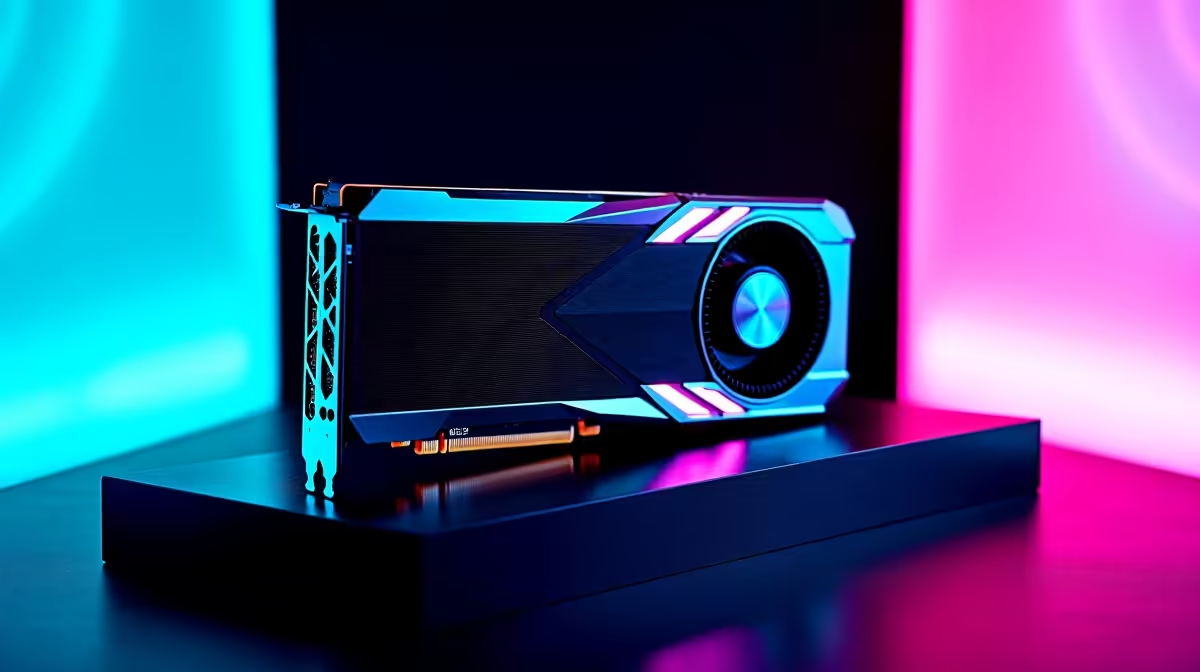
Dropping over 15k ZAR on a new GPU is a massive commitment. You want to know every single frame is accounted for. Whether you are dodging loadshedding schedules or chasing high refresh rates in Cyberpunk 2077... understanding your hardware is vital. Welcome to your ultimate RTX 4070 benchmarking performance testing guide. Let us find out exactly what this powerhouse can do.
Why an RTX 4070 Benchmarking Guide Matters 🚀
Before you upgrade your rig, you need solid data. Benchmarking pushes your hardware to its absolute limits to measure real-world capabilities. The RTX 4070 hits a phenomenal sweet spot for 1440p gaming in South Africa. But how do you verify those impressive manufacturer claims? If you are currently browsing top-tier graphics cards, knowing how to test them ensures you get exactly what you paid for. It removes the guesswork from your upgrade path.
Essential Metrics for Your Performance Testing Guide
Running a benchmark is not just about watching a pretty scene render. You need to track specific metrics to understand your system. Average FPS is a great baseline, but 1% lows tell the real story about stuttering. A stable frame rate makes competitive shooters feel buttery smooth. When you invest your hard-earned ZAR in premium gaming PCs, you want those 1% lows to stay well above 60 FPS for a flawless experience.
Temperature is another crucial factor to monitor. South African summers can be absolutely brutal on high-end electronics. Monitoring your GPU thermals during an RTX 4070 benchmarking run reveals if your case airflow is actually adequate. If your system runs too hot, it will automatically thermal throttle... dropping your performance significantly. This is exactly why well-ventilated pre-built PCs are designed with optimal cooling layouts right from the start.
Benchmarking Pro Tip ⚡
Always run your benchmarks at least three times and take the average score. Background Windows processes can cause random spikes or dips in your first run. A three-run average gives you a much more accurate picture of your RTX 4070's true performance capabilities.
Preparing Your Rig for Accurate Results 🔧
Accuracy requires a completely clean testing environment. Before you hit start on 3DMark or an in-game benchmark tool, close all unnecessary background apps. Update your Nvidia drivers to the very latest version. Even if you are testing mobile graphics performance on high-end gaming laptops, having a clean software slate prevents skewed results. Make sure your Windows power plan is set to maximum performance to unleash the full potential of your silicon.
Making Sense of Your Benchmark Numbers ✨
Once your RTX 4070 benchmarking is complete, compare your scores with reputable tech reviewers. If your numbers match up, your system is perfectly optimised. If they fall noticeably short, you might have a CPU bottleneck or outdated RAM holding you back. Upgrading supporting components is often the secret key to unlocking hidden frames. Keep a close eye on hardware specials to grab those missing pieces without stretching your budget.
Ready to Maximise Your Framerates? Testing your hardware is only half the fun. If your current rig is struggling to keep up with modern titles, it might be time for an upgrade. Explore our massive range of RTX 4070 deals and build a PC that dominates every benchmark.











