

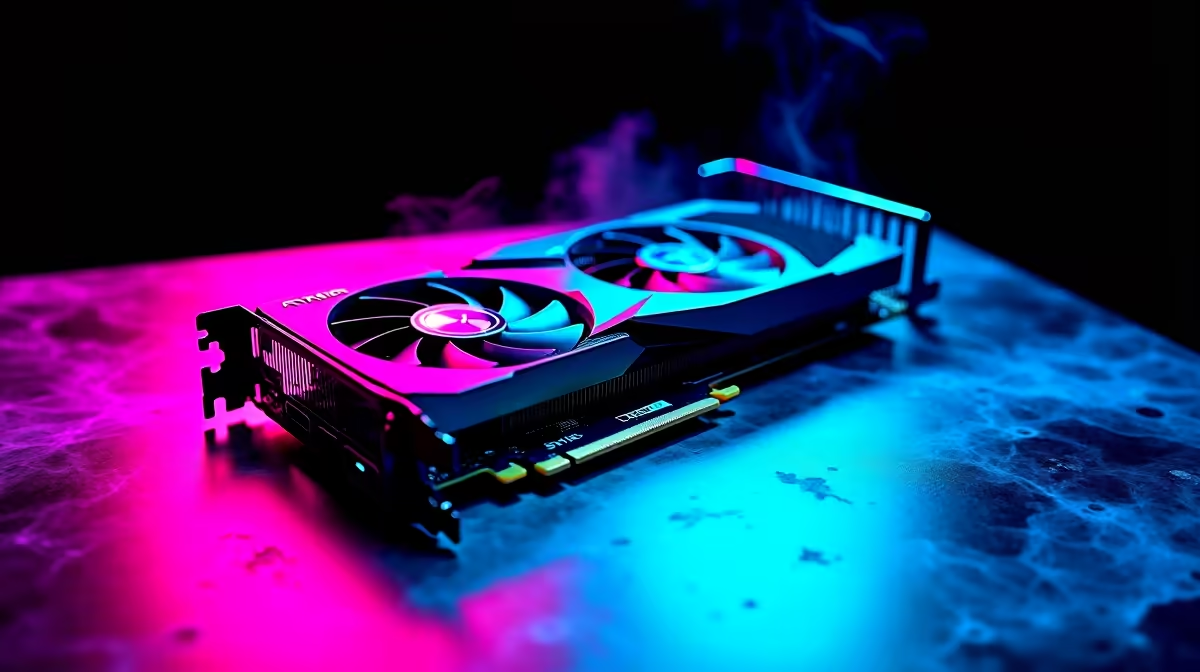
Ready to explore Hogwarts without your frame rate taking a nasty plunge? South African gamers know that getting smooth performance in modern titles requires serious hardware. If you want the ultimate RTX 4070 Ti Super Hogwarts Legacy FPS experience... you are in the right place. We are breaking down the benchmarks and the exact settings you need to maximise your Rands and keep your gameplay buttery smooth.
The Power Behind the Magic ⚡
Hogwarts Legacy is notorious for eating up VRAM. Thankfully... Nvidia equipped the RTX 4070 Ti Super with a massive 16GB of GDDR6X memory. This means you can crank up the texture quality without experiencing those annoying micro-stutters. If your current rig is struggling to keep up with modern RPGs... it might be time to browse the latest graphics cards to find a worthy upgrade.
Real-World Performance Benchmarks 🚀
So... what kind of RTX 4070 Ti Super Hogwarts Legacy FPS can you actually expect? We looked at the data to give you a clear picture.
At 1440p resolution with Ultra settings and Ray Tracing set to maximum... this GPU easily pushes past 80 FPS natively. Turn on DLSS 3 Frame Generation, and you will comfortably soar above 120 FPS. Building a rig from scratch to hit these numbers? Check out our best gaming PC deals for setups that handle 1440p effortlessly.
Pushing into 4K territory is where the 16GB VRAM truly shines. At 4K Ultra with Ray Tracing... native performance hovers around 45 to 50 FPS. However... activating DLSS Quality mode bumps that right back up to a silky 75 FPS. If you prefer a plug-and-play solution to reach these 4K heights... grabbing a powerful pre-built PC takes the hassle out of your hardware upgrade.
Best Settings for the Perfect Balance 🔧
You do not need to max out every single slider to make the wizarding world look incredible. Tweaking a few specific options will drastically improve your RTX 4070 Ti Super Hogwarts Legacy FPS without ruining the visual magic.
First... keep your textures and character models on Ultra. Drop volumetric fog and shadow quality down to High. These two settings are incredibly taxing and offer very little visual difference when lowered. If you are a gamer on the move... you can apply these exact same optimisation principles to modern gaming laptops to save battery and boost frames.
Performance Pro Tip 🪄
Always enable DLSS 3 Frame Generation if you are playing at 1440p or 4K with Ray Tracing enabled. It uses AI to generate extra frames... effectively doubling your performance while maintaining stunning image quality.
Finally... make sure you are getting the best value for your hard-earned ZAR. Upgrading your setup does not have to break the bank if you shop smart. Keep an eye on our weekly tech specials to find premium components at unbeatable prices.
Ready to Maximise Your Frame Rates? Experiencing Hogwarts Legacy in all its ray-traced glory is an unforgettable experience. For maximum power and the best ZAR value in South Africa... Evetech has you covered. Explore our massive range of RTX 40-Series PCs and find the perfect machine to conquer your magical world.











