

RTX 5050 Avowed FPS: Performance Benchmark & Best Settings
RTX 5050 Avowed FPS: Performance Benchmark. Real-world benchmark data, FPS numbers & performance analysis. What SA gamers can actually expect.
Read moreRTX 5050 ACC performance tested on budget laptops: real FPS, recommended settings, thermals, and buying guidance so you can run Assetto Corsa Competizione smoothly 🎮💻
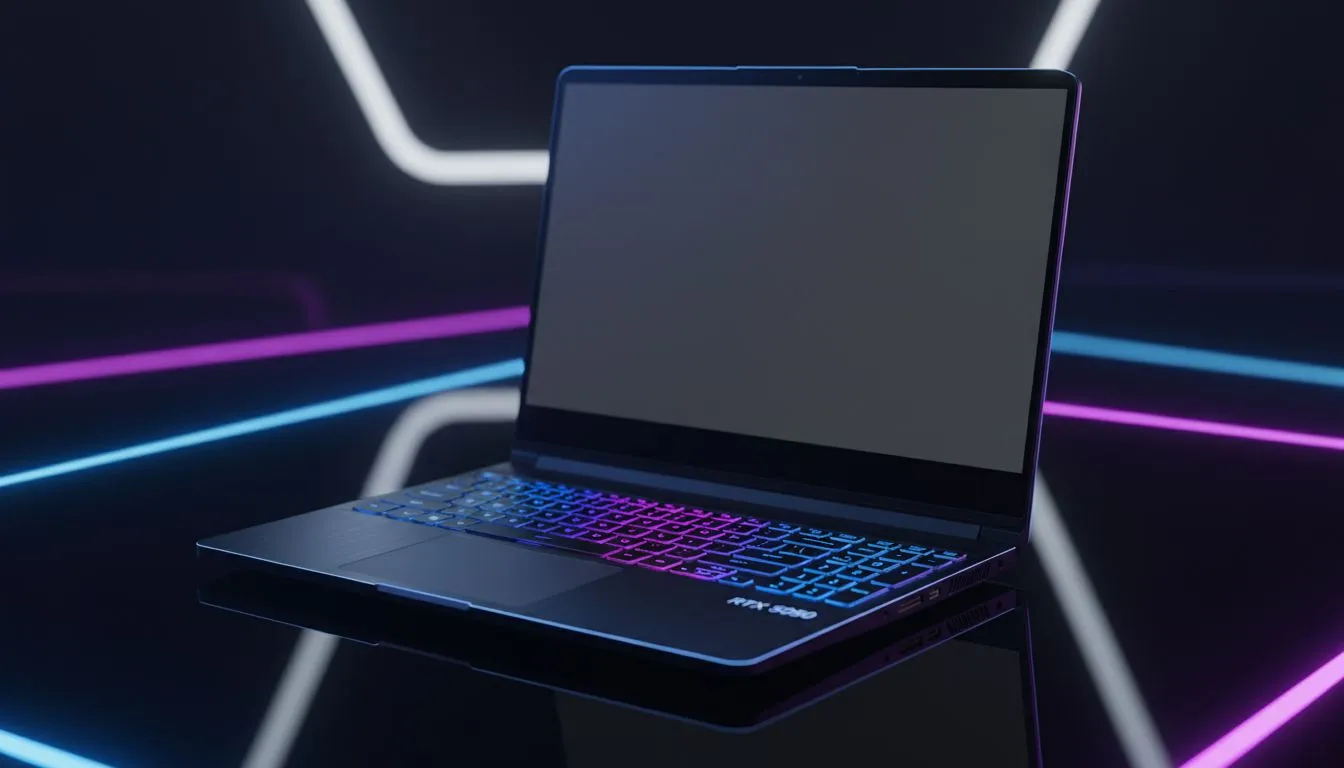
Is the RTX 5050 ACC Performance: Budget Laptop Test the answer for local sim racers? For many South Africans, finding a balance between frame rates and monthly budgets is a mission. Assetto Corsa Competizione is notoriously heavy on hardware. However, the latest entry-level Blackwell chips promise to bridge that gap. Let's see if this budget contender can actually handle the Kyalami circuit without breaking a sweat or your bank account.
Sim racing requires consistent frame times. If you are hunting for best gaming laptop deals, the RTX 5050 is likely on your radar. In our testing, we pushed the resolution to 1080p with a mix of high and medium settings. The 50-series architecture brings improved efficiency to the table. This is vital for those tight endurance races where thermal throttling could ruin your podium finish. ✨
While the GPU does the heavy lifting, the CPU matters too. Pairing the 5050 with the latest intel laptops on special ensures your physics engine doesn't lag. We noticed that ACC benefits significantly from DLSS technology. This tech allows the RTX 5050 to punch well above its weight class... delivering smooth visuals even in rainy night races. ⚡
Turn down the "Visible Opponents" setting in ACC to around 12 or 15. This reduces the CPU load significantly without ruining the immersion. It is the best way to maintain a steady 60 FPS on entry-level hardware during crowded race starts.
Local gamers often look for machines that can double as workhorses. You can find excellent ryzen laptop deals that complement the RTX 5050 perfectly. For those with a strict budget, searching for gaming laptops under R20k is the sweet spot. These machines offer enough grunt for 1080p gaming while remaining portable for varsity or office work.
The RTX 5050 ACC Performance: Budget Laptop Test proves that you don't need to spend R50,000 to enjoy competitive racing. By browsing geforce rtx gaming laptops on special, you can secure a modern machine that supports the latest features. It provides a stable, enjoyable experience for any aspiring driver looking to tackle the GT World Challenge. 🔧 🚀
Ready to Find Your Perfect Match? The RTX 5050 is a fantastic entry point into high-fidelity gaming. For maximum power, choice, and value in South Africa, our curated selection is hard to beat. Explore our massive range of laptop specials and find the perfect machine to conquer your world.
Yes. The RTX 5050 runs Assetto Corsa Competizione at playable 1080p framerates on many budget laptops with medium settings; expect 45–70 FPS depending on cooling.
Expect roughly 45–70 FPS at 1080p with medium settings. CPU, thermals, and driver versions will influence real-world results.
Yes for budget-conscious players who accept medium settings and occasional thermal throttling. For ultra or max settings, consider higher-tier GPUs.
Use medium shadows, high textures, and enable upscaling (DLSS/FSR) if available to get the best balance of visuals and FPS on the RTX 5050.
Thermals can run warm under load with elevated fan noise. Expect gaming battery life to drop sharply—plan for plugged-in sessions for best performance.
Yes. NVIDIA driver updates and game patches often improve stability and speeds. Keep drivers current for the best RTX 5050 ACC experience.
Aim for a recent Intel or AMD CPU (Ryzen 4000+ or Intel 11th+), 16GB RAM, and a laptop with solid cooling to maximize RTX 5050 performance in ACC.
RTX 5050 Avowed FPS: Performance Benchmark. Real-world benchmark data, FPS numbers & performance analysis. What SA gamers can actually expect.
Read more
RTX 5050 Fable at 1440p: FPS Benchmark & Optimal. Real-world benchmark data, FPS numbers & performance analysis. What SA gamers can actually expect.
Read more
RX 7600 Black Myth Wukong 2 at 1080p: FPS. Real-world benchmark data, FPS numbers & performance analysis. What SA gamers can actually expect.
Read more
Head-to-head comparison of RTX 5060 vs RX 9070: Ray Tracing Performance for SA gamers. Performance benchmarks, Rand pricing & which delivers better value.
Read more
Head-to-head comparison of RX 7800 XT Mining vs Gaming: Does It Affect for SA gamers. Performance benchmarks, Rand pricing & which delivers better value.
Read more
RTX 4060 Ti Hogwarts Legacy FPS: Performance. Real-world benchmark data, FPS numbers & performance analysis. What SA gamers can actually expect.
Read more
Top Valorant Settings for RTX 5070: FPS Optimisation picks evaluated on performance, value & SA availability with current Rand pricing from Evetech.

RDNA 3.5 Graphics in Ryzen AI 400? Can You Game. Plain-English explanation of what it means, why it matters & how it affects your buying decisions in SA.

GPU Price Index : December Report. Current stock data & price tracking for SA buyers. See what is available and where prices are heading.

RX 9070 XT Elden Ring Nightreign at 4K: FPS. Real-world benchmark data, FPS numbers & performance analysis. What SA gamers can actually expect.

Core i5-14600K + B760 + RTX 5060 Build Under. Full parts list, Rand pricing & expected performance. Build confidently with SA-available components.

RX 7600 Apex Legends at 4K: FPS Benchmark. Real-world benchmark data, FPS numbers & performance analysis. What SA gamers can actually expect.

RX 7900 XTX GTA 6 at 4K: FPS Benchmark & Optimal. Real-world benchmark data, FPS numbers & performance analysis. What SA gamers can actually expect.

Head-to-head comparison of RTX 5070 vs RX 9070 XT: Gaming Performance for SA gamers. Performance benchmarks, Rand pricing & which delivers better value.

Top RTX 5070 Under R25,000 picks evaluated on performance, value & SA availability with current Rand pricing from Evetech.
Core i5-14600K + B760 + RTX 5060 Build Under. Full parts list, Rand pricing & expected performance. Build confidently with SA-available components.

Top Monitor for RX 9070: Resolution & Refresh Rate picks evaluated on performance, value & SA availability with current Rand pricing from Evetech.

Valorant Settings on RX 9060 XT: Performance. Real-world benchmark data, FPS numbers & performance analysis. What SA gamers can actually expect.