

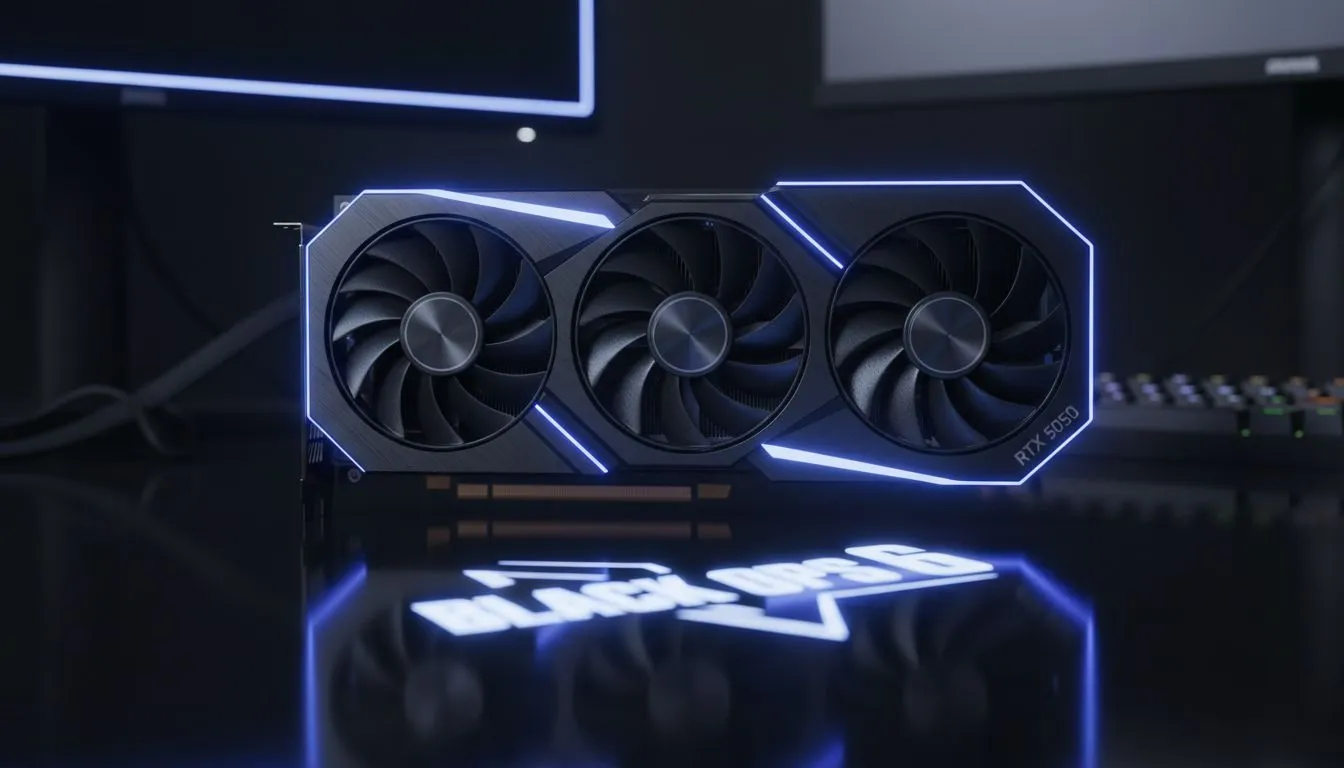
Black Ops 6 is almost here, and South African gamers are scrambling to find the perfect balance between performance and price. You don't need a R40,000 rig to dominate the leaderboard. This RTX 5050 Black Ops 6 120FPS Budget Guide breaks down how the latest entry-level tech from NVIDIA delivers smooth gameplay without draining your savings account. ⚡
Cracking the Code for 120FPS in Black Ops 6
Achieving a stable 120FPS in a fast-paced shooter like Black Ops 6 requires more than just raw power. It requires smart optimisation. The RTX 5050 is expected to leverage NVIDIA's latest Blackwell architecture to punch well above its weight class. For many local players, this card represents the sweet spot for 1080p competitive gaming.
To hit that golden 120FPS mark, you should focus on using DLSS (Deep Learning Super Sampling). This technology allows the GPU to render at a lower resolution and upscale using AI. When browsing the latest NVIDIA graphics cards, look for models that support the newest iteration of Frame Generation. This feature will be vital for maintaining fluid motion during intense firefights in the Omnimovement era.
Performance Pro Tip ⚡
Always disable 'Weapon Motion Blur' and 'Depth of Field' in your Call of Duty settings. These effects add cinematic flair but significantly impact your ability to spot enemies quickly. Turning them off can also provide a modest boost to your minimum frame rates... ensuring a smoother experience during high-action moments.
Why the RTX 5050 is the Budget King for South Africans
With the cost of living rising, finding value is essential. The RTX 5050 aims to provide a modern feature set at a fraction of the cost of flagship models. If you are building a new rig, choosing MSI NVIDIA GPUs often provides excellent thermal management... which is crucial for those hot summer days in Gauteng or Durban.
While we often focus on gaming, some users might consider workstation graphics cards for professional tasks. However, for Black Ops 6, the consumer-grade RTX series is the undisputed champion. The 5050 is designed to handle the high-intensity assets of the latest CoD engine without the massive power draw of its older siblings.
Comparing the Competition: AMD and Intel Alternatives
It is always wise to look at the broader market before making a final decision. While this RTX 5050 Black Ops 6 120FPS Budget Guide focuses on NVIDIA, the competition is fierce. Many gamers still swear by AMD Radeon graphics cards for their impressive raw rasterization performance and generous VRAM allocations. 🚀
Furthermore, the market has seen a surge in interest for Intel Arc graphics cards. These cards offer competitive pricing and have seen massive driver improvements over the last year. However, for the specific AI-driven features like Frame Gen that help hit 120FPS on a budget, NVIDIA still holds a slight edge in software ecosystem support. ✨
Final Optimisation Steps for Black Ops 6
Before you drop into your first match, ensure your Windows "Game Mode" is toggled on. Update your drivers specifically for the Black Ops 6 launch. This ensures that your RTX 5050 is communicating perfectly with the game engine. If you find your frames dipping below 120, try lowering your "Volumetric Lighting" and "Shadow Quality" settings first. These are often the heaviest hitters on your GPU resources. 🔧
Ready to Dominate the Lobby? Getting 120FPS in Black Ops 6 doesn't have to break the bank. Whether you're looking for the latest RTX 50 series or a reliable budget alternative, we have the stock to get you in the game. Explore our massive range of graphics card specials and find the perfect GPU to conquer your competition.











