

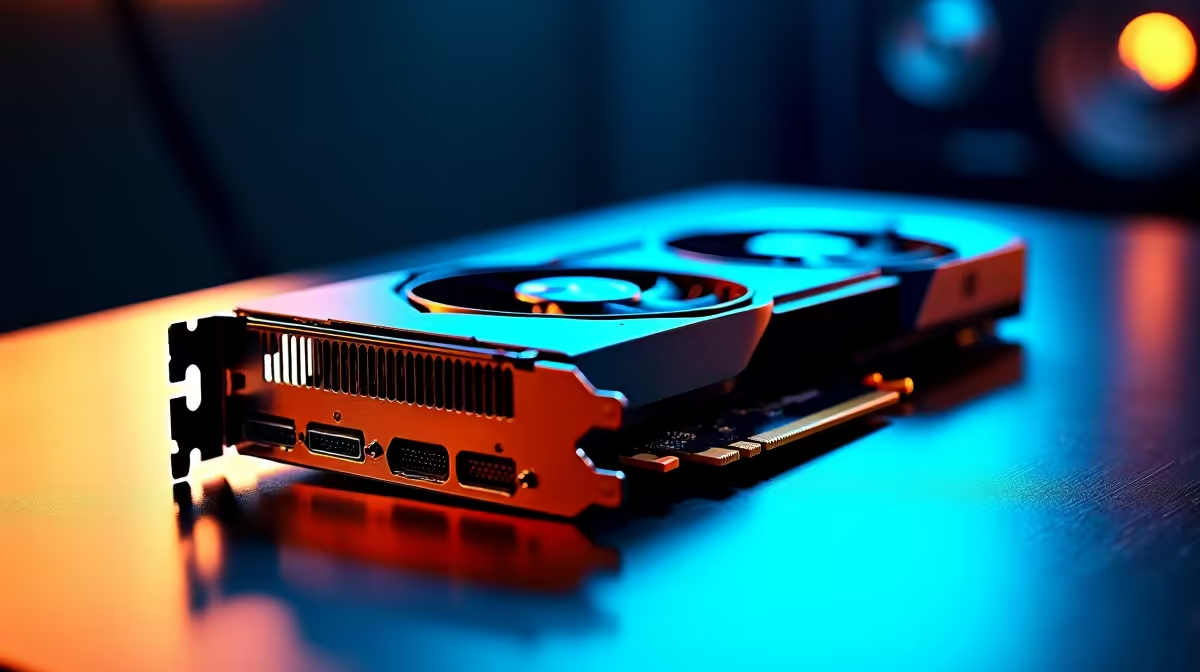
Working on massive 3D assemblies shouldn't feel like watching a slideshow. If you are a South African engineer or designer, you know the pain of viewport lag... especially when deadlines loom. Enter the next-generation budget powerhouse. We are evaluating the RTX 5050 for CAD work in SolidWorks. This helps us see if this entry-level GPU can handle professional 2026 benchmarks without breaking the bank.
Evaluating the RTX 5050 for CAD Work in SolidWorks
SolidWorks relies heavily on single-core CPU performance... but your graphics processing unit dictates how smoothly you can rotate complex models. The upcoming 50-series architecture brings serious efficiency upgrades. If you are upgrading your graphics card this year, the RTX 5050 offers a sweet spot. It delivers enough VRAM to manage medium-sized assemblies. This keeps your ZAR budget perfectly intact.
Professional Benchmark 2026 Expectations
Nvidia's entry-level cards often blur the line between work and play. While Quadro cards are the traditional choice, modern GeForce drivers handle Dassault Systèmes software brilliantly. You might build a custom gaming desktop that doubles as a CAD workstation. Or perhaps you prefer reliable pre-assembled workstations. Either way, the RTX 5050 stands out. Early benchmark projections for 2026 show it handling high-polygon renders with impressive thermal efficiency. 🔧
SolidWorks Optimisation Tip ⚡
To get the most out of your GeForce card in CAD, ensure you enable 'Enhanced Graphics Performance' in SolidWorks. Go to Tools > Options > Performance. This offloads more viewport rendering tasks to your GPU... keeping your workflow buttery smooth even on entry-level hardware.
Taking Your 3D Designs on the Road
Not every designer sits at a desk all day. Site visits and client meetings require serious mobile power. The mobile variant of the RTX 5050 should feature heavily in upcoming professional notebooks. These machines will offer desktop-class rendering capabilities in a portable chassis... perfect for the modern South African architect. 🚀
Smart Upgrades for Local Creatives
Balancing performance and cost is crucial for any professional setup. You want hardware that crushes the RTX 5050 for CAD work in SolidWorks benchmark... without overspending on features you will never use. Keeping an eye on the latest tech specials is the smartest way to stretch your budget. You can allocate those saved Rands toward more RAM or faster NVMe storage... both of which are vital for large CAD files.
Ready to Build Your Ultimate CAD Machine? Finding the perfect balance of rendering power and budget is crucial for South African professionals. Whether you need a mobile powerhouse or a desktop beast, we have the hardware to bring your 3D models to life. Explore our massive range of PC components and systems and conquer your next project.











