

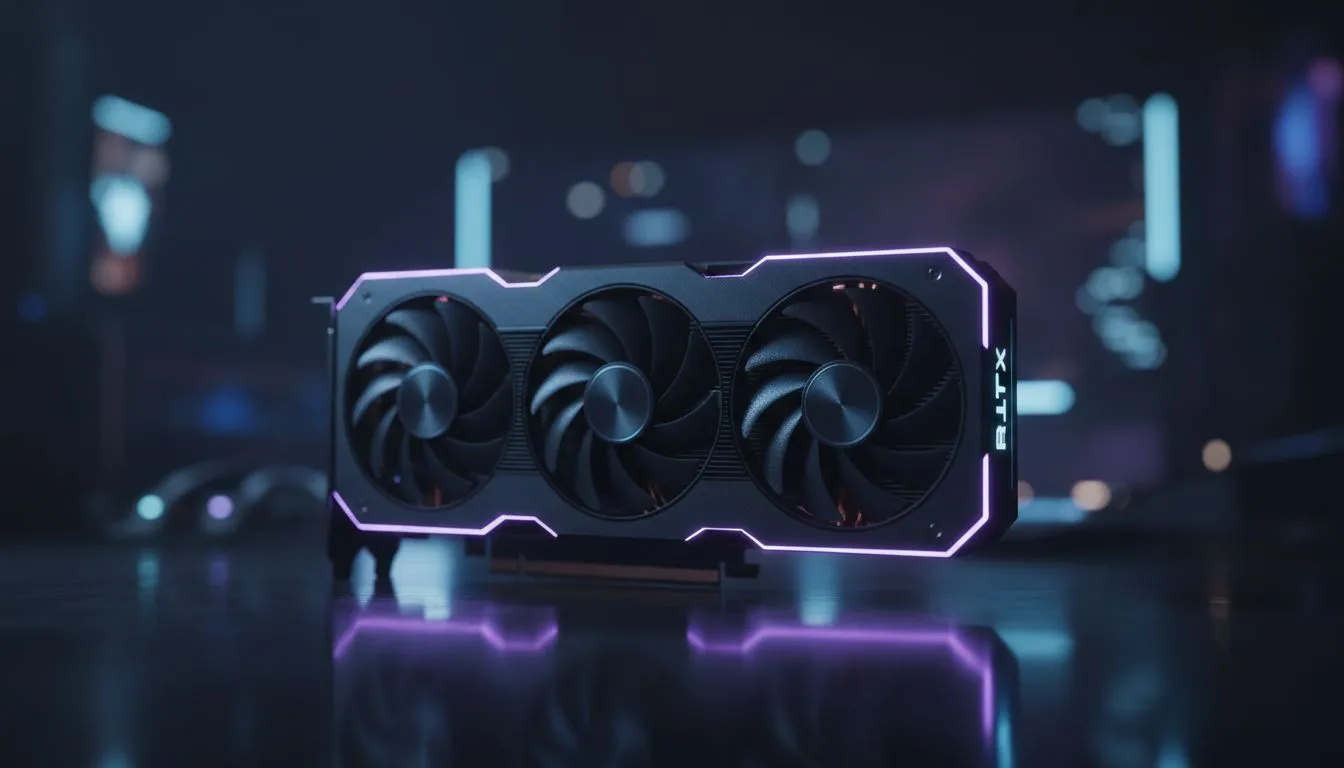
Why RTX 5060 CS2 Optimization Matters for SA Gamers
Counter-Strike 2 demands more than just skill. It requires frames. If you are rocking an RTX 5060... you are already ahead of the pack. But hitting a consistent 300+ FPS in a chaotic 5v5 on Inferno requires specific tweaks. In South Africa... where every millisecond counts on local servers... your settings make the difference between a headshot and a tilt-inducing death. ⚡
Dialling in the Best NVIDIA Settings
The first step to RTX 5060 CS2 optimization starts in the NVIDIA Control Panel. You want to ensure your NVIDIA graphics cards are set to "Prefer maximum performance." This prevents the GPU from clocking down during slow rounds. If you have opted for high-end cooling from MSI graphics cards... you can even push a slight overclock to squeeze out extra frames safely.
Reflex is Key ⚡
Always enable NVIDIA Reflex Low Latency in the CS2 video settings. Set it to "Enabled + Boost" to keep your GPU frequencies high and reduce system latency. This ensures your mouse clicks register instantly on the server... giving you the edge in peak duels.
Hardware Context and Comparisons
While the RTX 5060 is a mid-range king... it is worth noting how the market looks. Some players might look at AMD Radeon graphics cards for raw rasterization power. Others might explore the value found in Intel Arc graphics cards for budget-friendly builds. However... for the best driver stability and features like DLSS 3.5 in CS2... NVIDIA remains the gold standard. Just remember to avoid workstation graphics cards for this task... as they are built for rendering... not high-speed competitive gaming. 🔧
In-Game Optimization for 300+ FPS
To hit that 300+ FPS target... you need to be smart with your in-game menu. Set "Global Shadow Quality" to High... as this helps you spot enemy shadows around corners. Everything else? Keep it on Low or Medium. Use "FidelityFX Super Resolution" only if you are struggling... but on an RTX 5060... native resolution usually feels much crisper. Ensure "Multisampling Anti-Aliasing Mode" is set to 4x MSAA to keep the edges clean without tanking your performance. ✨
The Final Polish for Competitive Play
Ensure your Windows Power Plan is set to "High Performance." Disable "Full-screen optimisations" in the CS2 executable properties to reduce input lag. These small changes... combined with the power of the latest architecture... will keep your frame times flat and your gameplay smooth. When you are holding a tight angle on Mirage... you will appreciate every single frame. 🚀
Ready to Dominate the Server? Achieving 300+ FPS is easy when you have the right hardware backing you up. Explore our latest RTX 50 series deals and upgrade your rig to experience CS2 the way it was meant to be played.











