


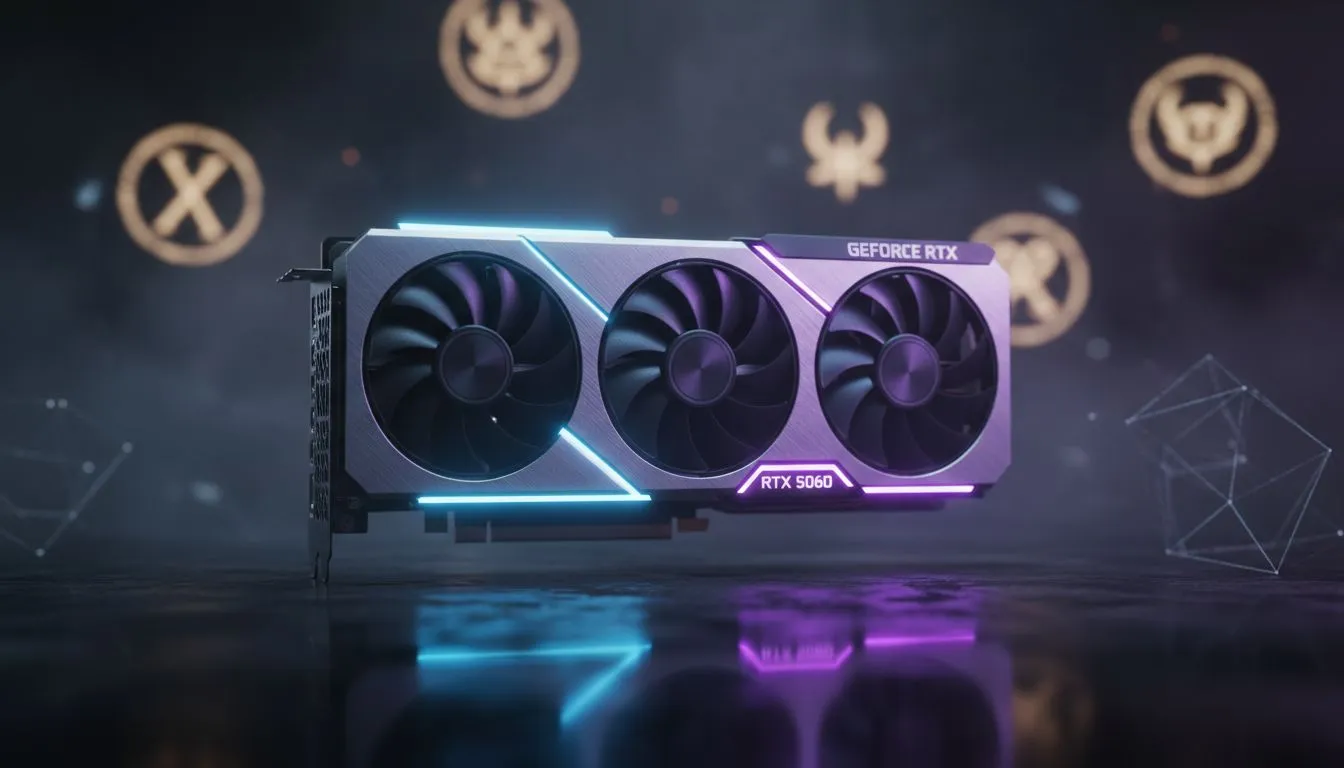
Optimising Your RTX 5060 for Diablo 4
Imagine you are moments away from defeating a World Boss in Sanctuary... then the screen hitches. For South African gamers using the mid-range king, an RTX 5060 Diablo 4 Stutter Fix is often the difference between legendary loot and a frustrating respawn. We have analysed the most common causes for these performance hiccups to get you back into the action with a smooth gameplay guide.
Updating your drivers is the foundation of any stable build. When browsing the latest NVIDIA graphics cards, you will notice that driver support is frequent. Ensure you are on the latest Game Ready driver to address specific memory leak issues present in earlier versions of Diablo 4. These leaks often cause the game to crawl after an hour of play... especially in dense zones like Kyovashad.
Solving the Diablo 4 Stuttering Issue
If you are using high-end models like MSI graphics cards, check your thermal overhead. Stutters often occur when the card reaches its thermal limit... causing the clock speed to drop suddenly. The RTX 5060 is efficient, but poor case airflow in the South African summer can still lead to throttling.
Sanctuary Stability Tip ⚡
Open your Diablo 4 settings and find the 'Background FPS Limit'. Set this to 30 or 60. Sometimes the game tries to render at maximum speed while you are alt-tabbed or in a menu, which causes the GPU to spike and stutter when you jump back into combat. This simple tweak keeps your VRAM usage stable and your card cool.
While AMD Radeon graphics cards utilise different tech, the core issue in Diablo 4 often relates to "Asset Streaming". On the RTX 5060, ensure your "Texture Quality" is set to High rather than Ultra if you are playing at 1440p. This prevents the 8GB VRAM from overflowing... a common cause of micro-stuttering.
Advanced Settings for Smooth Gameplay
It is also worth noting that Intel Arc graphics cards have seen massive improvements in this title through driver updates. However, for NVIDIA users, the DLSS Frame Generation feature can sometimes introduce "latency stutters" if your base frame rate is too low. Try disabling it or switching to DLSS "Quality" mode to see if the frame pacing becomes more consistent.
Lastly, ensure you aren't trying to run the game on workstation graphics cards. These units are built for precision in CAD... not the rapid asset loading required for a modern ARPG. Stick to gaming-grade hardware to ensure your journey through Hell is as fluid as possible. For those looking to upgrade, a new GPU starting around R6,000 can provide a massive boost in stability.
Ready to Upgrade Your Gaming Experience? If your current hardware is struggling to keep up with the hordes of Hell, it might be time for a refresh. Explore our massive range of NVIDIA graphics cards and find the perfect machine to conquer Sanctuary with buttery-smooth frames.











